Your first factory order is on the water, and your inbox has filled up with paperwork. There's a proforma invoice from the factory, a commercial invoice and packing list that arrived when the cartons shipped, a freight forwarder's bill, and soon a customs broker's invoice with a form full of codes you've never seen. Each one has a number you're supposed to pay or file, and if one of them is wrong, you'll either overpay a supplier or price your product off a cost that isn't real.
I built an Amazon FBA and Shopify brand to $3M ARR, and for the first year I handled every one of these documents myself. This guide is the routine I wish I'd had for my first shipment. It covers which invoices come with an FBA inbound shipment, what to check on each one before you pay, how to match the units against what Amazon receives, and how to turn the whole pile into a landed cost per unit.
TL;DR
- An FBA inbound shipment usually comes with five or six documents: a proforma invoice, a commercial invoice, a packing list, a freight invoice, a customs entry with the broker's invoice, and sometimes a sample invoice.
- Give every order one purchase order number and keep every document for it in one place, along with the FBA shipment ID from Send to Amazon.
- Check the proforma before the deposit and the commercial invoice before the balance. Both should match your PO on price, quantity, and bank details.
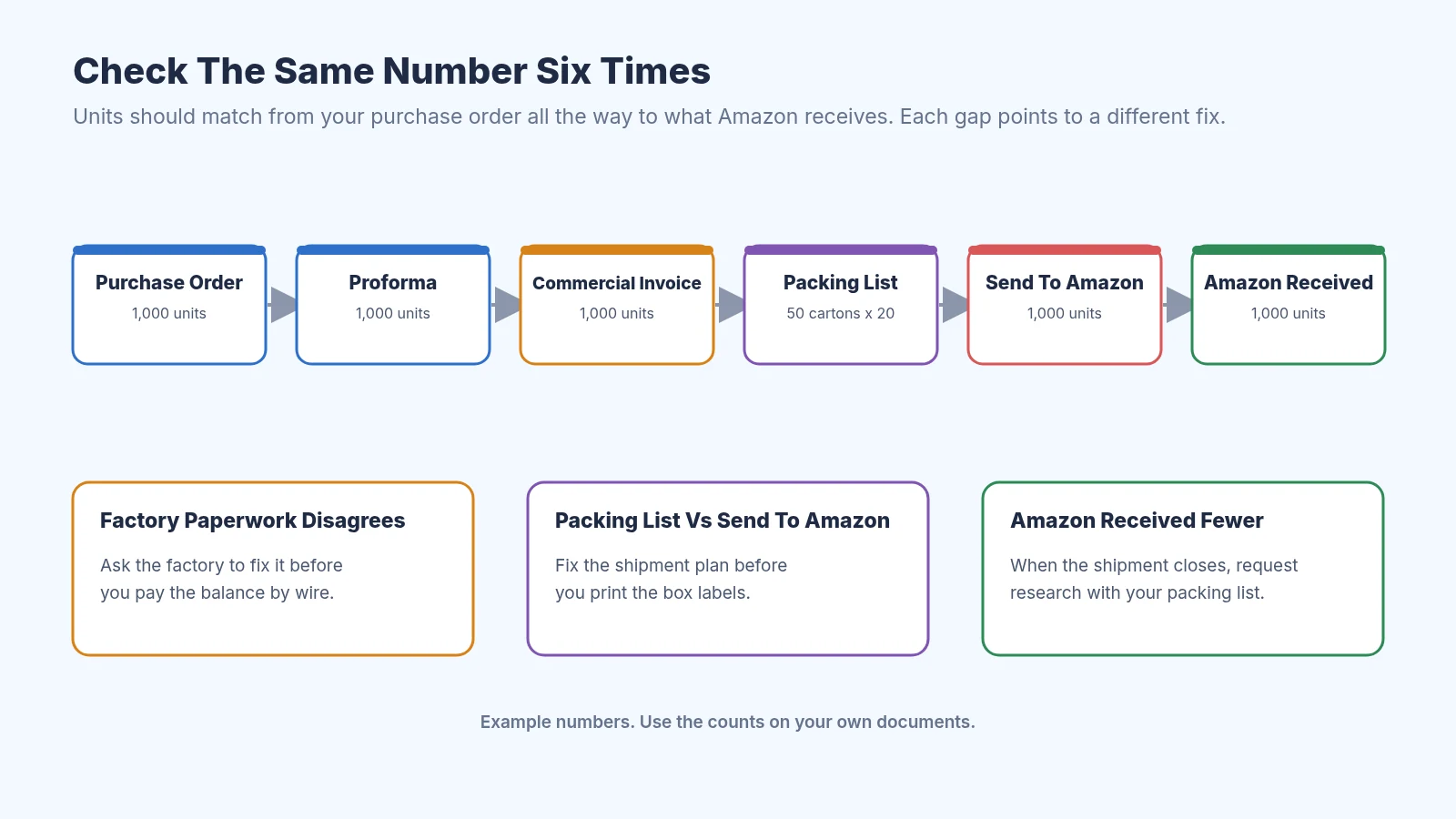
- Match units six times, from your PO through the packing list and Send to Amazon to what Amazon actually received.
- Add the factory price, freight, duty and customs fees, and samples, then divide by units received to get landed cost per unit. Amazon's own fees are a separate pile that comes out of your payouts.
What FBA Invoice Processing Means
For an FBA seller who imports, invoice processing is the work between a supplier sending you a bill and you knowing what each unit really cost. You read each invoice, check it against what you ordered and what arrived, pay it by wire or bank transfer, hand it to whoever keeps your books, and add its cost to the right order. It sounds like bookkeeping, but most of the money you can lose is in the checking.
This is different from the invoices Amazon gives you. Amazon's fees for fulfillment, storage, and inbound placement show up inside Amazon Seller Central and come out of your payouts, so you don't pay them by wire. The invoices in this guide are the ones from your factory, your freight forwarder, and your customs broker, which you pay yourself and which decide your cost before a single unit sells.
If you're comparing tools to do this for you, our roundup of invoice processing software for Shopify and Amazon FBA covers the options and our guide to what AI invoice processing software costs covers the prices. This post is the manual routine underneath, which is worth learning even if you buy software later.
The Invoices That Come With One FBA Shipment
Here's the paperwork you'll usually see for one order from a factory in China that ships by ocean freight to Amazon. Your list may be shorter if your supplier ships DDP, since then the supplier's price already includes freight and duty, and our guide to FOB vs EXW vs DDP explains how each Incoterm changes who sends which bill.
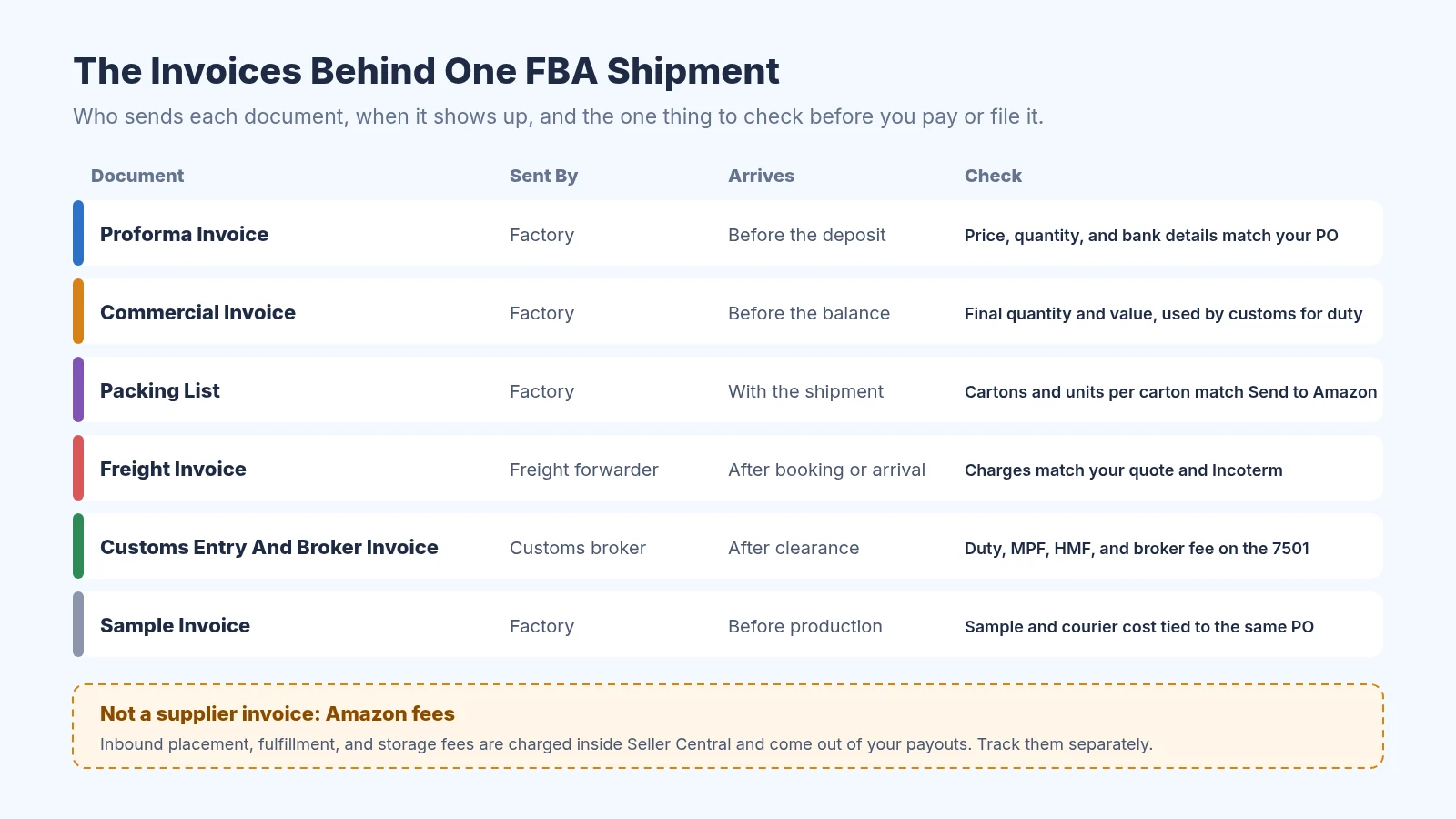
The documents behind one inbound shipment and the check for each
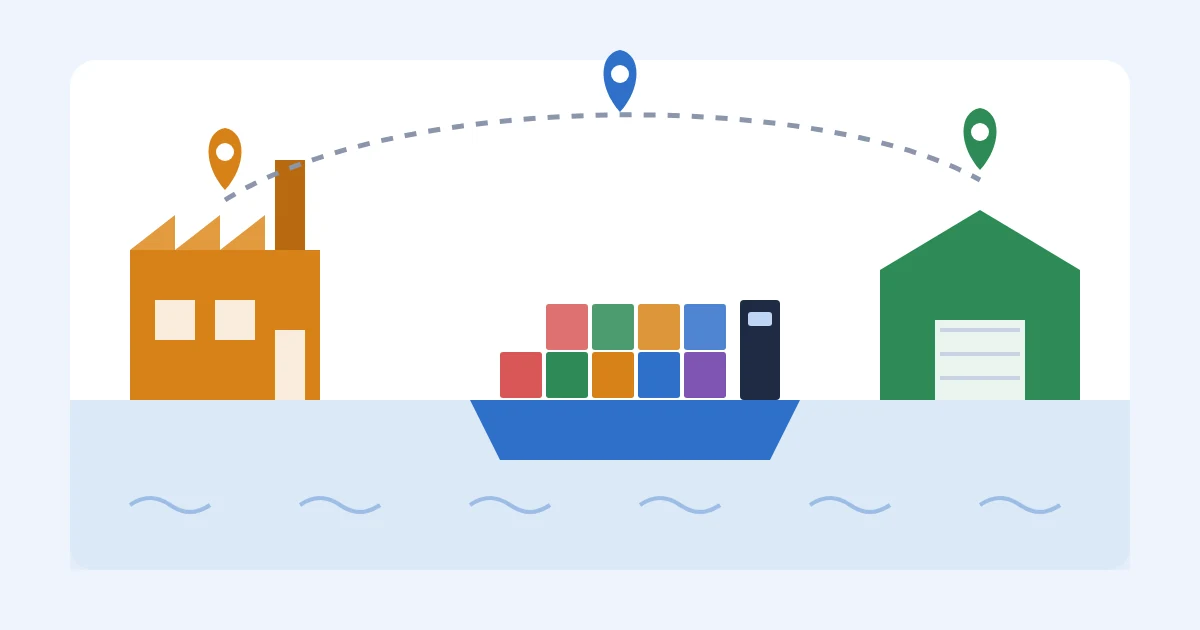
The proforma invoice is the factory's quote turned into a bill, and it's what you pay the deposit against. The commercial invoice is the final bill for what actually shipped, and customs uses it to value your goods. The packing list shows cartons, units per carton, and weights. The freight invoice comes from your forwarder for moving the goods, and the customs broker sends an invoice plus a copy of the entry summary that shows your duty. If you paid for samples, that invoice belongs with this order too.
If your factory's paperwork is a mess, you can send them our free proforma invoice template, commercial invoice template, and packing list template so every order comes back in the same layout. That alone makes the next steps faster.
Step 1: Give Every Order A PO Number And A Folder
Before any invoice arrives, give the order a purchase order number and put it on everything. Ask the factory to print your PO number on the proforma, the commercial invoice, and the packing list, and give the same number to your forwarder and broker. When five documents from three companies all carry one number, matching them takes minutes instead of an afternoon.
Then make one folder per PO and one row per PO in a sheet. A free Google Sheets file is plenty for your first few orders. Once you create the shipment in Send to Amazon, add the FBA shipment ID to the same row so the factory side and the Amazon side point at each other.
Google Sheets works fine for one row per purchase order
You can build the PO itself with our free purchase order creator or the purchase order template. Our guide on how to organize supplier invoices by purchase order goes deeper on folder names and what to keep.
Step 2: Check The Proforma Before You Pay The Deposit
The proforma is the first money document, and most first orders use a deposit up front with the balance before shipping. Check four things against your PO before you send anything: unit price, quantity per SKU, the total, and the bank details. If the factory added a line you didn't agree to, like a mold fee or a packaging upgrade, ask about it now while you still hold the money.
Bank details deserve their own check, since a wire is very hard to get back once it's sent. If the account name or bank changed from the last invoice, or an email asks you to pay a "new account," call or message the contact you already know through a channel you trust before paying. For a first order with a factory you've never used, I'd pay through Alibaba Trade Assurance on Alibaba instead of wiring money directly.
Alibaba Trade Assurance covers orders placed and paid through Alibaba
Our post on 30/70 payment terms with Chinese suppliers explains how deposits and balances usually work and when other splits make sense. Save the proforma and your payment confirmation in the PO folder, because you'll need both when the balance comes due.
Step 3: Match The Commercial Invoice And Packing List
When production finishes, the factory sends the commercial invoice and packing list, and that's your signal that the balance is due. Before you pay it, compare the commercial invoice with the proforma and your PO. The quantities should match what was made, the price should match what you agreed, and the total should equal the order value minus your deposit.
Then compare the packing list with the commercial invoice. If the invoice says 1,000 units and the packing list shows 50 cartons of 20, those agree. If the packing list shows 48 cartons, someone is wrong, and it's far easier to sort out before you pay the balance than after. Our step by step guide to reconciling a supplier invoice to a purchase order walks through short shipments, partial deliveries, and price changes in detail.
The same unit count should hold from your PO to Amazon's receiving dock
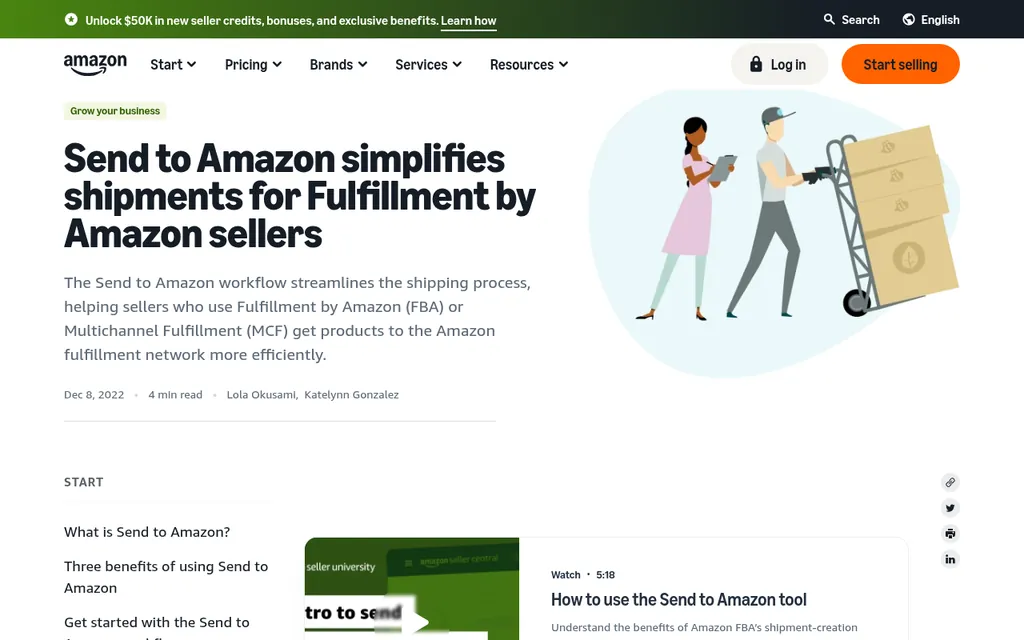
The packing list also feeds Send to Amazon. Amazon's Send to Amazon overview has you enter the units and how they're packed per carton, so type those numbers straight from the packing list. If the packing list and your shipment plan disagree, fix the plan before you print box labels.
Send to Amazon is where the packing list numbers go next
Step 4: Check The Freight Forwarder's Invoice
Your forwarder's invoice is often the most confusing one, because it's a list of small charges with abbreviations. Ask for a written quote when you book, and keep it in the PO folder so you can check the invoice line by line against it. Any charge that wasn't on the quote is worth a polite question before you pay.
Check that the charges fit your Incoterm. If you bought FOB, the factory should cover costs up to loading at the origin port, so you shouldn't see origin trucking from the factory on your forwarder's bill. If you bought EXW, those origin charges are yours, and the forwarder will bill them. Also check whether the invoice includes delivery all the way to the Amazon fulfillment center or only to a port or warehouse, since a second trucking bill may still be coming.
If one shipment carries several SKUs, you'll need to split the freight between them. Our guide on how to allocate freight cost across multiple SKUs covers splitting by units, weight, or volume. For rough numbers before you book, the free freight cost estimator gives you a ballpark to compare quotes against.
Step 5: Read The Customs Entry And Broker Invoice
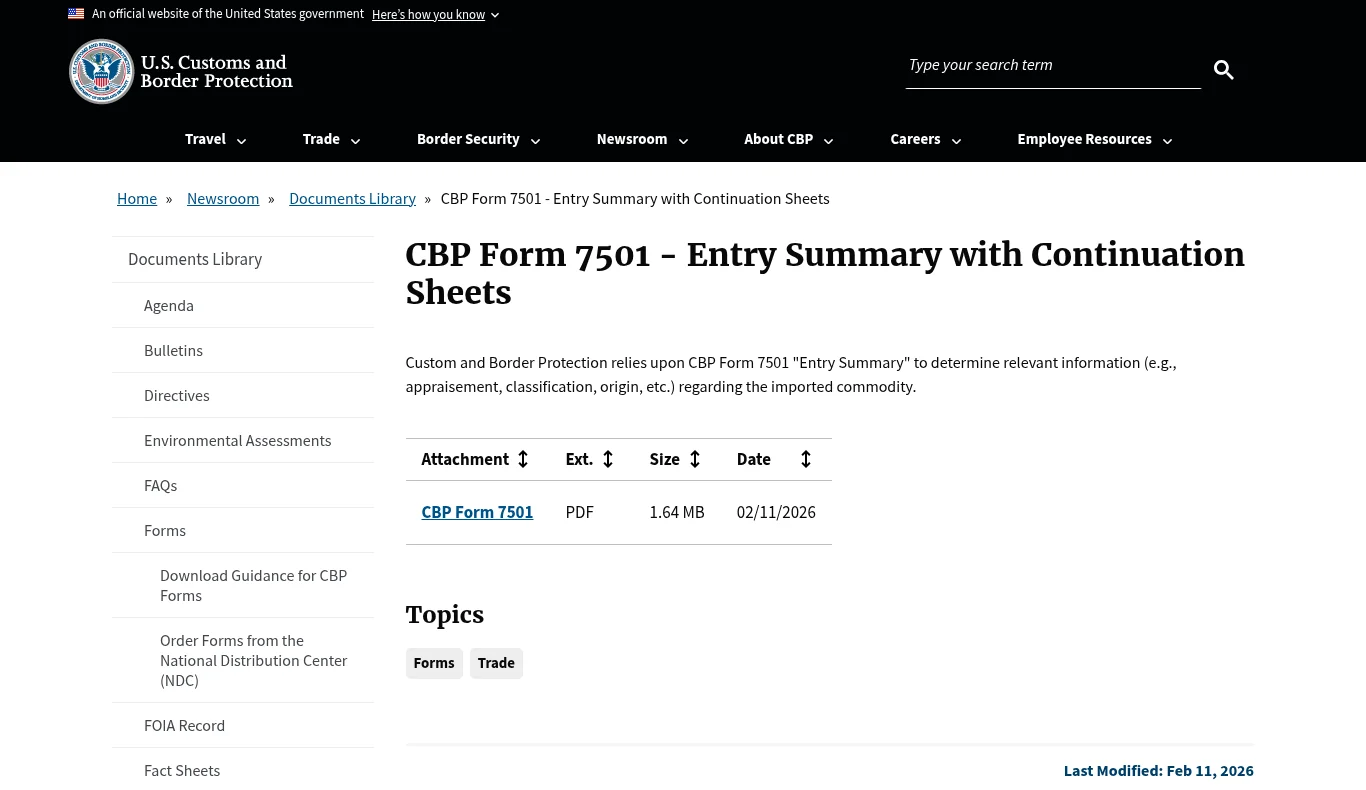
When your goods enter the US, your customs broker files an entry and sends you an invoice. Ask for a copy of the entry summary, which is CBP Form 7501, because that's where the government's numbers live. It shows the entered value, the HTS code for each product, the duty rate, and the fees, and the broker's invoice should pass those amounts through plus their own service fee.
CBP's page for Form 7501, the entry summary your broker files
Three checks matter most. The entered value should match the commercial invoice, the HTS code should describe your product, and the duty should equal the value times the rate on the form. You'll also see a Merchandise Processing Fee, which for entries filed on or after October 1, 2026 is 0.3464% of the value with a $34.58 minimum and a $670.86 maximum, and a Harbor Maintenance Fee of 0.125% on ocean shipments. Tariff rates on goods from China have changed often, so check the current rate with your broker for each order instead of reusing last year's number.
Keep the entry summary and broker invoice in the PO folder with everything else. US importers are required to keep entry records, generally for five years under 19 CFR 163.4, so a folder per PO does double duty. For a rough duty estimate before you order, try the free import duty calculator and our guide to calculating import duty from China.
Step 6: Compare What Amazon Received
Once the shipment reaches the fulfillment center, compare the units Amazon received with the units on your packing list. Amazon sometimes receives fewer units than you sent, often because a carton was miscounted or a label didn't scan. Seller Central's Reconcile your shipment page explains how to view discrepancies and request research once a shipment closes.
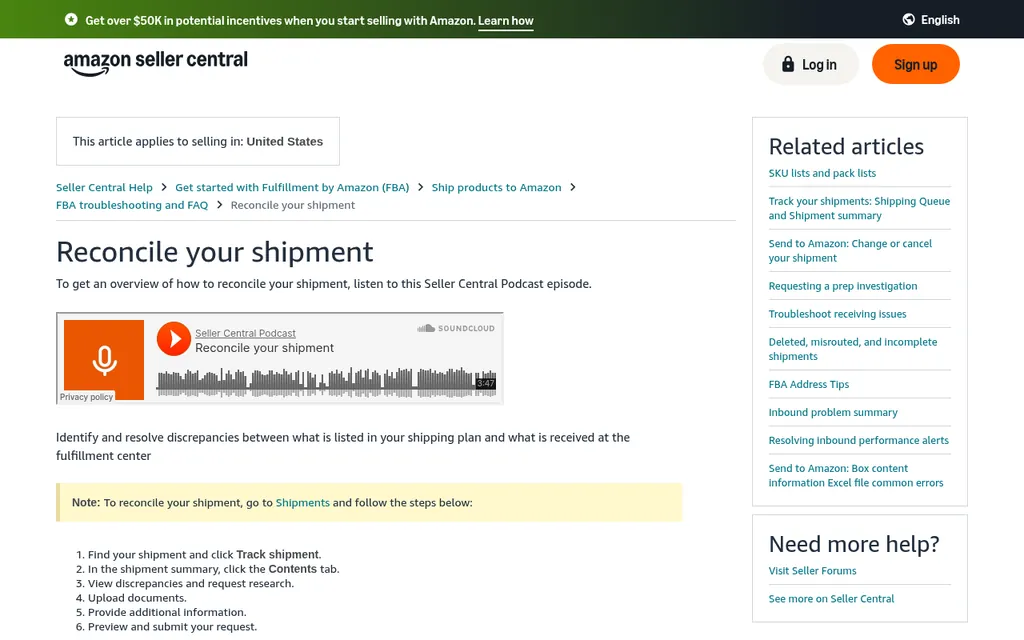
Seller Central help page for reconciling an inbound shipment
This is where the folder from Step 1 pays off. Amazon may ask for proof of what you sent, and the packing list, commercial invoice, and carrier proof of delivery are already in one place. If the gap started at the factory instead, for example the factory packed 980 and invoiced 1,000, that's a supplier claim to raise with the factory, and our guide to Amazon FBA inventory management covers the Amazon side of reconciling.
Step 7: Work Out Landed Cost Per Unit
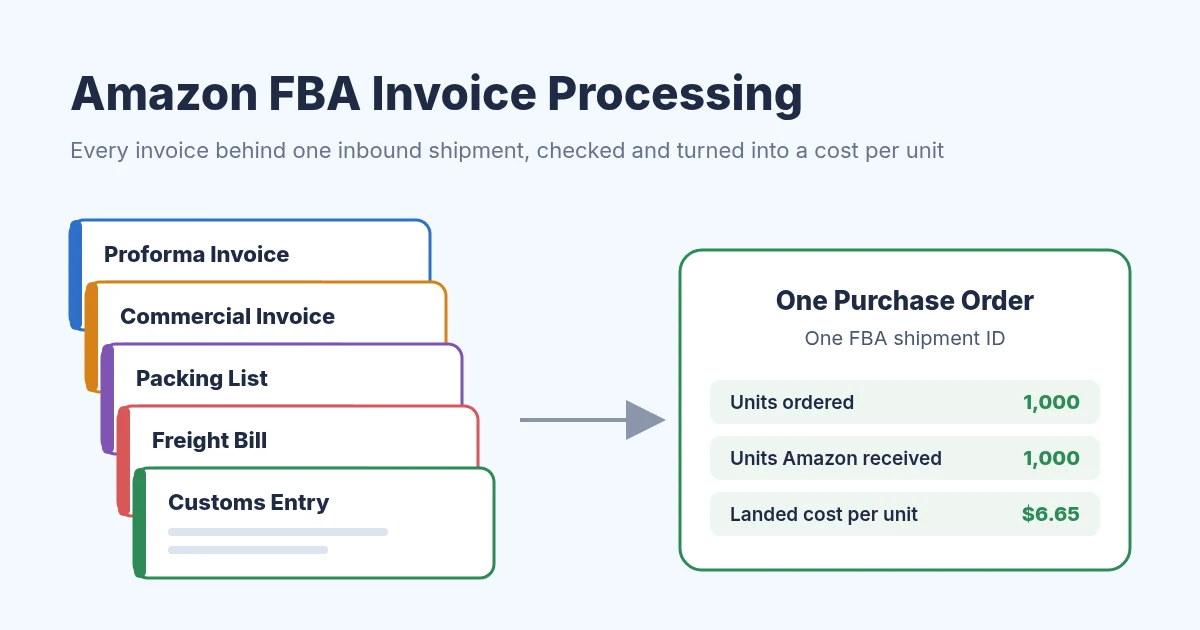
Landed cost is everything you paid to get one unit to Amazon, divided by the units that arrived. For an importer that's the factory price, freight, duty and customs fees, and samples. Here's a worked example with made up numbers for a 1,000 unit order of one SKU bought FOB, so you can follow the math with your own invoices.
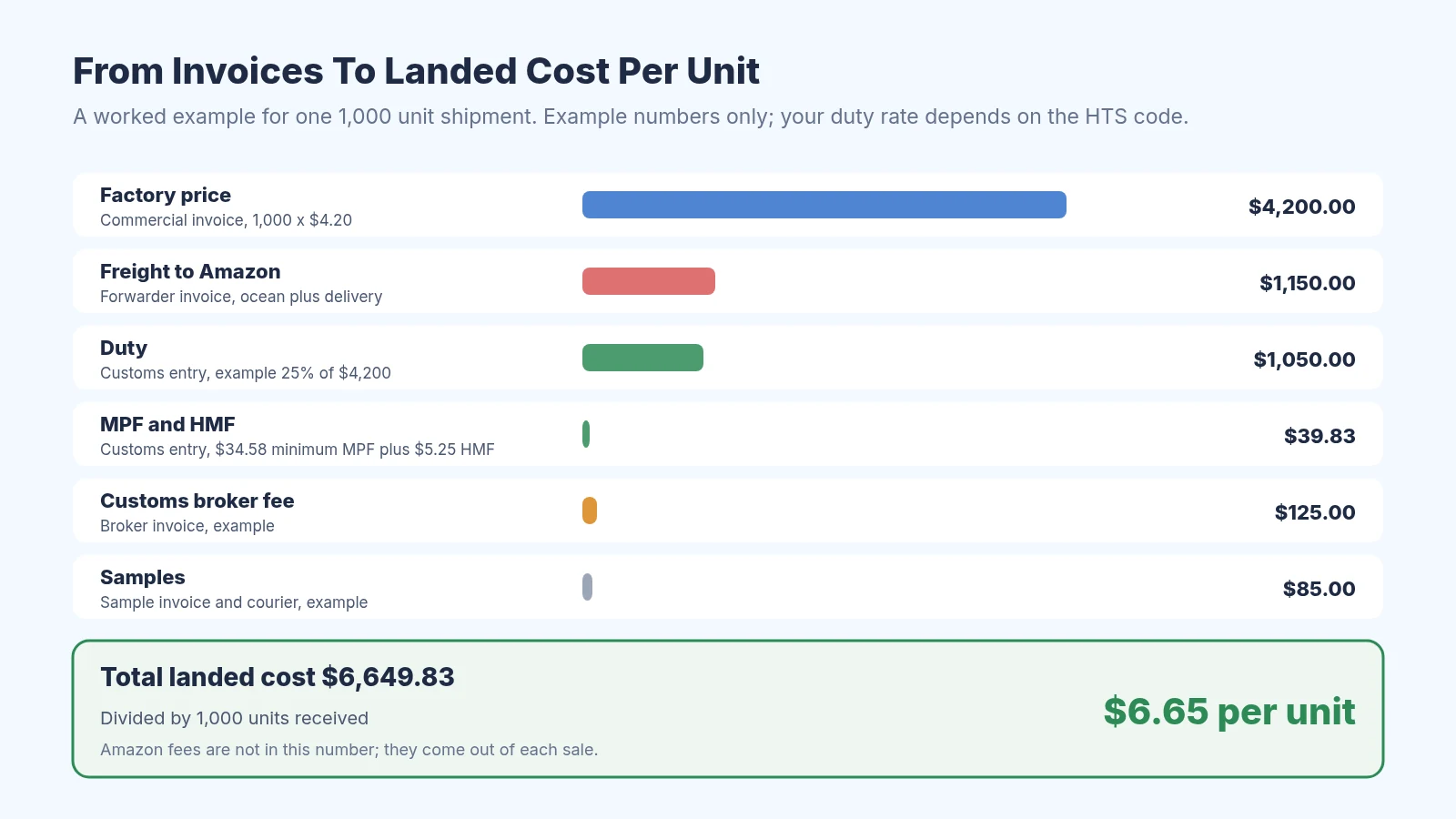
A worked example from six invoices to one cost per unit
The commercial invoice shows 1,000 units at $4.20, or $4,200. The forwarder's invoice for ocean freight and delivery to Amazon is $1,150. The entry summary shows duty of $1,050, which assumes a 25% rate purely for the example, plus the $34.58 minimum MPF and $5.25 of HMF. Add a $125 broker fee and $85 of samples, and the total is $6,649.83, or about $6.65 per unit.
Now suppose Amazon only received 980 units and the research request didn't recover the rest. The same $6,649.83 spread across 980 units is about $6.79 per unit, which is why I divide by units received instead of units ordered. Our landed cost calculator runs this math for you, and the landed cost spreadsheet template gives you a sheet to keep it per order.
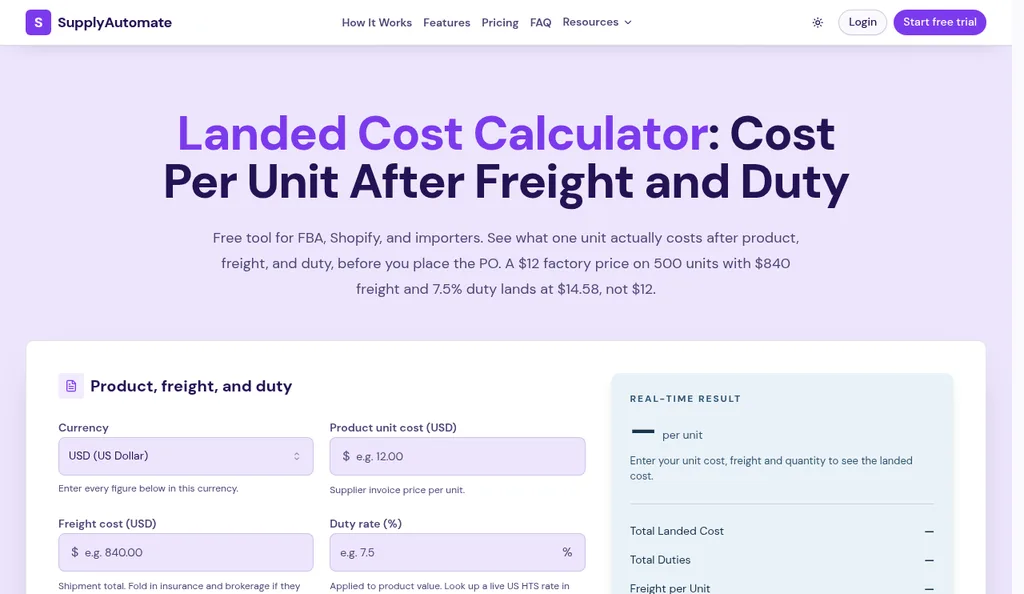
SupplyAutomate's free landed cost calculator
For the full method, read how to calculate Amazon FBA landed cost. If you're unsure how landed cost differs from cost of goods sold on your tax return, our beginner explainer on landed cost vs COGS walks through it with examples.
Keep Amazon Fees In A Separate Pile
Amazon charges its own fees for each shipment and each sale, and they don't come as supplier invoices. The inbound placement service fee depends on how many fulfillment centers you ship to, and Amazon shows an estimate for each placement option when you create the shipment plan. Amazon says the charge lands about 45 days after the shipment is received and shows in your Payments transactions and the FBA inbound placement service fees report.
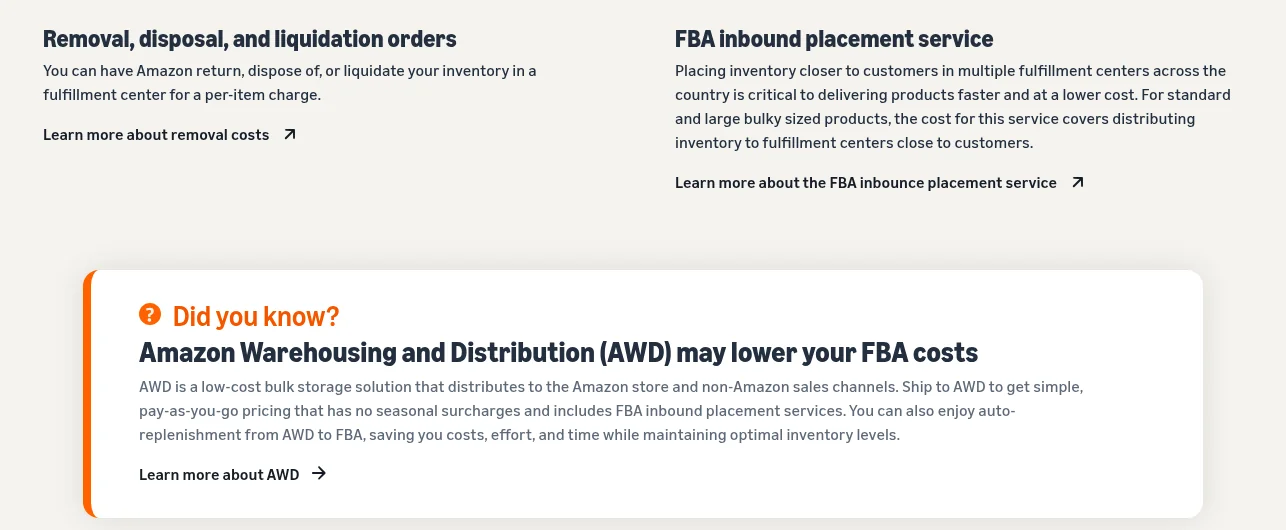
Amazon's FBA page describing the inbound placement service
I keep these in a separate column from landed cost so I can see the two numbers side by side. Landed cost tells you what the product cost you to bring in, and Amazon's fees tell you what it costs to sell through FBA. The free Amazon profit calculator puts the two together once you know your landed cost.
Where Invoice Software Helps
For your first few orders, a folder per PO and a sheet will do the job. Software starts to earn its keep when documents pile up faster than you can check them, or when someone else needs the same files. There are three kinds of tools worth knowing about, and each covers a different piece of this routine.
Document readers like Dext and Docparser pull the supplier name, totals, and sometimes line items out of a PDF so you don't type them. They don't check your invoice against what Amazon received, and they don't work out landed cost, so you still do Steps 3, 6, and 7 yourself.
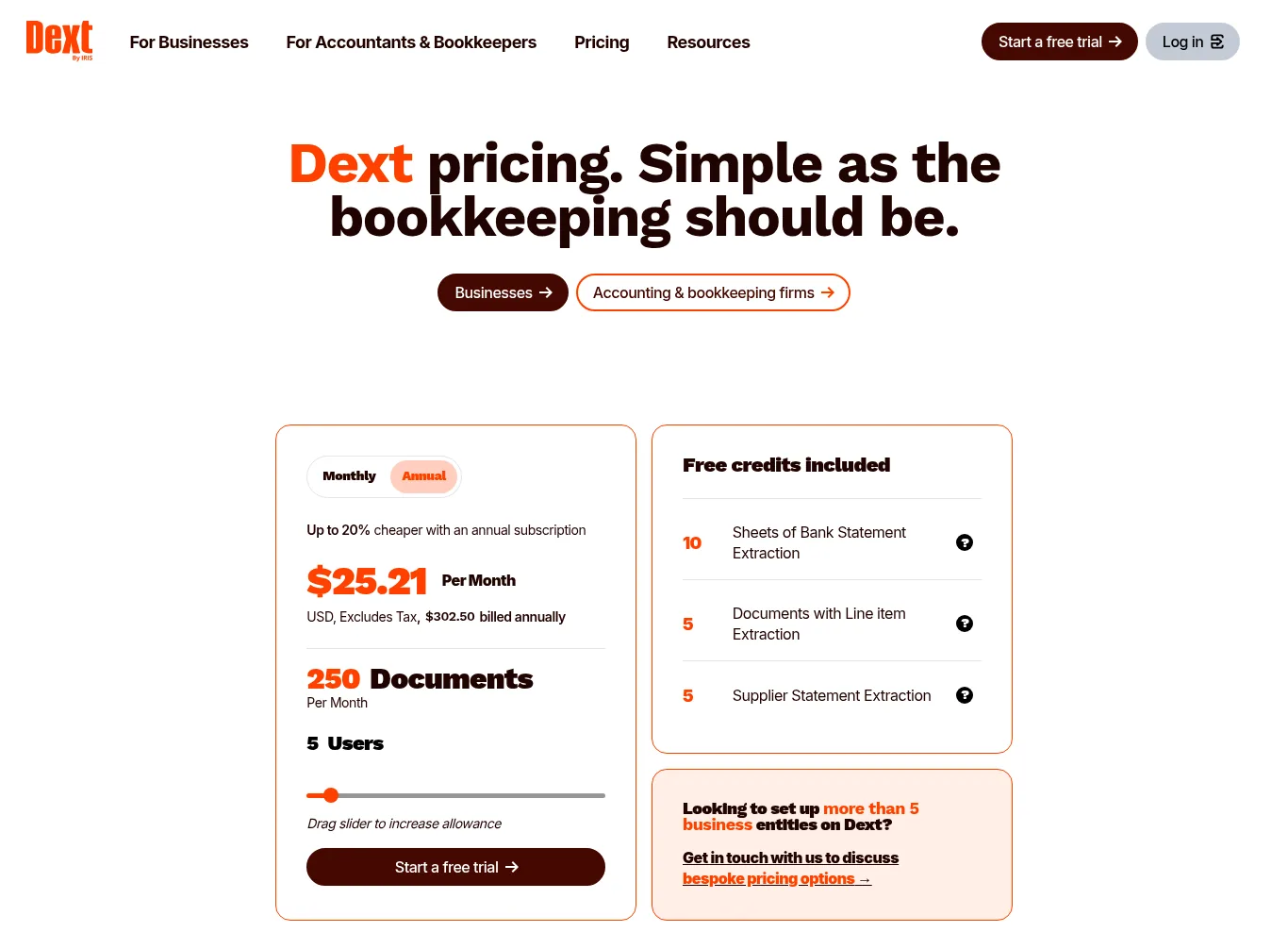
Dext's pricing page with its document limit per month
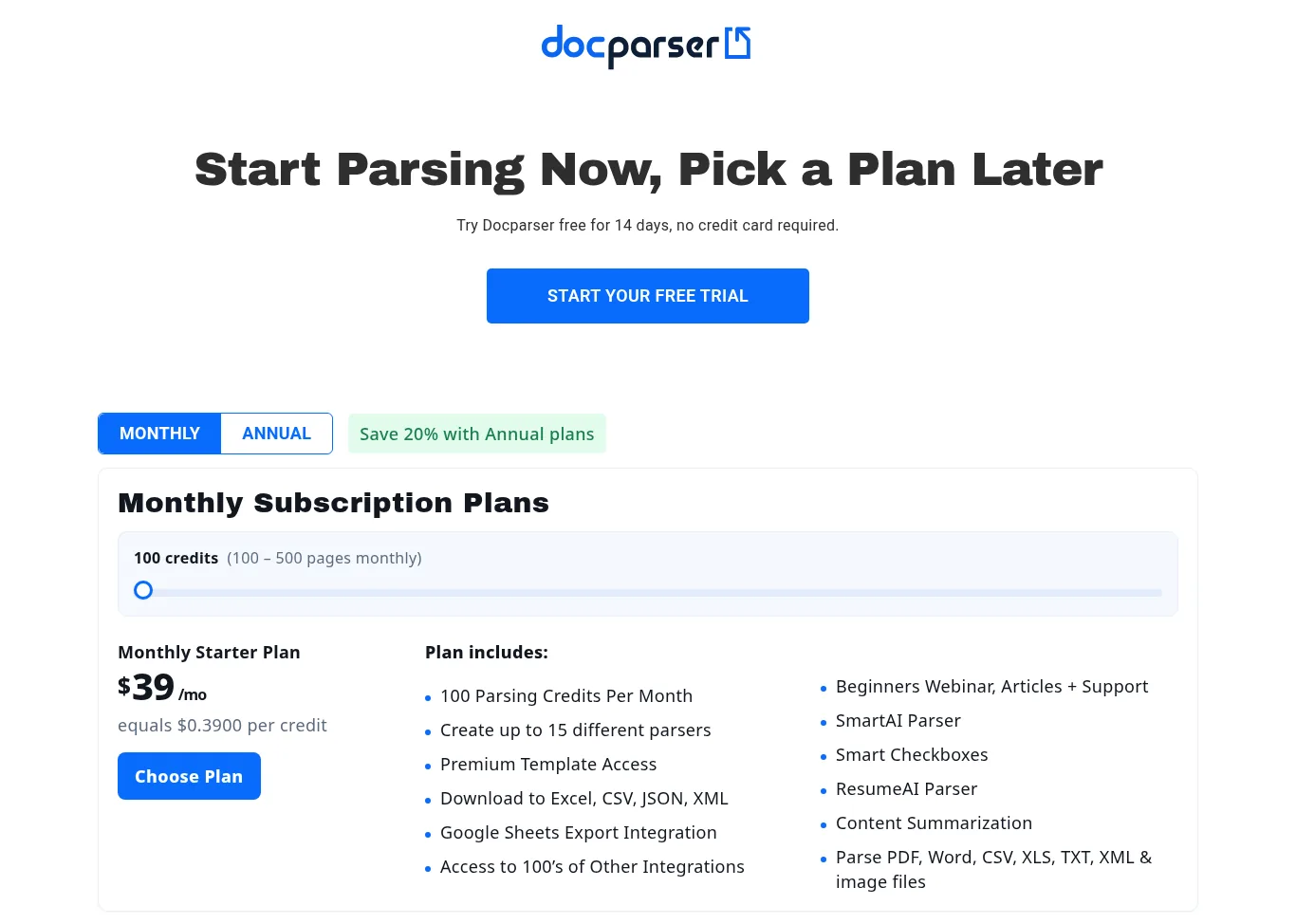
Docparser's pricing page, which sells credits by the month or year
Accounting software like QuickBooks Online or Xero is where your bookkeeper records each bill and payment. Our guides to getting supplier invoices into QuickBooks Online and setting up a Xero invoice approval workflow cover those in detail.
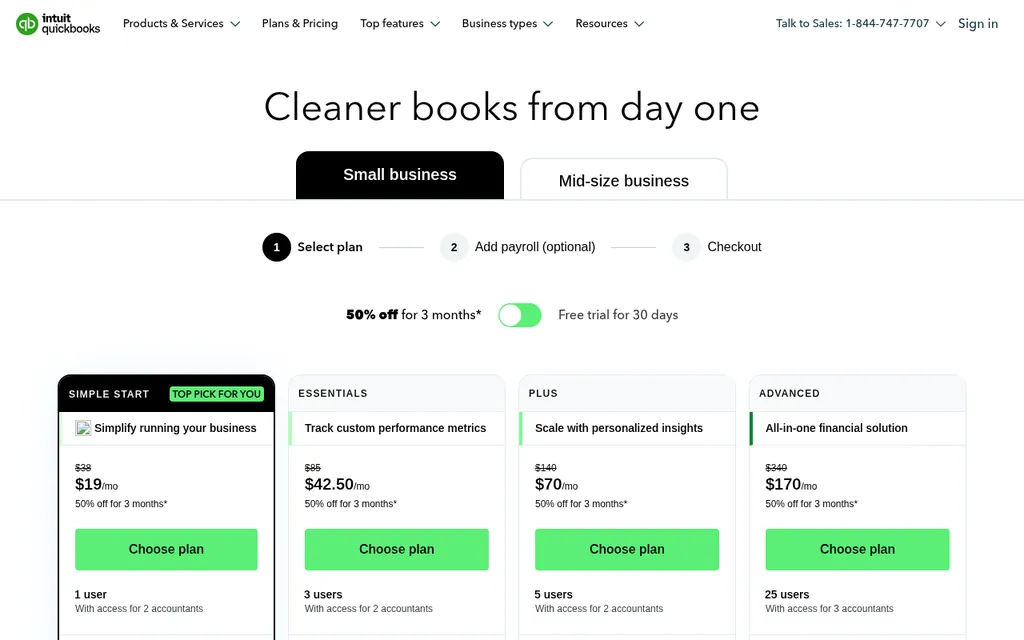
QuickBooks Online plans, where many sellers record supplier bills
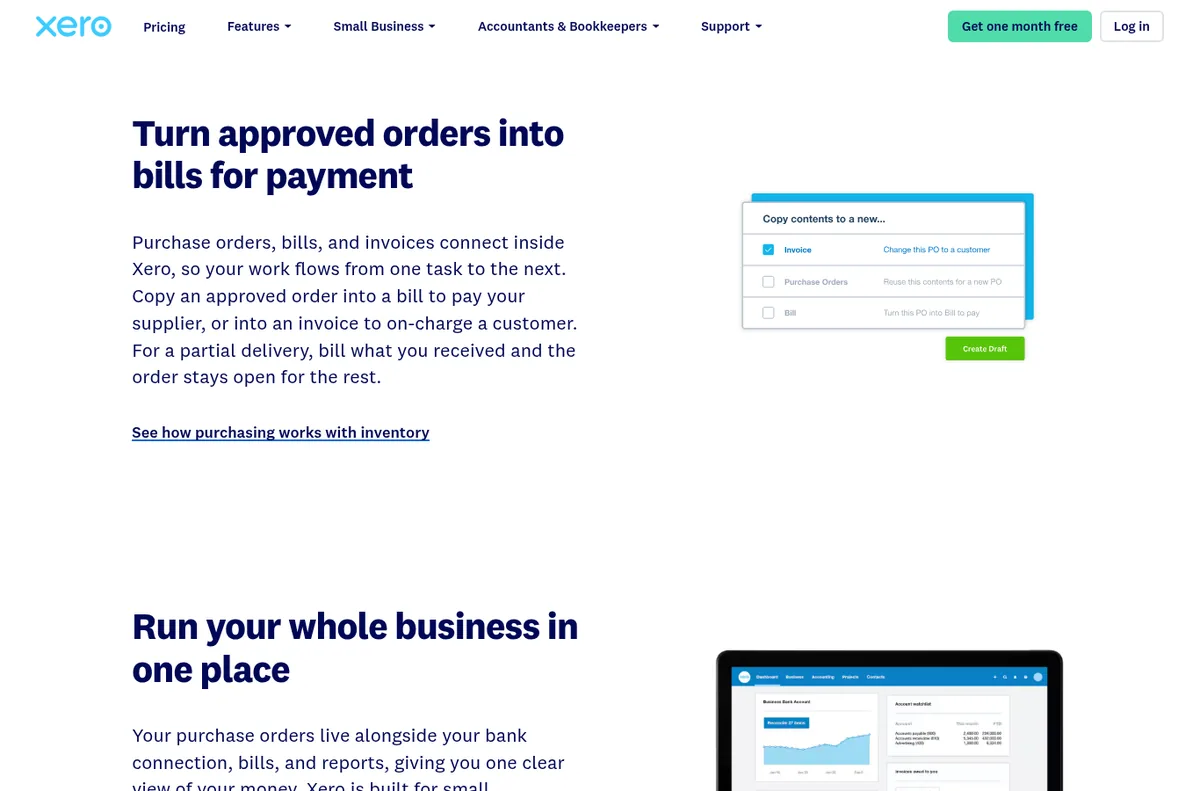
Xero's page on turning purchase orders into bills
SupplyAutomate is the tool I built for the part in between. You upload the supplier invoice, packing list, freight bill, and customs entry to each purchase order, it tracks the parcel or ocean container, and it works out landed cost per unit from the factory price, freight, duty, and samples. It doesn't connect to Amazon, Shopify, WooCommerce, QuickBooks, or Xero, and it doesn't sync sales or orders or include Amazon fees, so you export to CSV or Excel for your bookkeeper and keep using Send to Amazon as normal.
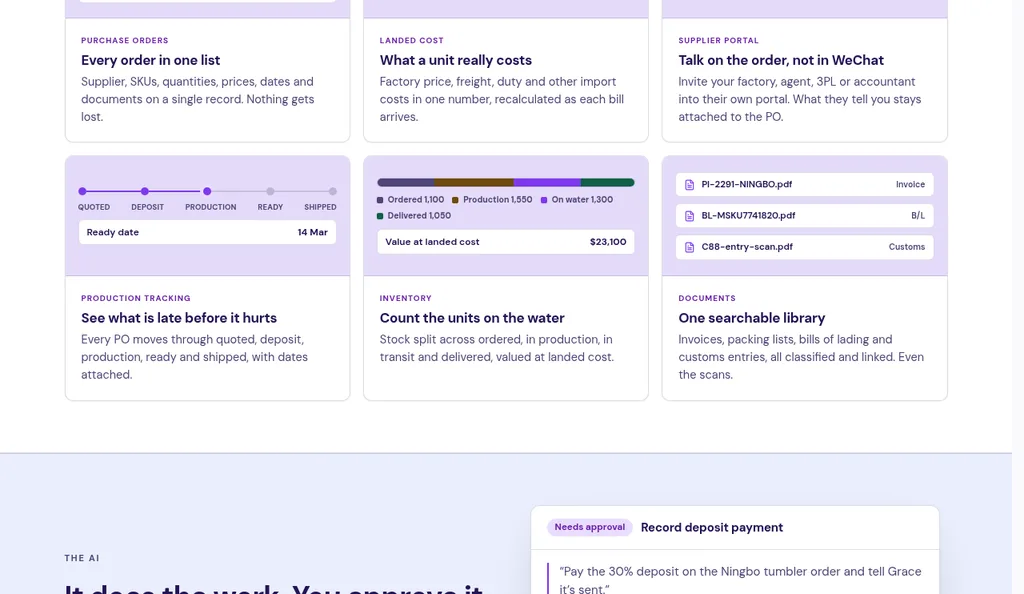
SupplyAutomate keeps each purchase order and its documents together
You can see how it works for Amazon FBA sellers and Shopify brands. Pricing is a 14-day trial, then $199 a month or $1,999 a year, and if you'd rather hand the whole job off, our outsourced supply chain service handles purchase orders and freight for you.
Frequently Asked Questions
What Invoices Do I Need For An Amazon FBA Shipment?
For an order from an overseas factory, you'll usually have a proforma invoice, a commercial invoice, a packing list, a freight forwarder's invoice, and a customs entry with the broker's invoice. If you paid for samples, keep that invoice with the order too. Amazon's own fees are charged in Seller Central and don't arrive as separate supplier invoices.
Does Amazon Need My Supplier Invoices?
Amazon doesn't need your supplier invoices to receive an FBA shipment, but it can ask for them. For example, Amazon may request invoices to verify where you source a product, and the packing list and proof of delivery help when you request research on missing units. Keeping every document in one folder per PO means you can answer quickly.
Should Amazon Fees Go Into Landed Cost?
I keep them separate. Landed cost covers what you paid to get the product to Amazon, which is the factory price, freight, duty and customs fees, and samples. Amazon's fulfillment, storage, and placement fees are costs of selling through FBA, and keeping them in their own column makes it easier to see which side changed when your margin moves.
How Long Should I Keep FBA Invoices?
Keep them at least as long as your accountant tells you to for taxes, and for customs records, US importers are generally required to keep them for five years under 19 CFR 163.4. A folder per purchase order makes that easy, since nothing needs to be sorted later.
Can SupplyAutomate Process My Amazon Fee Invoices?
No. SupplyAutomate works with documents from your supply side, meaning supplier invoices, packing lists, freight bills, and customs entries, and it doesn't connect to Seller Central. It covers landed cost from the factory price, freight, duty, and samples, and you can export that to CSV or Excel to combine with your Amazon fees.
How I'd Handle Your First Shipment
If this is your first order, I'd keep it simple. Make one PO number, one folder, and one row in a sheet, then work through the checks in order as each document arrives: proforma before the deposit, commercial invoice and packing list before the balance, freight and customs when they come in, and Amazon's received count when the shipment closes. It's maybe an hour of careful reading per order, and it's the hour that catches a wrong balance or a missing carton.
Once the landed cost per unit is in your sheet, set your price from that number plus Amazon's fees, since the factory price alone leaves out a big share of what you paid. If you're at the point where several orders overlap and the folders are getting out of hand, that's when a tool is worth a trial, and the guides below cover the next questions you'll probably have.
Related Guides

Best Purchase Invoice Processing Software For Shopify & Amazon FBA
Compare the best invoice processing software for Amazon FBA, Shopify, and WooCommerce sellers, with AI capture, integrations, payments, and pricing factors.
How Much Does AI Invoice Processing Software Cost?
How much does AI invoice processing software cost? Real prices for Dext, Docparser, Nanonets, BILL, QuickBooks, and Xero, plus the hidden fees to plan for.
How To Reconcile A Supplier Invoice To A Purchase Order
A five-step routine for importers to match a supplier invoice against the purchase order and receiving record, sort out variances, and keep landed cost accurate.

How To Organize Supplier Invoices By Purchase Order For Importers
FBA and Shopify importers: name factory, freight, and revised invoices, link each file to the PO, and stop paying the pro forma twice with one intake rule.
AI Invoice Matching Software For Ecommerce & FBA Sellers
AI invoice matching for ecommerce: match supplier invoices to purchase orders automatically, flag price discrepancies, and land true cost per unit. How SupplyAutomate compares to spreadsheets, Cin7, Tipalti, and Ottimate.
How To Calculate Amazon FBA Landed Cost: Inbound Plus Fee Stack
Amazon FBA sellers: turn a $4 factory SKU into inbound landed cost at $7.66 per sellable unit, then keep referral, fulfillment, and storage in a second column.
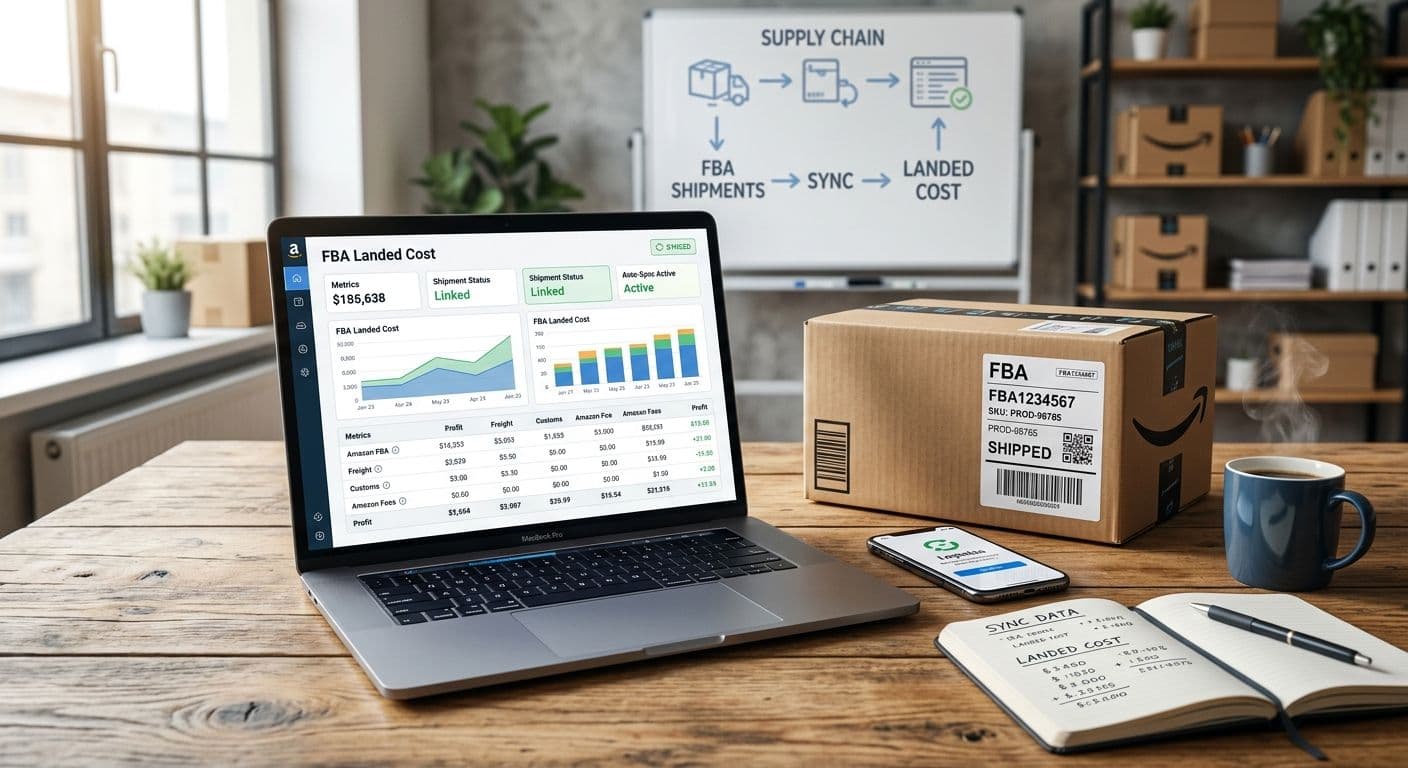
How To Add Amazon FBA Shipment Costs To Landed Cost
How to add Amazon FBA shipment costs to per-SKU landed cost using Seller Central reports, a spreadsheet, or document upload. Covers factory price, freight, duty, and samples.
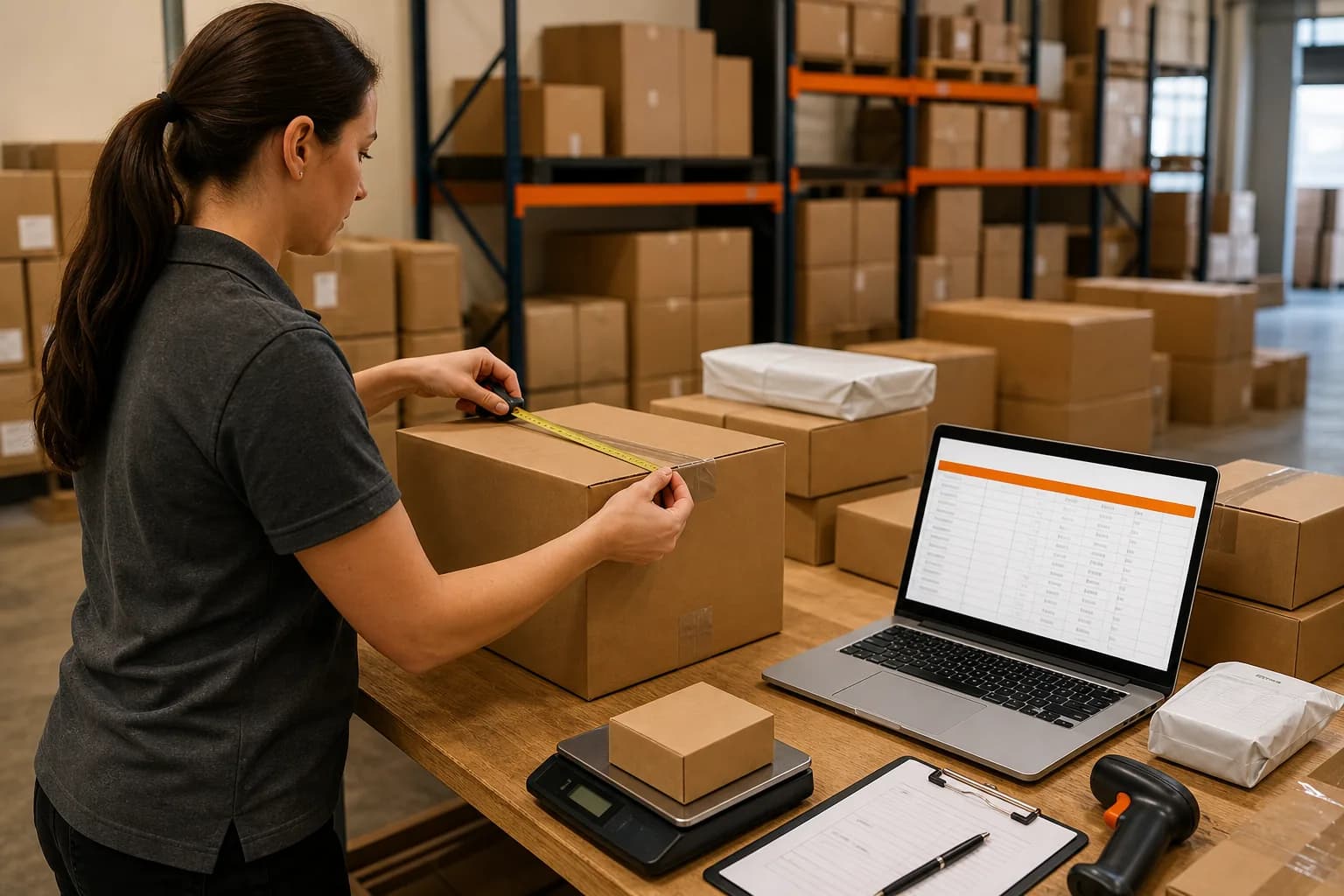
Allocate Freight Cost Across Multiple SKUs (Worked Example)
Split one freight bill across mixed SKUs by weight, cube, or value. A 2-SKU container: $3,050 freight, and why a quantity split hides the bulky item.
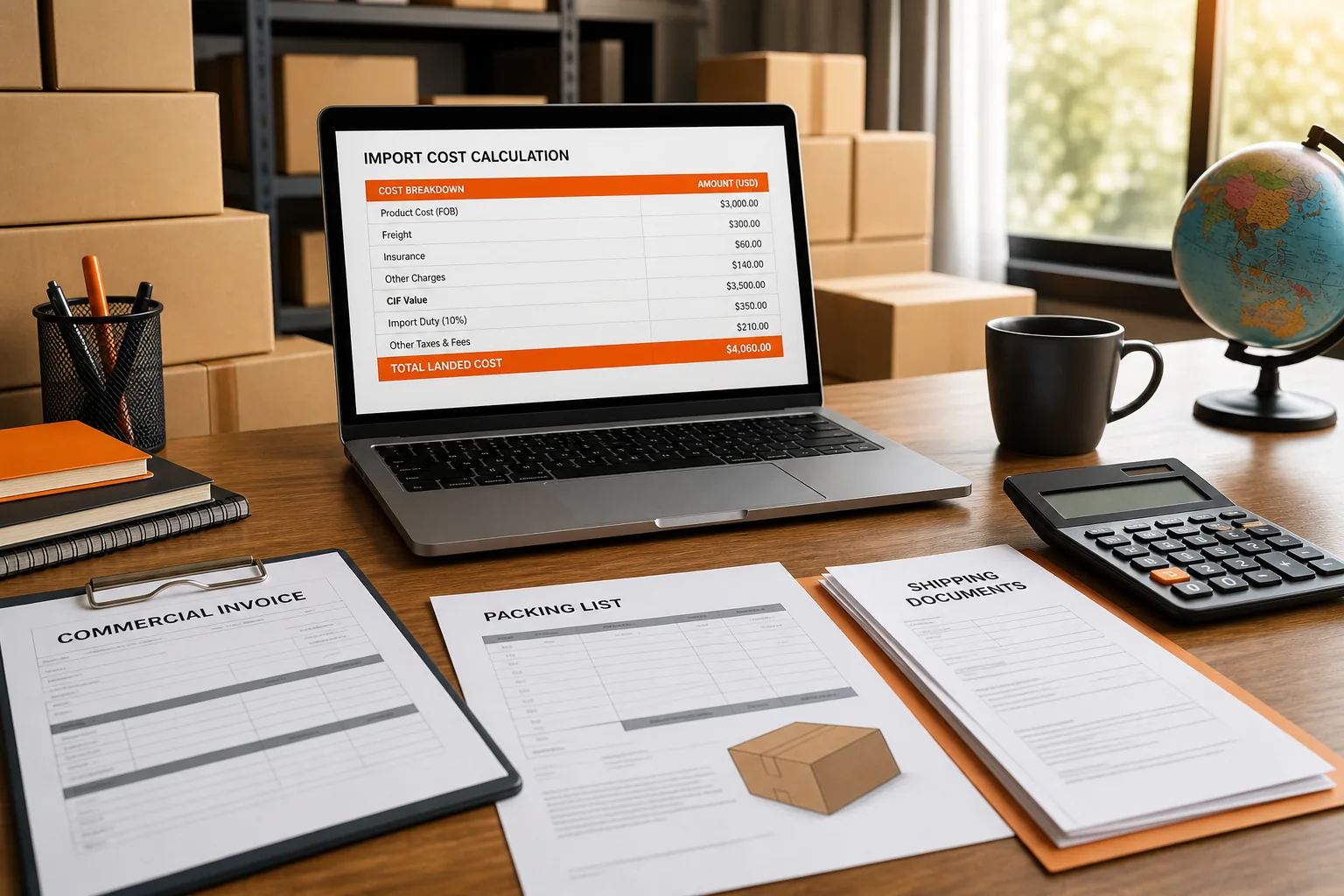
How To Calculate Import Duty From China For FBA And Shopify
Estimate China import duty before you approve the PO: HTS code, customs value, Section 301 stacks, MPF and HMF, then fold duty into landed cost per unit.

FOB Vs EXW Vs DDP For FBA Sellers
Compare FOB, EXW, and DDP for Amazon FBA importers: who pays freight and duty, where risk transfers, and how each Incoterm changes landed cost per unit.
30/70 Payment Terms With Chinese Suppliers Explained
How 30/70 deposit and balance terms work with Chinese factories, how they compare with 20/80, full prepayment, and open account, and how to tie each payment to documents.
Amazon FBA Inventory Management: A Step By Step Guide
How to manage Amazon FBA inventory: inventory states, Send to Amazon, shipment reconciliation, capacity limits, IPI, aged fees, and the Inventory Ledger.
Purchase Order Management For Amazon FBA Sellers (2026)
Purchase order management for Amazon FBA sellers in 2026: reorder points, restock limits, landed cost, and how SupplyAutomate compares to Cin7 and spreadsheets.

Best Supply Chain Control Tower Software for E-Commerce
Compare supply chain control tower software for e-commerce sellers, including visibility strengths and fit for Amazon FBA, Shopify, and WooCommerce.
SupplyAutomate Pages And Free Tools
SupplyAutomate For Amazon FBA Sellers
SupplyAutomate For Shopify Brands
SupplyAutomate Pricing
Outsourced Supply Chain Manager
Free Landed Cost Calculator
Cost per unit after product, freight, and duty
Free Import Duty Calculator
Live HTS rate plus CBP fees, before you place the PO
Free Freight Cost Estimator
Compare sea and air freight cost, chargeable weight, and transit time
Free Amazon Profit Calculator
Profit after landed cost, Amazon fees, ads, and returns
Free Purchase Order Creator
Build a purchase order online and download it as a PDF
Free Proforma Invoice Template
Free Commercial Invoice Template
Free Packing List Template
Free Landed Cost Spreadsheet Template