
Your first container from the factory just cleared customs, the prep center has the cartons, and you open Send to Amazon to book the shipment. Seller Central won't let you create it because you're over your capacity limit for standard-size storage. Meanwhile the slow color you ordered "just in case" last spring is about to turn 181 days old, which is when Amazon starts adding a surcharge to its storage bill every month. None of this is about selling. It's about knowing where your units are, what Amazon is counting, and what each number costs you.
I learned most of this the expensive way while building a $3M ARR Amazon FBA and Shopify brand. FBA inventory management sounds like one job, but in practice it's a loop: send stock in, check that Amazon received what you shipped, stay under your capacity limit, keep the IPI score healthy, clear old stock before fees climb, reorder from the factory in time, and reconcile the month. In this guide I'll walk through each step using the pages inside Amazon Seller Central, written for someone placing their first or second factory order.
A quick product note so nothing below reads as a promise. SupplyAutomate does not connect to Amazon, Shopify, or WooCommerce, and it doesn't read or change your FBA inventory. It works from the documents you upload, meaning supplier invoices, packing lists, freight bills, and customs entries, plus parcel and ocean container tracking, so it covers the factory and freight side before your units reach Amazon, along with landed cost per unit, which you can export to CSV or Excel.
TL;DR
- Every FBA unit sits in one state: inbound, available, reserved, or unsellable. The FBA Inventory page and report show all four, and your reorder math should use available plus inbound.
- Create shipments in Send to Amazon, then check every shipment against your packing list once it closes, and use the Contents tab to request research on missing units.
- Amazon sets a monthly capacity limit per storage type in cubic feet, and it counts both on-hand inventory and open shipments. Cancel shipments you won't send so they stop using space.
- Keep roughly 30 to 60 days of expected sales at Amazon to protect your IPI score, and clear stock before it reaches 181 days, when the aged inventory surcharge starts.
- Reorder from the factory on a reorder point that includes production and ocean time, then reconcile each month with the Inventory Ledger and set your sourcing cost so lost unit reimbursements reflect the factory price you actually paid.
Table of Contents
- What FBA Inventory Management Involves
- Before You Start
- Step 1: Learn Where Your Units Sit In FBA
- Step 2: Send Inventory In With Send To Amazon
- Step 3: Reconcile Every Inbound Shipment
- Step 4: Plan Around Your Capacity Limit
- Step 5: Keep Your IPI Score Healthy
- Step 6: Clear Aged And Stranded Inventory Before Fees Hit
- Step 7: Reorder From The Factory On Time
- Step 8: Reconcile The Month With The Inventory Ledger
- Tools That Help Once A Spreadsheet Gets Heavy
- Where SupplyAutomate Fits
- Common FBA Inventory Mistakes
- Frequently Asked Questions
- Getting Your First FBA Shipment Right
- Related Guides
What FBA Inventory Management Involves
With FBA, Amazon stores, picks, packs, and ships your units, so you never touch an order. What you still own is everything around that: how many units you send, when they arrive, whether Amazon counted them correctly, how much space they take, how long they sit, and when the next factory order has to go out. Amazon gives you the tools for most of this inside Seller Central, but they're spread across a dozen help pages and reports, and nobody hands you the order to use them in.
The part Amazon can't see is upstream. It has no idea your next production run is 35 days from finishing or that the container is sitting at the port waiting on a customs exam. That's why most sellers end up running two views side by side, Seller Central for what's at Amazon and a spreadsheet or tool for what's on order and on the water. If you're still deciding how much software you need for that second part, our guides to Amazon FBA supply chain software and ERP for Amazon FBA cover the options, and this guide sticks to running the inventory itself.
Before You Start
You'll need a Professional selling account with FBA turned on, your active SKUs with their FNSKUs, and the carton dimensions and units per carton from your supplier's packing list. Carton size matters more than people expect, because capacity limits and storage fees are both measured in cubic feet. Amazon's formula is length times width times height in inches, divided by 1,728, so an 18 by 14 by 12 inch carton is 1.75 cubic feet.
It also helps to know your real lead time from purchase order to sellable at Amazon, including production, ocean or air freight, customs, prep, and FBA receiving. If you don't have a number yet, the free lead time calculator walks through each stage, and our post on FOB vs EXW vs DDP for FBA sellers explains which parts of the trip you're responsible for under each shipping term.
Step 1: Learn Where Your Units Sit In FBA
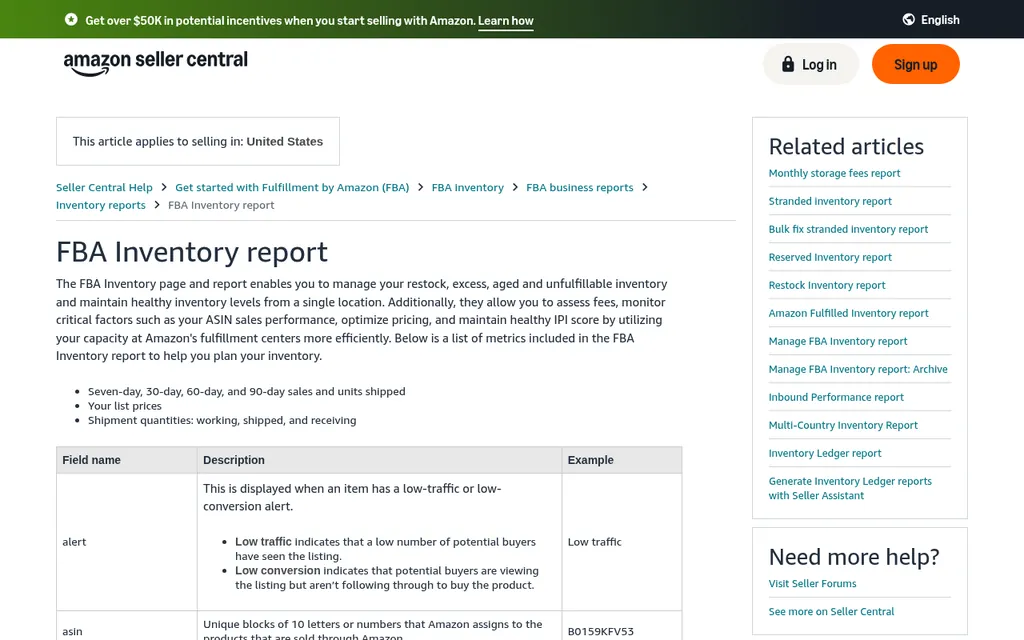
Seller Central FBA Inventory report help page
The FBA Inventory report and the FBA Inventory page show each unit in one of four states. Inbound covers units in shipments you've created, split into working (the plan exists but hasn't shipped), shipped, and receiving. Available is fulfillable stock that buyers can order right now, which is the number that actually runs out. Reserved is stock Amazon has set aside, and unsellable is damaged or customer damaged stock that can't be sold as new.
Reserved confuses almost everyone at first. Amazon's Reserved Inventory report lists three reasons: customer orders that haven't shipped yet (payment verification can hold units for up to 21 days), staging, where Amazon holds units briefly to keep delivery fast, and FC processing, such as checking dimensions and weight, investigations, or pending removal orders. Units moving between fulfillment centers still count as available for purchase.
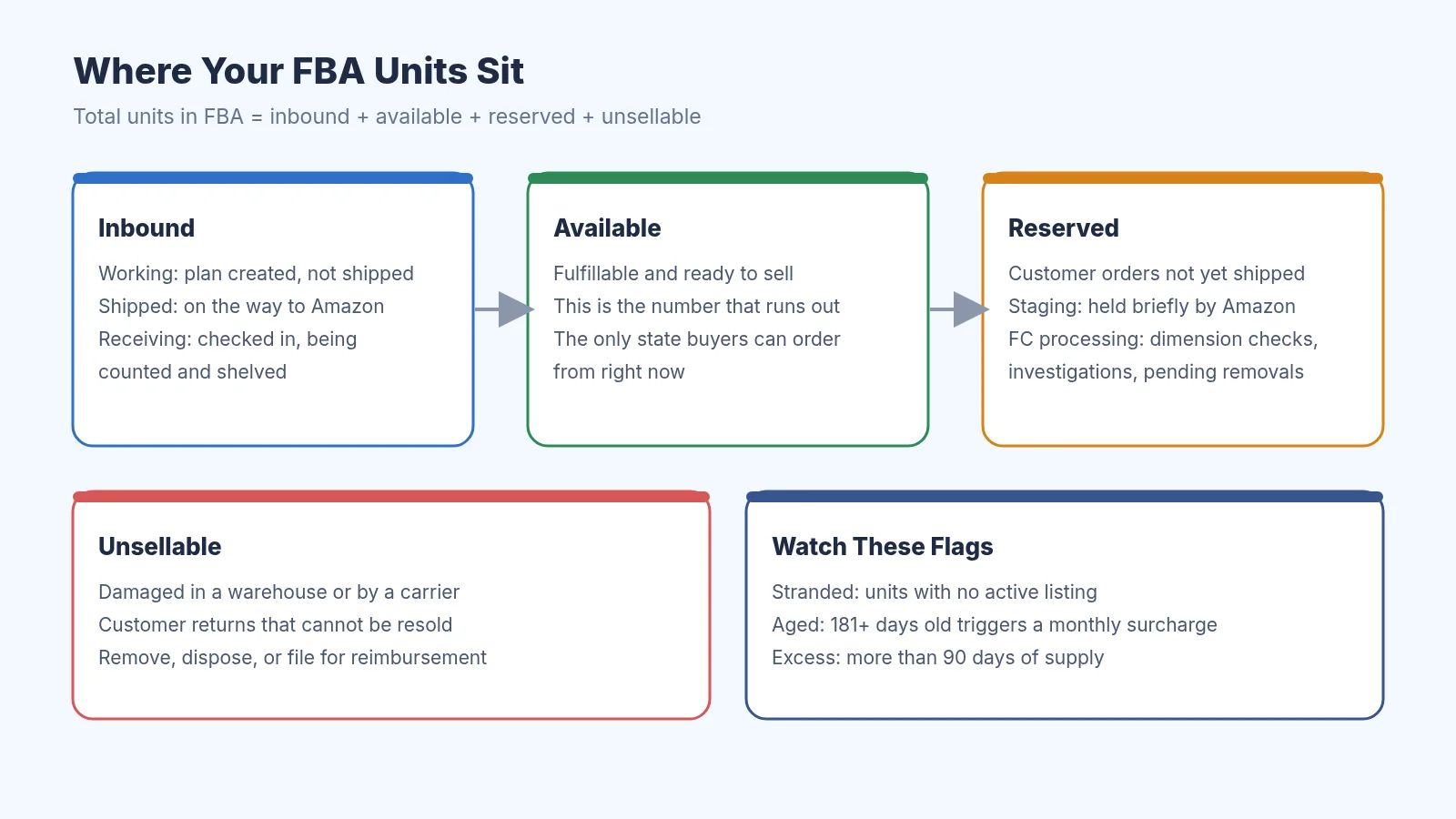
The four FBA inventory states and the flags worth watching
Here's a made-up example for one SKU. You have 900 units available, 60 reserved for orders, and 15 unsellable after a forklift accident, plus 600 units inbound on a shipment that's receiving. Buyers can order against the 900. Your reorder decision should look at the 900 plus the 600 inbound, the 60 reserved are already sold, and the 15 unsellable units belong in Step 8, because Amazon may owe you for them.
Step 2: Send Inventory In With Send To Amazon
Sell on Amazon blog post about the Send to Amazon workflow
Every shipment to an Amazon fulfillment center starts in Send to Amazon, under Inventory, then Shipments. Amazon's Send to Amazon overview breaks it into a few steps: choose the inventory to send with your ship from address, marketplace, and SKUs, set how the units are packed (case pack templates save a lot of time if your supplier packs the same count per carton), confirm shipping with a ship date, small parcel or pallets, and a carrier, then print box labels. If you use Amazon's partnered carrier, the estimated shipping cost shows up before you accept.
The numbers you type in here should come straight from the packing list your supplier or prep center gave you. If the packing list says 30 cartons of 20 units, don't round up to an even 650 because you think there might be extras, because Step 3 is where those differences come back to bite you. I keep the supplier's packing list, the commercial invoice, and the FBA shipment ID together for every shipment, and our packing list template is a simple way to start if your factory's version is messy.
Once the shipment is delivered, Amazon's Shipping Queue help page says check-in typically takes 2 to 5 days, and units usually take 6 to 15 days after first receipt to become Prime eligible. Build those days into your lead time. A container that lands on the 1st isn't sellable on the 1st, and peak season adds more.
Step 3: Reconcile Every Inbound Shipment
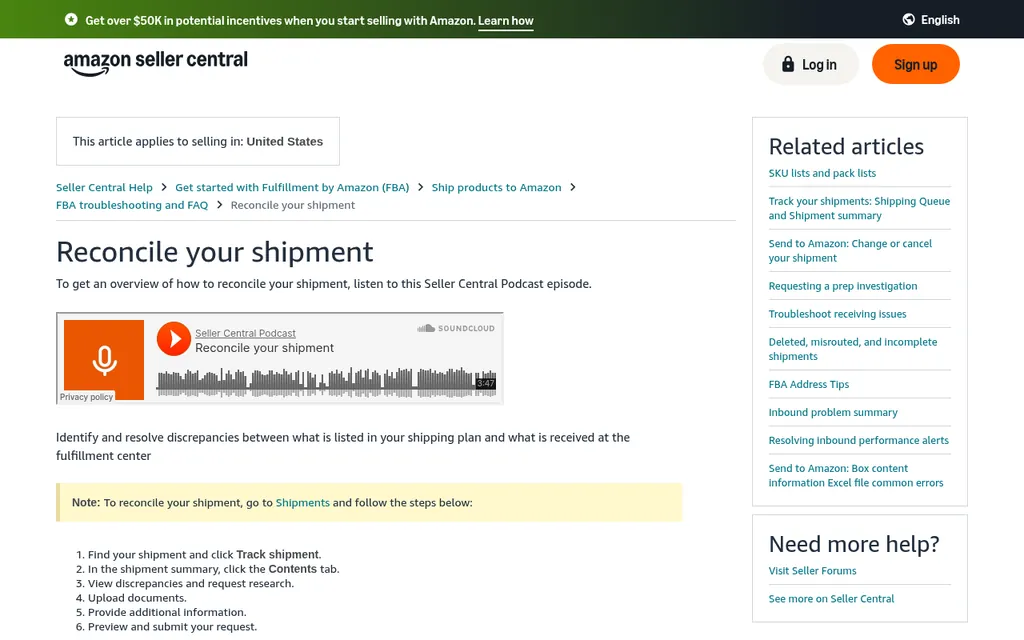
Seller Central reconcile your shipment help page
Amazon will sometimes receive fewer units than you sent, usually because a carton was miscounted, a label didn't scan, or units landed on another shipment. The Reconcile your shipment page explains the process: find the shipment, click Track shipment, open the Contents tab, view discrepancies, request research, and upload documents. The status cycles through In transit, Delivered, Checked in, Receiving, and Closed, and reconciliation usually takes 2 to 30 days and sometimes up to 60.
Only closed shipments are eligible for research. A shipment closes when Amazon has confirmed every unit you shipped, or once it has been open long enough (Amazon cites 45 days for domestic shipments since creation). So I put a reminder on every FBA shipment ID, and when it closes I compare units expected against units located. If 600 units went out and 588 were located, I request research for the 12 and attach the packing list and carrier proof of delivery.
The documents you upload here are the same ones you already have from the factory and the freight forwarder, which is one more reason to keep them in one place per shipment. If the gap started at the factory instead, for example the supplier shipped 588 and invoiced 600, that's a supplier claim, and our guide to reconciling a supplier invoice to a purchase order walks through catching it before you pay the balance.
Step 4: Plan Around Your Capacity Limit
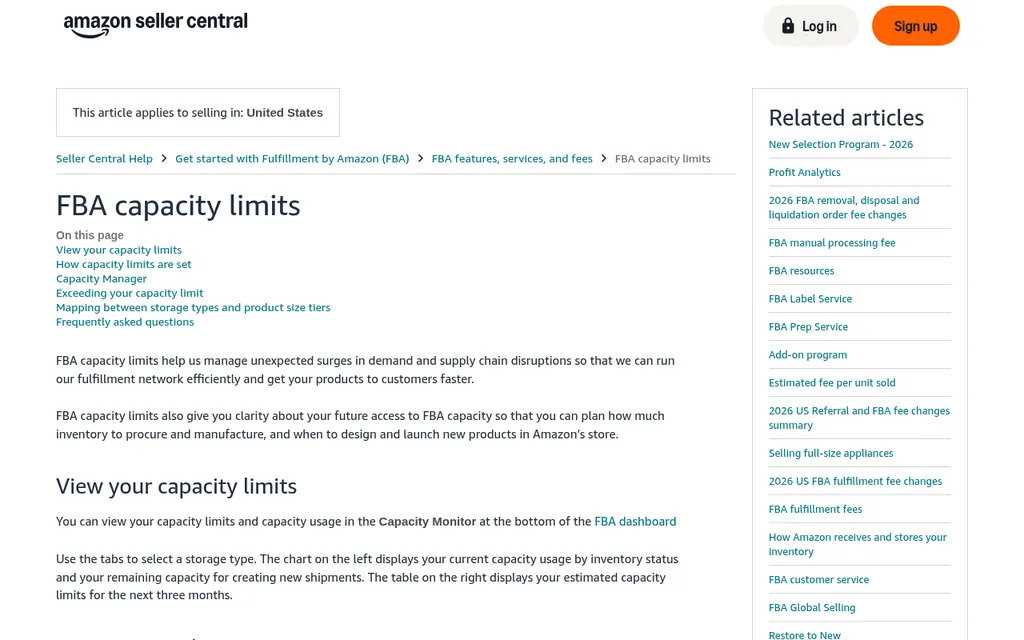
Seller Central FBA capacity limits help page
Amazon's FBA capacity limits page explains that you get one limit per storage type each month, such as standard-size, oversize, apparel, footwear, and extra-large, measured in cubic feet. The limit counts your on-hand inventory plus open shipments, and you can't create a shipment that would push you over it. You see the limits in the Capacity Monitor at the bottom of the FBA dashboard, with the next month confirmed and two more months estimated, and Amazon announces the next month's limit in the fourth week of the current one.
Amazon says limits are influenced by your IPI score, sales history, seasonality, forecasts, new products, deals, and shipment lead time. Individual selling plans get a fixed 15 cubic feet, and new Professional accounts that have used FBA for less than 39 weeks don't get capacity limits at all, which helps first-time sellers. If you need more space, the Capacity Manager lets you request it for a future month with a reservation fee you choose, and you earn a performance credit of $0.15 for every $1 of sales from that extra capacity against the fee.
Using the carton from earlier, a shipment of 30 cartons at 1.75 cubic feet each takes 52.5 cubic feet of your limit as soon as you create it. Open shipments that you never send keep using space, so cancel any plan you've given up on. Amazon also says a removal order is reflected in your capacity usage within 24 hours of creating it, even while it's still pending, which frees room faster than you might think.
Step 5: Keep Your IPI Score Healthy
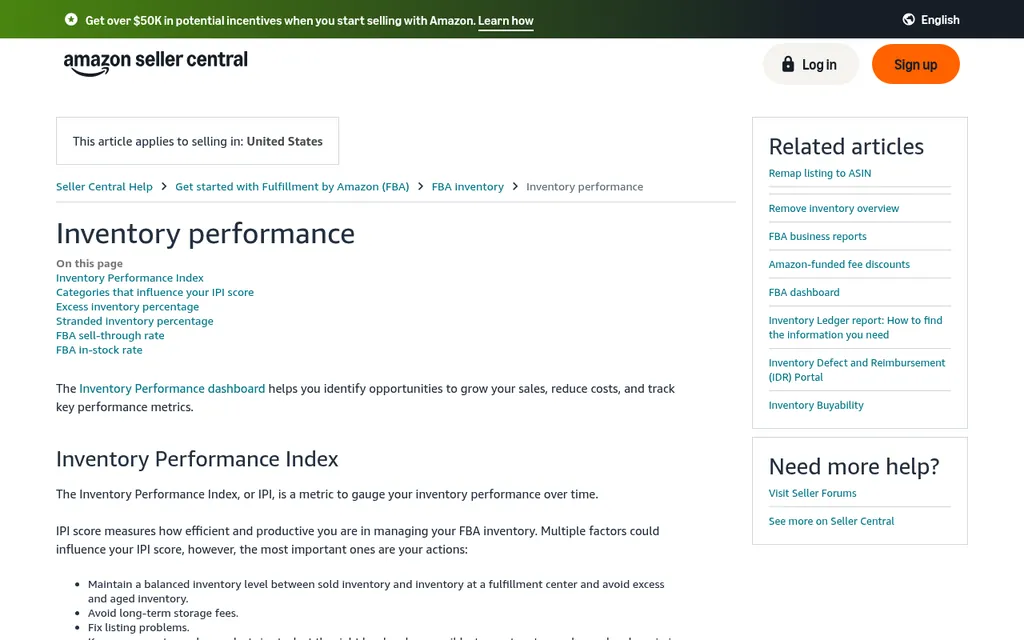
Seller Central inventory performance help page
The Inventory Performance Index, or IPI, is a single score Amazon uses to judge how efficiently you use FBA, and it feeds into your capacity limits. Amazon's inventory performance page lists four things that move it: excess inventory (more than 90 days of supply against your forecast), FBA sell-through (units shipped over the last 90 days divided by the average units on hand), stranded inventory (units without an active listing), and in-stock rate for your replenishable products.
The practical guideline Amazon gives is to keep about 30 to 60 days of expected sales at Amazon. That doesn't mean your whole supply has to be that small. For an importer with a 90 day lead time, the rest can sit at a 3PL, a prep center, or Amazon Warehousing and Distribution, and you top up FBA from there. I treat the 30 to 60 day number as a rule for the FBA shelf only, and I plan factory orders on total supply.
Step 6: Clear Aged And Stranded Inventory Before Fees Hit
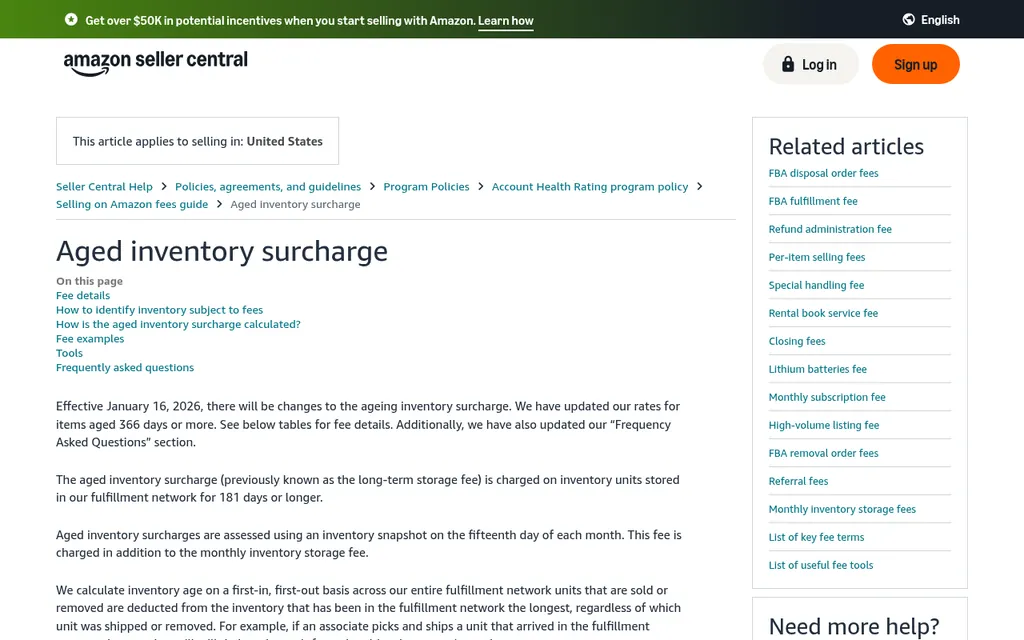
Seller Central aged inventory surcharge help page
The aged inventory surcharge replaced what used to be called the long-term storage fee. Amazon takes a snapshot of your inventory on the 15th of each month and charges the surcharge on units that have been stored 181 days or more, on top of the normal monthly storage fee. Age is counted first in, first out across the whole network, so selling units from a newer shipment doesn't reset the clock on older ones.
The rates climb with age. Under the rates effective January 16, 2026, standard inventory aged 181 to 210 days costs $0.50 per cubic foot, and it steps up to $5.45 per cubic foot at 271 days and $6.90 per cubic foot or $0.30 per unit, whichever is greater, at 366 days. As a made-up example, 10 cubic feet of a slow color sitting at 280 days would cost $54.50 for that month on top of storage. The FBA Inventory page shows which ASINs will hit the surcharge within the next 60 days, which is your warning window.
You have a few ways out. Amazon suggests an Amazon Outlet deal, which needs a discount of at least 20%, or creating a removal or disposal order by 11:59 p.m. Pacific time on the 14th so the units aren't in the snapshot. The remove inventory overview says removals typically take 10 to 14 business days and longer around the holidays, and there's a per unit fee by weight, so compare that with the surcharge before you decide.
Stranded inventory is the other leak. These are units at Amazon with no active listing, usually because a listing was suppressed or closed, so they collect storage fees without selling. The stranded inventory report lists them, and fixing the listing is usually faster than removing the units. I check it every week, because it also counts against your IPI score.
Step 7: Reorder From The Factory On Time
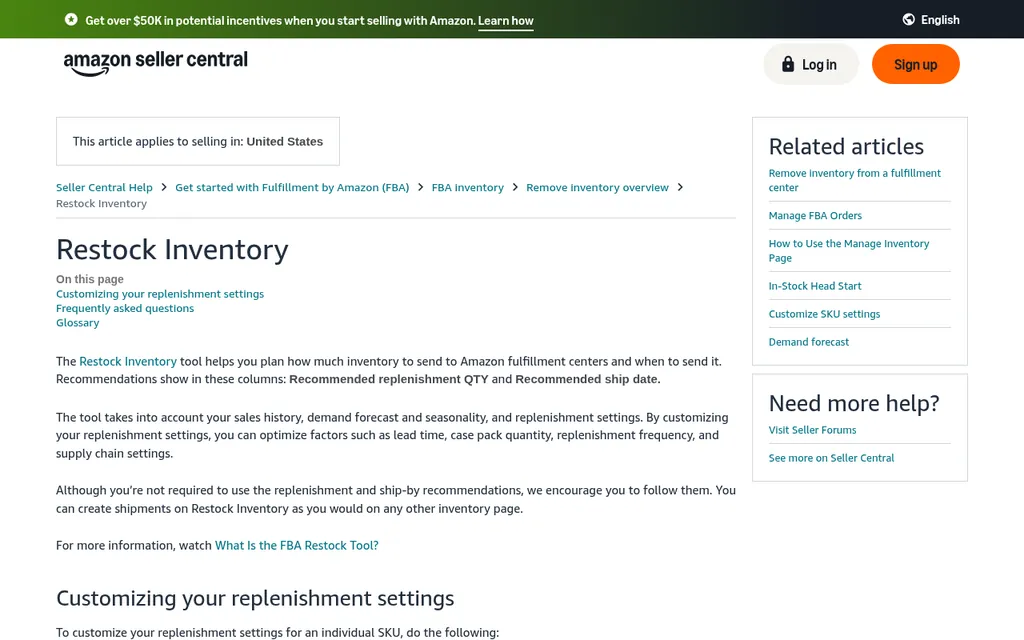
Seller Central Restock Inventory help page
Amazon's Restock Inventory page recommends quantities to send into FBA, and it works well for topping up from a warehouse you control. What it can't do is tell you when to place the factory order, because it doesn't know your production time or your ocean transit. You need two reorder points, one for sending stock into FBA and one for ordering from the factory, and our guide to Amazon Seller Central reorder alerts walks through setting up both, including the low-inventory-level fee and AWD auto replenishment.
The factory reorder point is your daily sales times your full lead time, plus safety stock. With 30 units a day and a 75 day lead time from purchase order to sellable, that's 2,250 units before safety stock, and it counts available, inbound, stock at your 3PL, and anything still at the factory or on the water. The reorder point formula for importers and how to calculate safety stock explain the math, and our inventory tracking template gives you a sheet to run it in.
Before you place a first order with a new supplier, check the minimum order quantity against your capacity limit and your 30 to 60 day FBA guideline. The MOQ calculator helps you see whether an MOQ is reasonable for your sales. For the payment side, a first-time seller is usually better off paying through Alibaba Trade Assurance than wiring an unknown supplier directly, and our post on 30/70 payment terms with Chinese suppliers explains deposits and balance payments by bank transfer.
Step 8: Reconcile The Month With The Inventory Ledger
Inventory Ledger
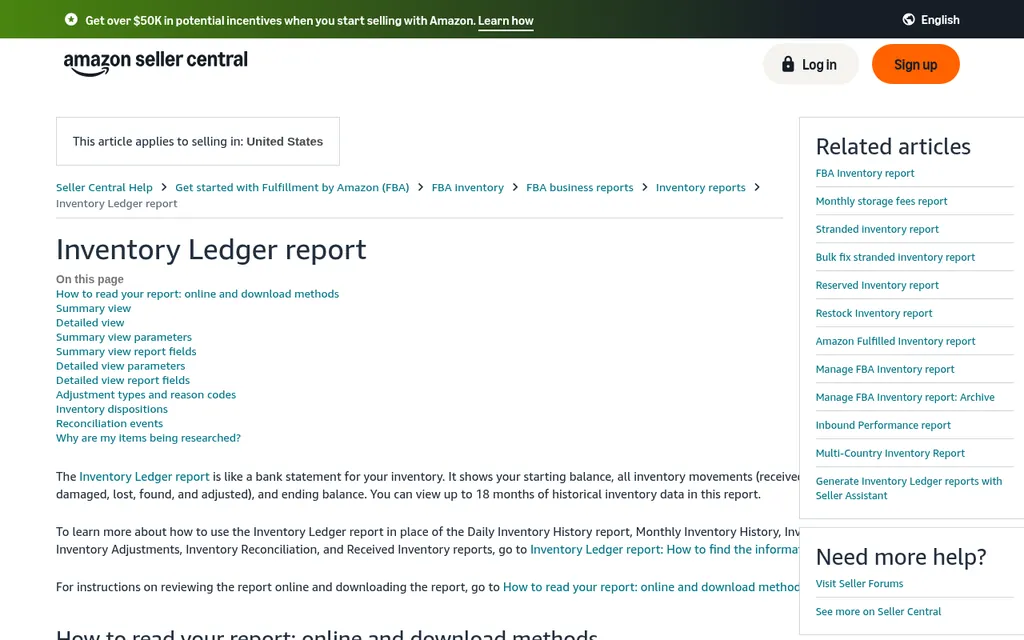
Seller Central Inventory Ledger report help page
Amazon describes the Inventory Ledger report as working like a bank statement for your inventory. It shows a starting balance, then receipts, customer orders, returns, adjustments, and removals, and finally an ending balance, with up to 18 months of history. The Summary view gives totals by day, week, or month and by fulfillment center or country, and the Detailed view lists each event with a reference ID, which for receipts is the FBA shipment ID.
Once a month I pull the Summary view by FNSKU for my top sellers and check that the starting balance plus receipts minus orders and removals, give or take returns and adjustments, lands on the ending balance. When it doesn't, the Detailed view shows which event caused it, and a pile of "lost" or "damaged" adjustments usually means it's time to look at reimbursements.
Reimbursements
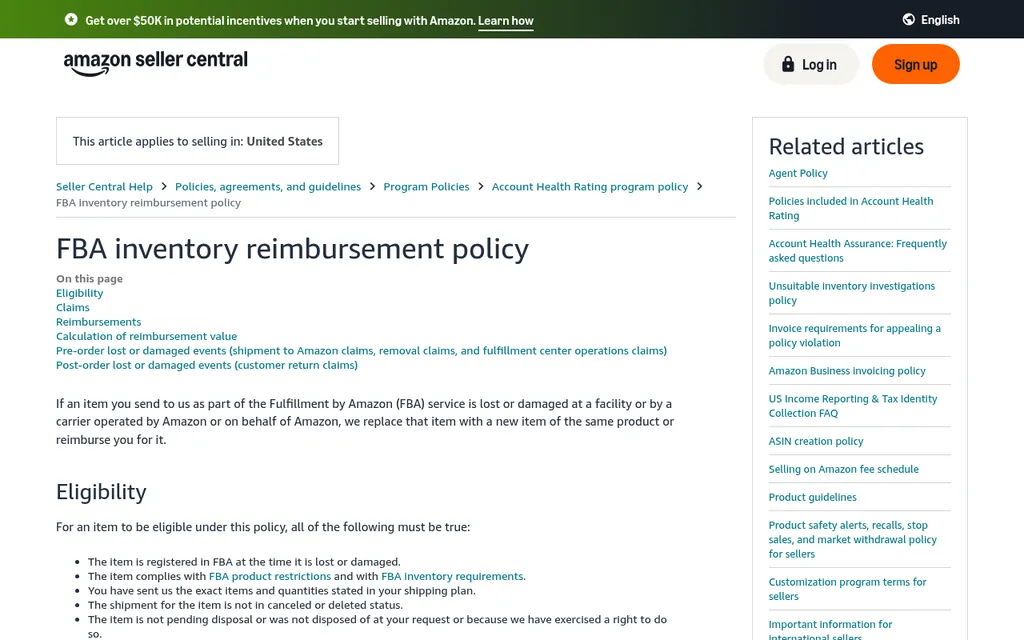
Seller Central FBA inventory reimbursement policy page
Amazon's FBA inventory reimbursement policy says it will replace or reimburse items lost or damaged at its facilities or by carriers operated by or for Amazon. For losses before a customer order, such as during inbound shipping, warehouse operations, or removals, Amazon reimburses at the sourcing cost, and it lets you enter that cost on the Manage Your Sourcing Cost page and may ask for proof of value. If you don't enter one, Amazon uses its own estimate.
The policy says sourcing cost excludes shipping, handling, and customs duties, which means it's essentially your factory price per unit from the supplier invoice. That's a number you should already have, and keeping supplier invoices organized makes the proof of value request easy. Reimbursements show up on the Transactions view of the Payments report, so I match those against the lost and damaged lines in the Ledger each month.
Tools That Help Once A Spreadsheet Gets Heavy
Seller Central does the inventory part, and a spreadsheet can cover the factory side for a while. Once you have more than a few dozen SKUs or more than one supplier, these are the tools I see FBA sellers use most. I've listed what each one is for so you can pick based on the job.
Google Sheets
Google Sheets product page
Google Sheets is where most sellers start, and it's fine for a reorder sheet with daily sales, lead time, safety stock, and units on order. You paste in the FBA Inventory report each week and add your open purchase orders by hand. It stops working well when several people edit it or when you have shipments in several places at once.
SoStocked
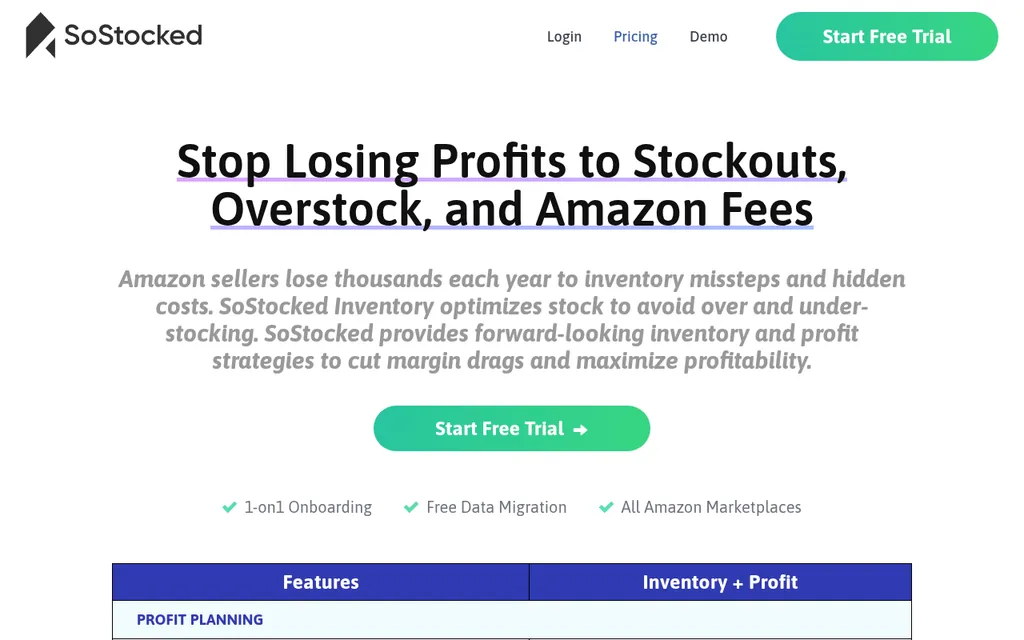
SoStocked pricing page
SoStocked is built for Amazon sellers and connects to Seller Central for forecasting, reorder alerts, capacity planning, inventory age tracking, and purchase orders. Its pricing page lists the Inventory plus Profit plan from $175 per month. It's a good fit if most of your sales are on Amazon and you want capacity and age tracking in one place.
RestockPro
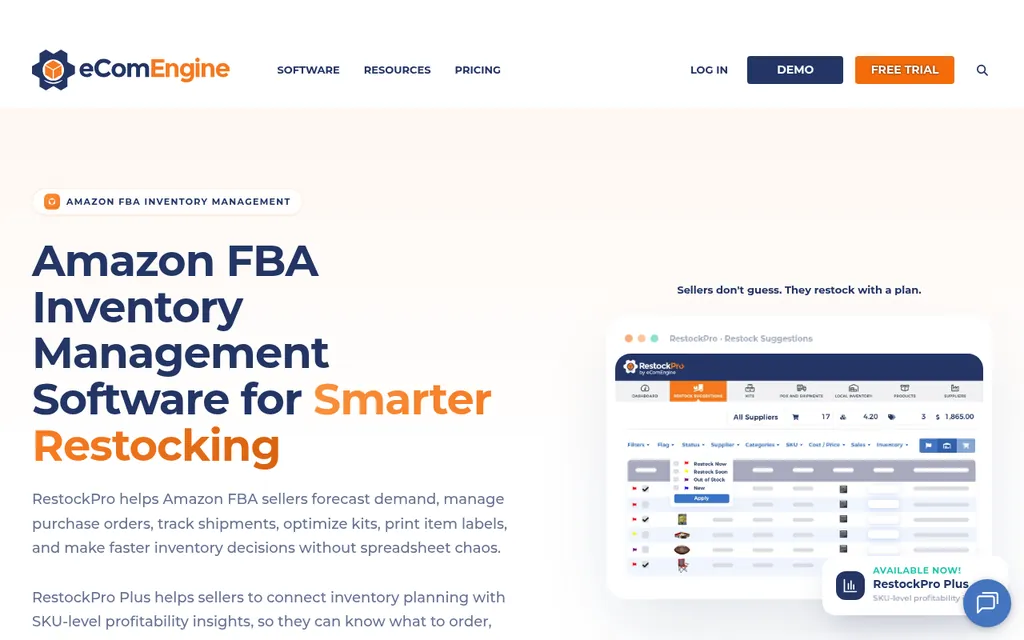
RestockPro by eComEngine page
RestockPro focuses on Amazon FBA only, with restock suggestions, supplier purchase orders, and shipment creation. It offers a 30 day free trial, and pricing is based on your FBA order volume. It suits sellers who want restock suggestions tied tightly to their Amazon data.
Inventory Planner By Sage
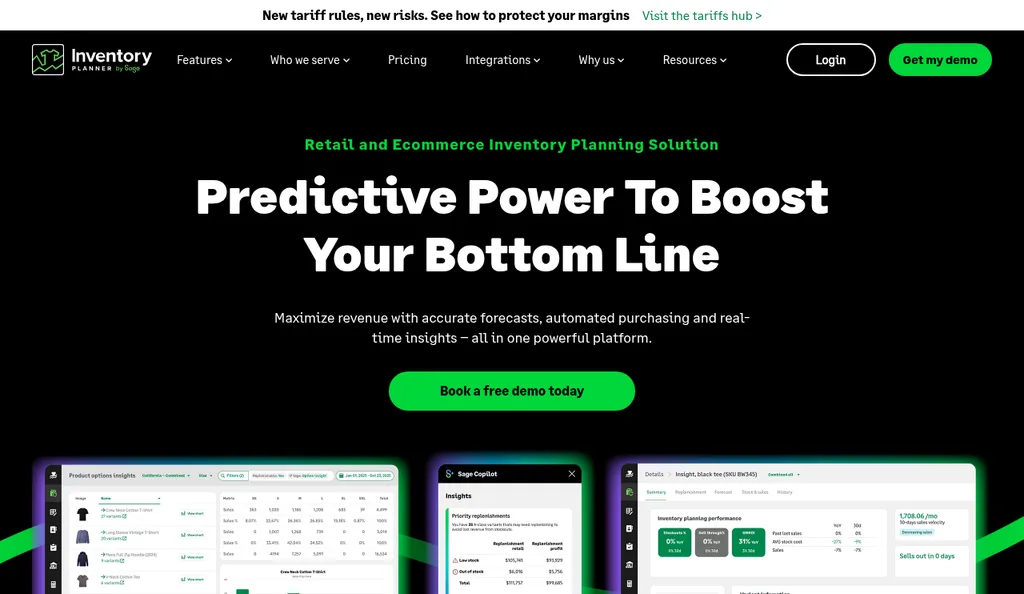
Inventory Planner by Sage homepage
Inventory Planner is a forecasting and purchasing tool with an Amazon connector that covers FBA and FBM stock and inbound shipments, and it can create shipment plans. It's a better fit if you also sell on Shopify or wholesale and want one forecast across channels. For a wider comparison, see our list of the best ecommerce inventory management software and the guide to inventory management software cost.
Where SupplyAutomate Fits
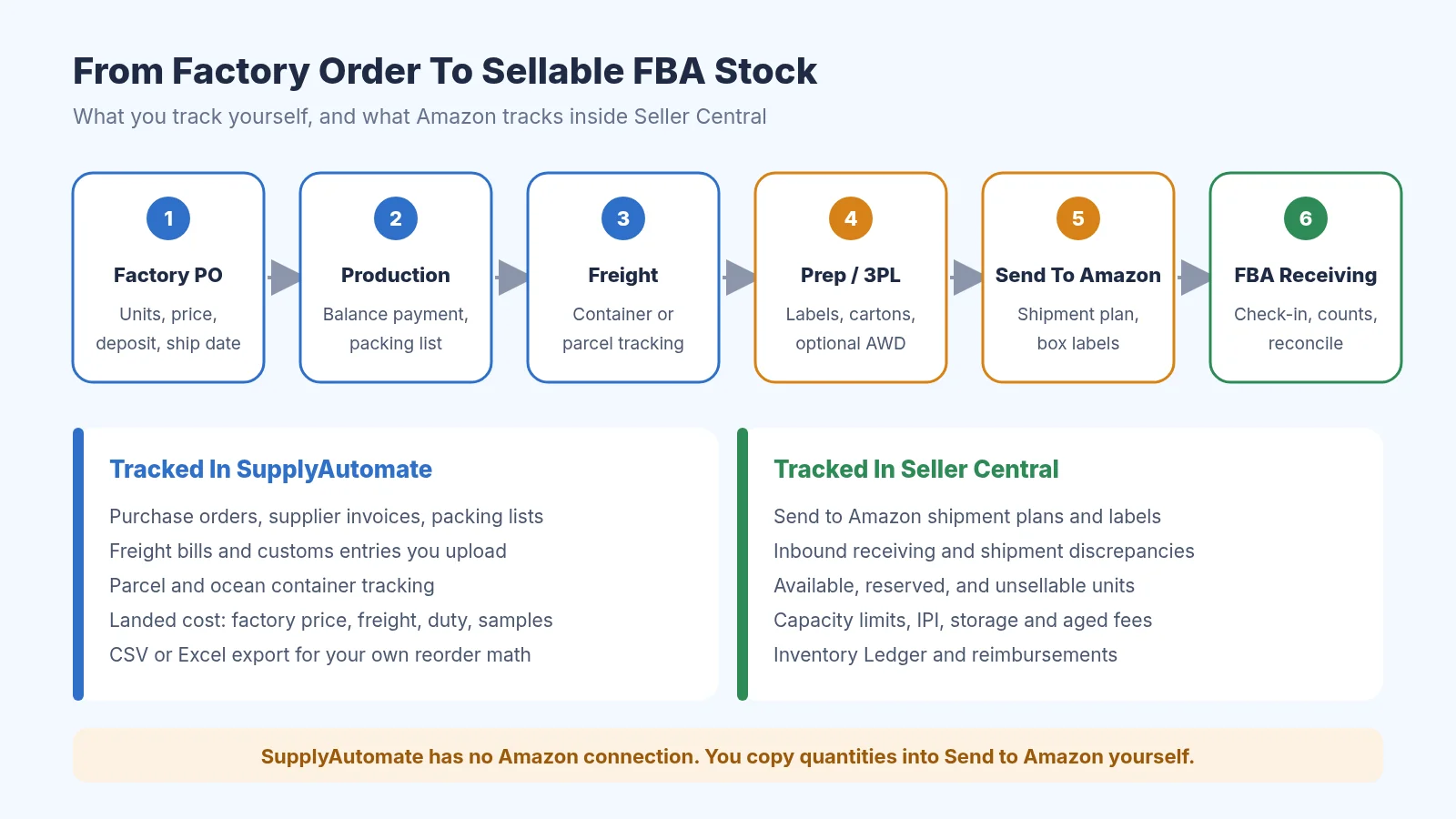
What you track before Amazon and what Seller Central tracks after
SupplyAutomate covers the part of the loop that happens before Amazon can see anything. You upload the supplier invoice, packing list, freight bill, and customs entry for each order, and it tracks the purchase order, the parcel or ocean container, and the landed cost per unit from factory price, freight, duty, and samples. It doesn't connect to Seller Central or include FBA fees, so you still create shipments in Send to Amazon yourself and handle storage fees, capacity, and IPI inside Amazon. Our Amazon FBA ERP page shows how that looks for an FBA brand, and pricing is on the site.
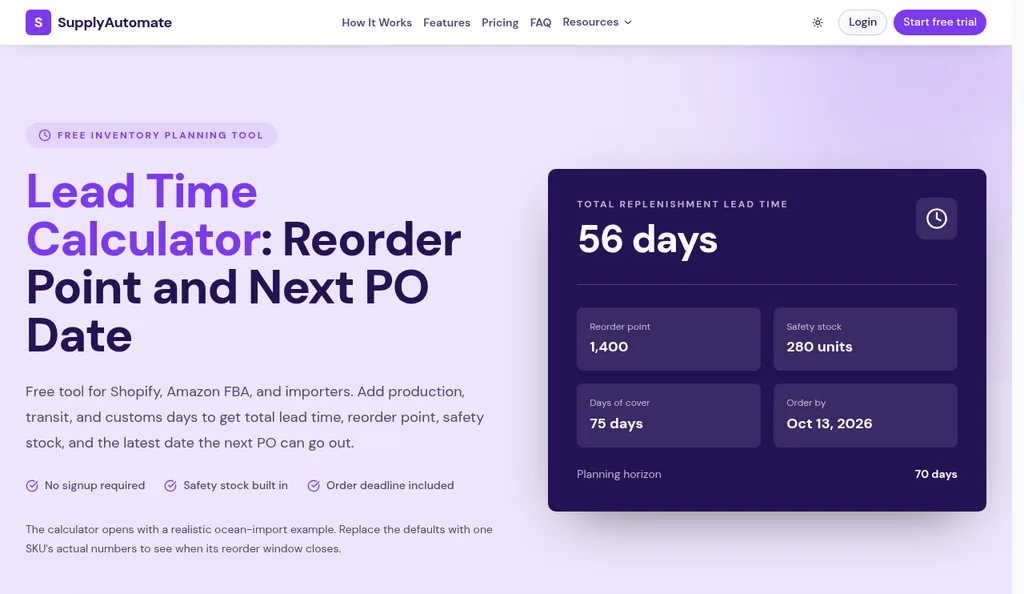
SupplyAutomate lead time calculator with its default example
For the planning side, the free lead time calculator turns production, transit, customs, and receiving days into a reorder point and safety stock, and the landed cost calculator works out what each unit really cost you before Amazon's fees. Our guide on how to calculate Amazon FBA landed cost shows the full math. If you'd rather not run purchase orders and freight yourself at all, our outsourced supply chain manager service does it for you.
Common FBA Inventory Mistakes
The most common one I see is reordering from the factory based on the available number alone. Available ignores everything inbound and on the water, so you end up double ordering, and the extra stock turns into aged inventory six months later. The opposite mistake is just as costly, which is ignoring inbound shipments that are stuck in receiving and assuming the units are already sellable.
The second is never reconciling shipments. Small shortages of 5 or 10 units per shipment feel too small to chase, but across a year of shipments they add up to real money, and once the window for research has passed you can't get it back. Close behind that is leaving abandoned shipment plans open, which quietly uses up your capacity limit, and sending a full container straight to FBA when half of it should have gone to a 3PL or AWD to stay inside the 30 to 60 day guideline.
The last is forgetting to set a sourcing cost. Without one, Amazon uses its own estimate for lost units before a sale, which may be lower than what you paid the factory. Entering the factory price from your supplier invoice takes a few minutes per SKU and makes every future reimbursement more accurate.
Frequently Asked Questions
What Is FBA Inventory Management?
It's the work of keeping the right number of units at Amazon fulfillment centers without running out or paying for stock that sits too long. That includes creating shipments in Send to Amazon, reconciling what Amazon received, staying inside capacity limits, protecting your IPI score, clearing aged and stranded stock, reordering from suppliers, and reconciling the Inventory Ledger each month.
How Much Inventory Should I Keep At Amazon?
Amazon's inventory performance guidance suggests keeping about 30 to 60 days of expected sales at FBA. If your factory lead time is longer than that, keep the rest at a 3PL, a prep center, or AWD and send it into FBA in smaller batches. That keeps your excess inventory low and your IPI score healthy without risking a stockout.
When Does Amazon Charge The Aged Inventory Surcharge?
Amazon takes a snapshot on the 15th of each month and charges the surcharge on units stored 181 days or more, on top of monthly storage fees. To keep units out of the snapshot, create a removal or disposal order by 11:59 p.m. Pacific time on the 14th, or sell them down with a price cut or an Amazon Outlet deal.
What Should I Do If Amazon Receives Fewer Units Than I Sent?
Wait until the shipment status is Closed, then open Track shipment, go to the Contents tab, view the discrepancy, and request research. Upload your packing list, invoice, and carrier proof of delivery. If Amazon accepts responsibility, the units are added back or reimbursed, and reimbursements appear in the Payments report.
Can SupplyAutomate Manage My FBA Inventory?
No. SupplyAutomate doesn't connect to Amazon, Shopify, or WooCommerce, and it doesn't read or change your FBA inventory. It tracks purchase orders and shipments from the documents you upload, follows parcels and ocean containers, calculates landed cost from factory price, freight, duty, and samples, and exports to CSV or Excel so you can plan your next Send to Amazon shipment yourself.
Getting Your First FBA Shipment Right
If you're about to send your first shipment, I'd keep it simple. Get the carton dimensions and units per carton from your supplier, create the Send to Amazon plan straight from the packing list, and write down the FBA shipment ID next to your purchase order number. When it closes, check units expected against units located, and set your sourcing cost while the supplier invoice is in front of you.
After that, a weekly half hour covers most of FBA inventory management. Look at available plus inbound against your reorder points, check the stranded report and the ASINs heading toward 181 days, and glance at the Capacity Monitor before you book anything big. Once a month, pull the Inventory Ledger for your top sellers. If you want a next read, our guide to purchase order management for Amazon FBA sellers picks up the factory side from here.
Related Guides
- How To Set Up Amazon Seller Central Reorder Alerts
- Best Amazon FBA Supply Chain Software
- ERP For Amazon FBA: How It Works And Top Tools
- Purchase Order Management For Amazon FBA Sellers (2026)
- How To Calculate Amazon FBA Landed Cost: Inbound Plus Fee Stack
- How To Add Amazon FBA Shipment Costs To Landed Cost
- FOB Vs EXW Vs DDP For FBA Sellers
- How To Consolidate Shopify And Amazon FBA Purchase Orders
- Reorder Point Formula For Importers (When To Buy)
- How To Calculate Safety Stock (Formula + Excel)
- Shopify Inventory Management: A Step By Step Guide
- Best Supply Chain Control Tower Software For E-Commerce