
It's Thursday afternoon and the FBA Inventory page says your best seller has 19 days of supply left. You message the factory, and they can start production in four weeks, then the cartons spend about a month on the water and another couple of weeks getting through customs, prep, and check-in at Amazon FBA. That's a stockout of several weeks on your top listing, and if FBA stays thin for long enough on the way down, Amazon adds a low-inventory-level fee to every unit it ships. The worst part is that Seller Central watched the number fall the whole time, and nobody got an alert early enough to matter.
I hit some version of this more than once while we were building a $3M ARR Amazon FBA and Shopify brand, and it took me a while to see that there are really two reorder alerts in an FBA business. One tells you when to send more stock into Amazon from your prep center or 3PL, and Seller Central has decent tools for that. The other tells you when to place the next purchase order with your factory, and that one depends on a lead time Amazon has no way of knowing. In this guide I'll show you how to set up both, using Amazon's own features where they fit, a spreadsheet where they don't, and the third-party tools that do it for you, all checked on their official pages in October 2026.
A quick product note so nothing below reads as a promise. SupplyAutomate does not connect to Amazon, Shopify, or WooCommerce, it doesn't read your sales or inventory, and it can't send you a reorder alert. It works from the documents you upload, meaning supplier invoices, packing lists, freight bills, and customs entries, plus parcel and ocean container tracking, which is where your real lead times come from once a purchase order is moving.
TL;DR
- An FBA business needs two alerts per SKU. The FBA send alert says when to ship stock from your prep center or 3PL into Amazon, and the factory reorder alert says when to place the next purchase order with your supplier.
- Seller Central's Replenishment Alerts email you when a listing's fulfillable quantity in FBA drops to a threshold you set, in units or weeks of cover. That's a good FBA send alert, and it only counts stock already sitting at Amazon.
- Fill in the replenishment settings in Restock Inventory, including supplier lead time and supply chain setting, so Amazon's Low stock flag and recommended ship dates reflect how you actually ship.
- Keep FBA above 28 days of supply where you can, because the low-inventory-level fee kicks in when both your 30-day and 90-day historical days of supply fall below that line. Amazon Warehousing and Distribution can automate the send step if you store bulk stock there.
- Build the factory reorder alert yourself in a spreadsheet, or use a tool like SoStocked or RestockPro, and base it on the full lead time from purchase order to sellable units in FBA.
Why An FBA Seller Needs Two Reorder Alerts
Most importers don't send the whole factory order straight into FBA. The cartons land at a prep center, a 3PL, or AWD, and you feed Amazon from there in smaller shipments, partly because Amazon sets FBA capacity limits and partly because storage inside FBA costs more. That means a single SKU has stock in three or four places at once: available in FBA, inbound to FBA, sitting at your warehouse, and still on the water or in production on an open purchase order.
Stock at Amazon and stock across the whole pipeline need different triggers. When FBA stock runs low, the fix takes a week or two because you only need to create a shipment from your warehouse. When your total stock runs low, the fix takes two or three months because you need a new production run. An alert that only watches FBA will keep telling you to send more from the warehouse right up until the warehouse is empty, which is how a lot of sellers find out they were late on the factory order. Our Amazon FBA supply chain software roundup covers the tools that try to watch the whole chain, and this guide covers how to set it up with the pieces you already have.
Before You Start
You need three things before any alert is worth setting. The first is access to the Inventory menu in Seller Central, either as the account owner or as a user with inventory permissions, so you can open the FBA Inventory page, Restock Inventory, and the Replenishment Alerts settings. The second is a list of your active SKUs with the supplier for each one, its case pack, and the supplier's minimum order quantity.
The third, and the one most people skip, is a real lead time for each SKU split into two legs. The factory leg runs from the day you send the purchase order to the day the cartons arrive at your prep center or 3PL, so it includes production, ocean or air transit, customs, and the final truck. The FBA leg runs from the day you create a shipment to the day Amazon shows the units as available. If you haven't measured those from your last few orders, the reorder point formula for importers and the free lead time calculator will help you get a defensible number for each one.
Step 1: Work Out Both Reorder Points For Each SKU
Here's a made-up example so you can see the math. Say you sell a stainless steel tumbler only on Amazon, and it moves 20 units a day. The factory needs 30 days to produce, ocean transit and port time take 28 days, and customs plus trucking to your prep center take another 6, so the factory leg is 64 days. Getting units from the prep center to available in FBA takes 12 days, which makes the full lead time 76 days.
For the FBA send alert, I'd want the new shipment to land while there are still about 30 days of stock in FBA, which keeps you clear of the 28-day fee line. With a 12-day FBA leg, that means sending when FBA holds 42 days of cover, or 840 units at 20 a day. In Seller Central terms, that's a weeks-of-cover alert at 6 weeks.
For the factory reorder alert, you count every unit you own or have coming, meaning FBA available, FBA inbound, prep center stock, and units on open purchase orders. The reorder point is daily demand times the full lead time plus safety stock, and I'd use 30 days of safety stock here because running thin on Amazon costs you a fee on top of the lost sales. That works out to 20 × (76 + 30) = 2,120 units, so the next purchase order should go out the day your total pipeline drops to 2,120.
| Alert | What it counts | Lead time used | Safety days | Trigger at 20 units a day |
|---|---|---|---|---|
| FBA send alert | Fulfillable units in FBA | 12 days (prep center to available) | 30 | 840 units, or 6 weeks of cover |
| Factory reorder alert | FBA, inbound, prep center, and open POs | 76 days (PO to available in FBA) | 30 | 2,120 units |
Now compare that with using the factory's 30-day production quote as the lead time. You'd get 20 × (30 + 30) = 1,200 units, which only lasts 60 days, while the new stock takes 76 days to become sellable. You'd be out of stock for about 16 days and miss roughly 320 units of sales, and you could spend the weeks before that paying the low-inventory-level fee. Our guide on how to calculate safety stock shows how to replace the round 30 days with a number based on your own demand swings once you have the history.
Step 2: Turn On Seller Central Replenishment Alerts
Seller Central Replenishment Alerts
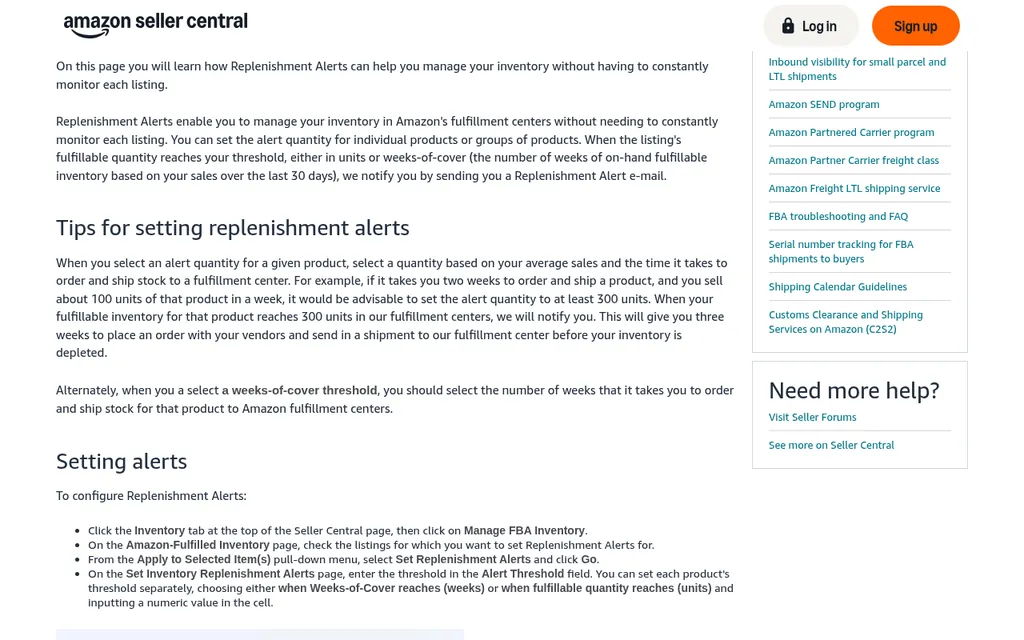
Amazon Seller Central Replenishment Alerts help page
Seller Central does have a built-in reorder alert, and it's called Replenishment Alerts. Amazon's Replenishment Alerts help page says you can set an alert threshold for one product or a group of products, either in units or in weeks of cover, and Amazon sends you a Replenishment Alert email when the listing's fulfillable quantity reaches it. Weeks of cover is based on your sales over the last 30 days, so it adjusts as a product speeds up or slows down. Listings with an alert show a small gold bell next to the fulfillable quantity.
The help page describes the setup from the Manage FBA Inventory page. You select the listings, choose Set Replenishment Alerts from the Apply to Selected Item(s) menu, and enter the threshold for each SKU. Seller Central's inventory screens have been reorganized a few times since that page was written, so if your account opens the newer FBA Inventory page and you can't find the option, search Seller Central help for Replenishment Alerts or ask Seller Support where it lives now. Sellers on the Seller Forums also reported the option misbehaving for a stretch earlier this year, so I'd set it on one SKU first and confirm the email actually arrives.
For the example above, I'd use a weeks-of-cover threshold of 6 and send the email to whoever creates FBA shipments. Keep in mind what this alert can't see. It counts fulfillable units in FBA only, so it ignores what's inbound, what's at your prep center, and what's on order from the factory. That makes it a good FBA send alert, and the factory decision needs something that counts the whole pipeline, which is what Step 6 sets up.
Step 3: Fill In Your Restock Inventory Settings
Seller Central Restock Inventory
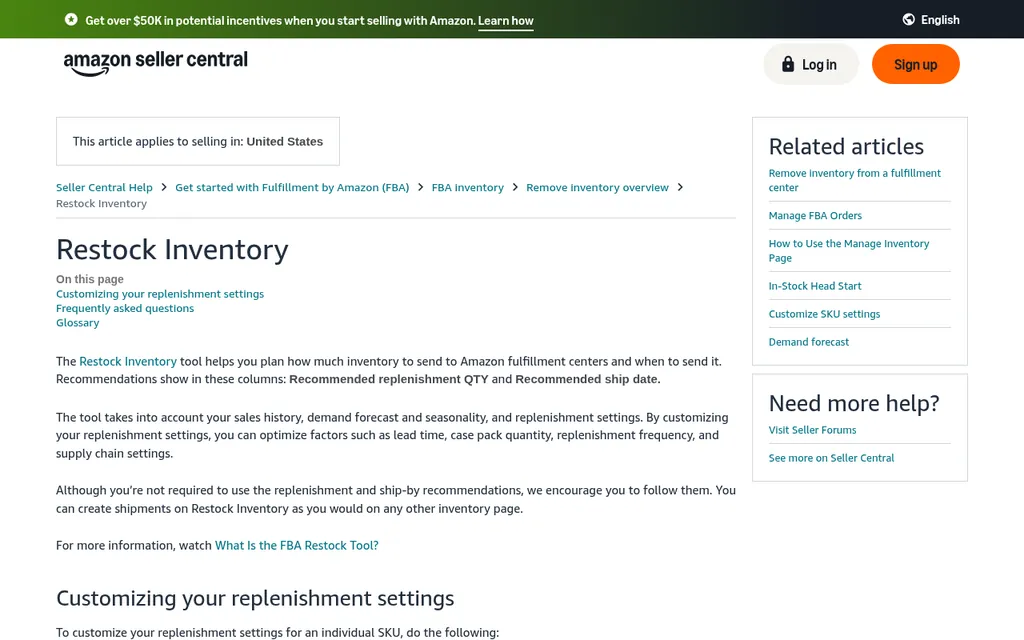
Amazon Seller Central Restock Inventory help page
Restock Inventory is Amazon's planning view for FBA, and its help page says it recommends a replenishment quantity and ship date for each SKU based on your sales history, demand forecast, seasonality, and the replenishment settings you enter. Its glossary defines a Low stock alert as an item whose days of supply is less than its lead time, which is close to what most people mean by a reorder alert. The catch is that the lead time it uses is the one you give it, and plenty of accounts never fill it in.
To fix that, select a SKU, choose Customize SKU settings in the Action column, and enter your supplier lead time, your own lead time to Amazon, replenishment frequency, case pack quantity, and minimum replenishment quantity. The supply chain setting matters most. Amazon lets you choose whether the supplier ships directly to Amazon, ships to your facility and you send the same quantity on, or ships in bulk to your facility and you feed Amazon as needed, and each choice changes which lead times it uses. If you have a lot of SKUs, the same help page explains how to download the settings as a file, edit it in Excel, and upload it back.
Amazon has also said in Seller Central that the Restock Inventory report is being phased out in favor of the FBA Inventory report, which pulls sales for the last 7, 30, 60, and 90 days, inbound shipments, and recommended restock units into one download. Sellers on the forums have pointed out that the newer report can leave out listings that are inactive or out of stock, so keep a separate eye on anything that has already run dry. Our guide to purchase order management for Amazon FBA sellers covers how those recommendations turn into actual orders.
Step 4: Watch Historical Days Of Supply On FBA Inventory
Amazon Low-Inventory-Level Fee
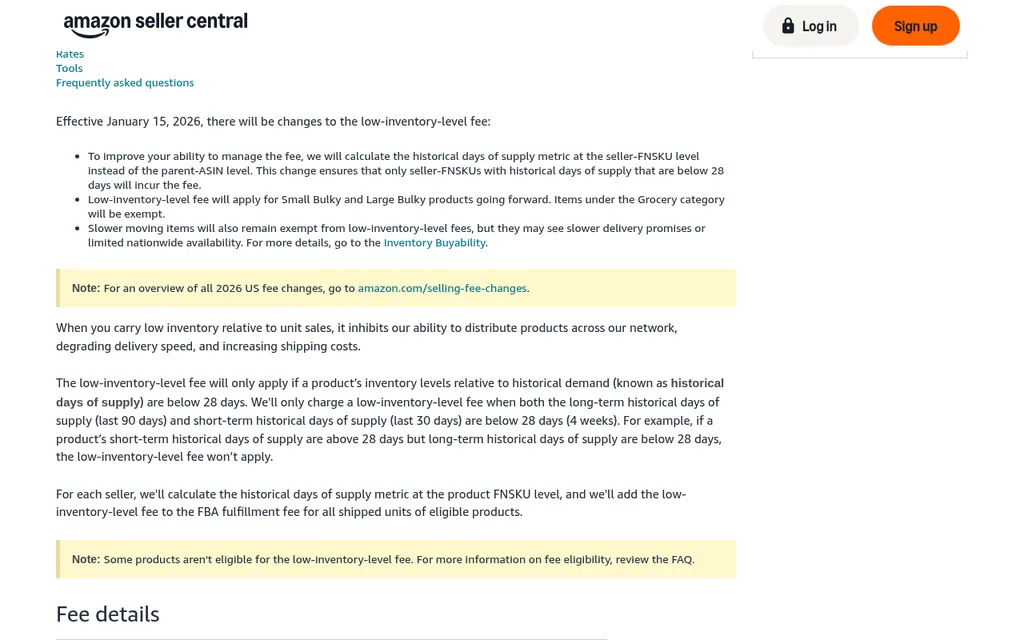
Amazon Seller Central low-inventory-level fee help page
The low-inventory-level fee is the reason a late reorder costs more on Amazon than on your own store. Amazon's fee page says the fee applies only when both your short-term historical days of supply (last 30 days) and long-term historical days of supply (last 90 days) are below 28 days. Since January 15, 2026, Amazon calculates that per seller FNSKU, and it adds the fee to the FBA fulfillment fee on every unit shipped while you're under the line. For a small standard product up to 16 ounces, the 2026 rates run from $0.32 per unit at 21 to 28 days of supply up to $0.89 per unit below 14 days.
The FBA Inventory page shows a Historical days of supply column and a Low-inventory-level fee column, so you can sort by it and see which SKUs are close to the line. The fee page lists a few exemptions, including new Professional sellers for their first 365 days, products that sold fewer than 20 units in the past 7 days, the Grocery category, and SKUs where at least 70% of inventory was auto-replenished from AWD over the prior 90 days. I'd check this column every week alongside your alerts, because it's the clearest sign that your FBA send alert is set too low.
This fee is a selling cost on Amazon, so I'd track it with your other FBA fees in your profit numbers and keep it out of your landed cost per unit. Our Amazon FBA landed cost guide and the roundup of Amazon FBA profit calculator tools explain where each cost belongs.
Step 5: Let AWD Handle The FBA Send Step
Amazon Warehousing And Distribution
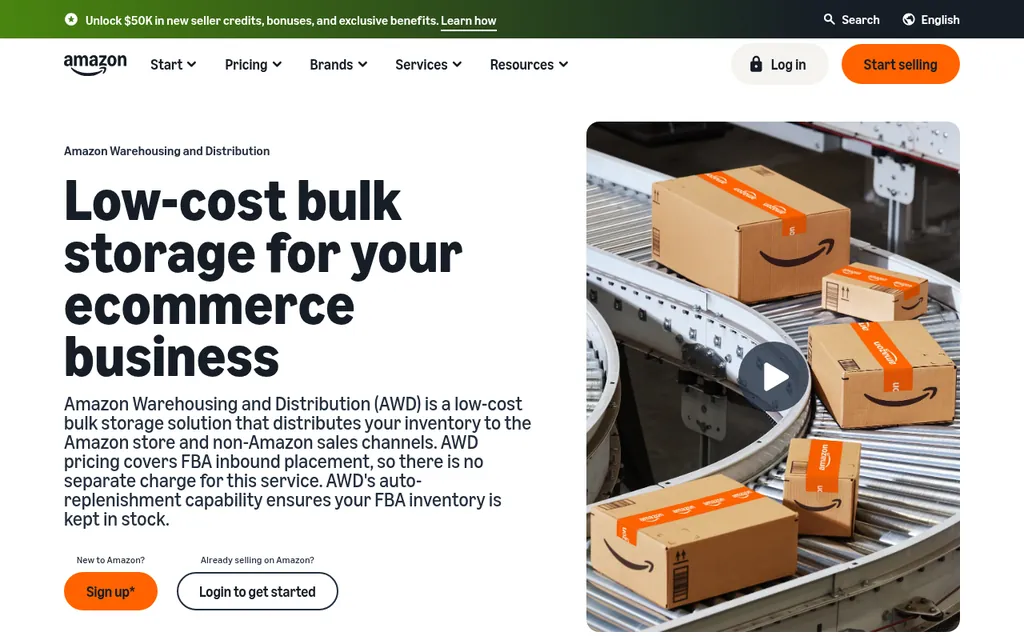
Amazon Warehousing and Distribution page
If you'd rather not create FBA shipments by hand at all, Amazon Warehousing and Distribution is Amazon's bulk storage program, and its page says AWD's auto-replenishment keeps your FBA inventory in stock by sending units from AWD into the fulfillment network when stock runs low. Amazon's AWD guide on the Sell on Amazon blog describes three settings per product: auto-replenishment with Amazon's recommended quantity, auto-replenishment with minimum and maximum FBA unit limits that you set, or manual replenishment. It also says settings can take up to 24 hours to apply, and that for an ASIN with several seller SKUs, Amazon uses the highest value set across those SKUs.
For a lot of importers, AWD replaces the FBA send alert from Step 2 entirely, and it can also count toward the low-inventory-level fee exemption mentioned above. What it doesn't do is reorder from your factory. AWD only moves stock you already sent it, so you still need the factory reorder alert in the next step, and it should count AWD stock as part of your pipeline. Our post on FOB vs EXW vs DDP for FBA sellers covers the shipping terms that decide who books the freight into AWD or your prep center.
Step 6: Build The Factory Reorder Alert In A Spreadsheet
Google Sheets Or Excel
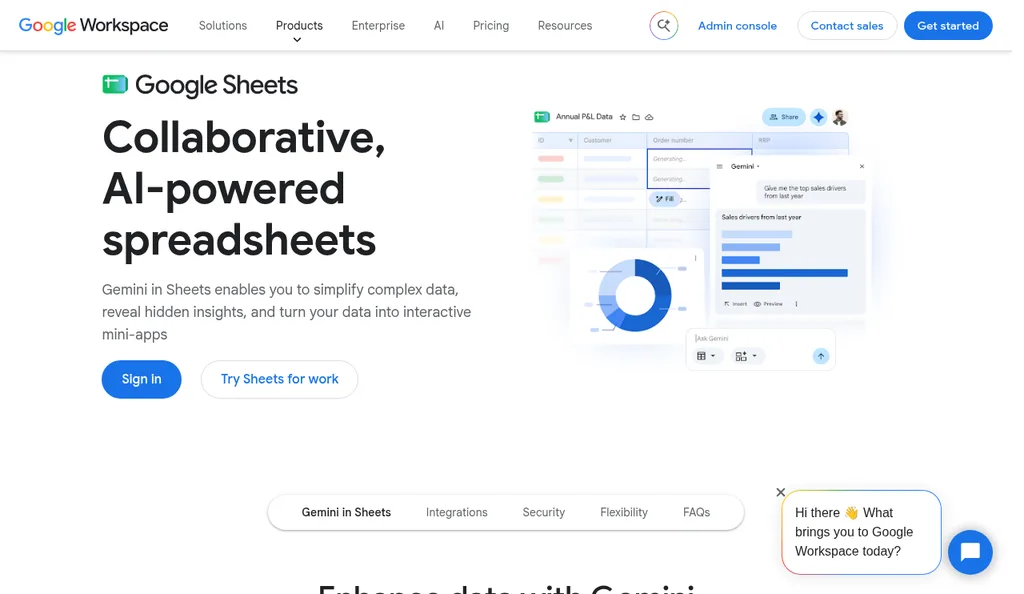
Google Sheets product page
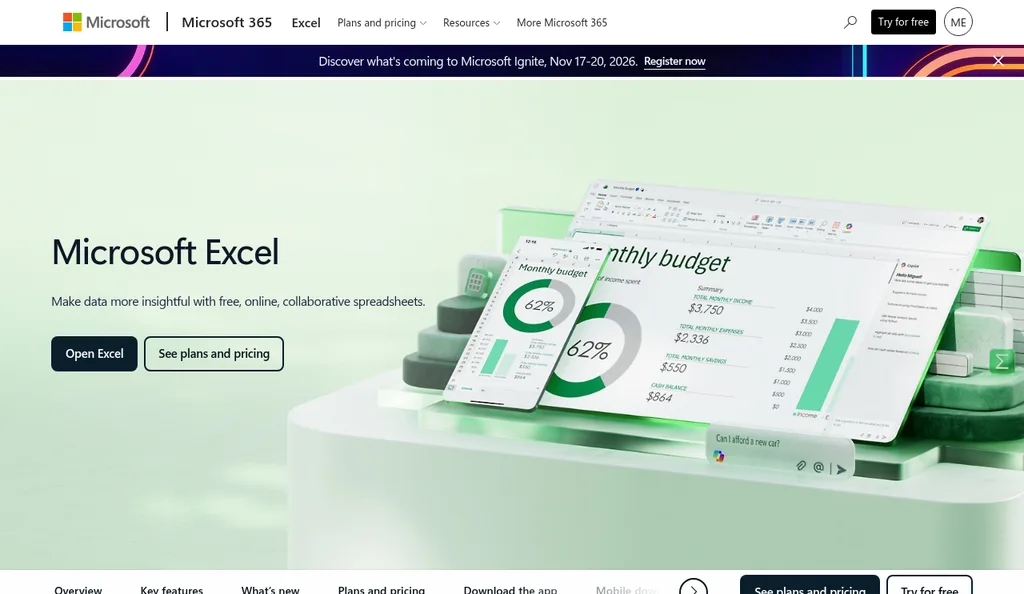
Microsoft Excel product page
Seller Central can't see your factory, so for most brands under a few hundred SKUs the factory alert lives in a spreadsheet. Google Sheets works well because a VA, a partner, and a bookkeeper can all open the same file, and Microsoft Excel does the same job if it's just you. I'd make one row per SKU with daily demand, FBA available, FBA inbound, prep center or AWD stock, units on open purchase orders, the full lead time, safety days, the reorder point, and the date the last PO went out.
Each week, download the FBA Inventory report from Seller Central and paste it into a raw tab, add your prep center or 3PL stock count, and update the open PO quantities from your purchase order list. The total pipeline is the sum of the four stock columns, and the reorder point is daily demand times lead time plus safety days. Add a conditional formatting rule that turns the row red when the total pipeline is at or below the reorder point, and sort by it so the SKUs that need a purchase order sit at the top.
You won't get an email from it, so put the Monday check on your calendar, and keep in mind it's the only version of the alert that sees the factory side. Once the reorder is triggered, size the quantity against the supplier's minimum with the MOQ calculator, write the order using our guide to creating a purchase order, and agree the deposit terms before production starts, which 30/70 payment terms with Chinese suppliers walks through.
Third-Party Tools That Send Amazon Reorder Alerts
When the spreadsheet starts eating your Monday, a dedicated Amazon inventory tool can connect to Seller Central and send the alerts for you. The two below are built specifically for Amazon sellers, and both say on their official sites that they forecast demand and help you create purchase orders. I'd ask each one during the trial how it handles stock at your prep center or AWD, since that's the part that makes the factory alert accurate.
SoStocked
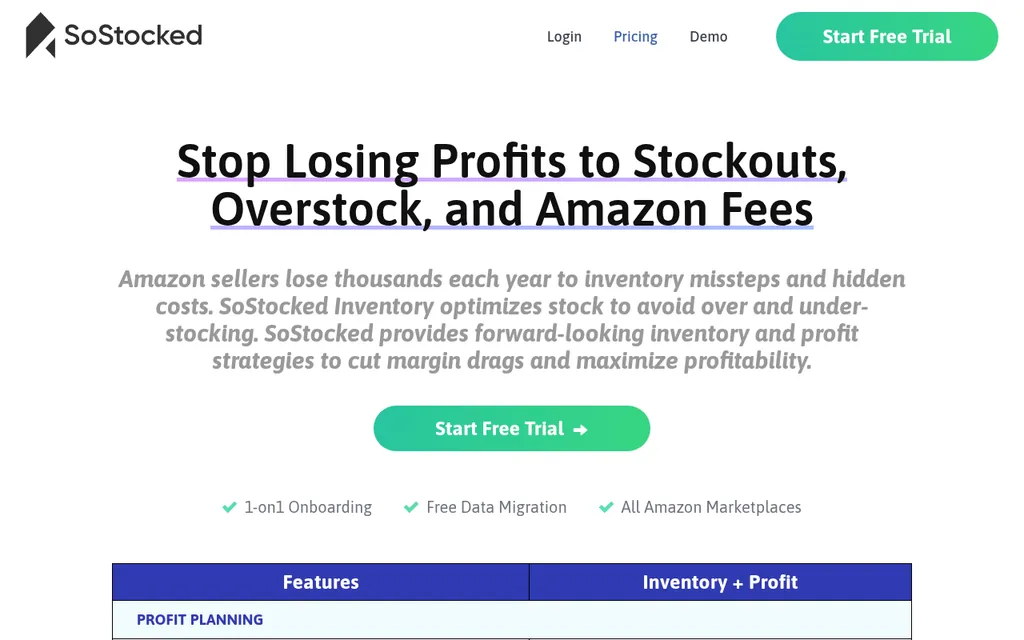
SoStocked pricing page
SoStocked is Amazon inventory management and forecasting software, and its homepage says it was designed to feel more like a spreadsheet, so you can see and adjust how the forecast is built. Its pricing page lists reorder alerts, advanced forecasting, inventory tracking, and PO creation in its inventory planning features, along with a stockout risk analyzer and fee-related dashboards. The page showed one Inventory + Profit plan starting at $175 a month, with a free trial, one-on-one onboarding, and free data migration, when I checked in October 2026.
It fits an Amazon-heavy brand that wants control over the forecast and is tired of maintaining formulas by hand. If you sell a lot on Shopify too, check how it handles non-Amazon demand before you commit.
RestockPro
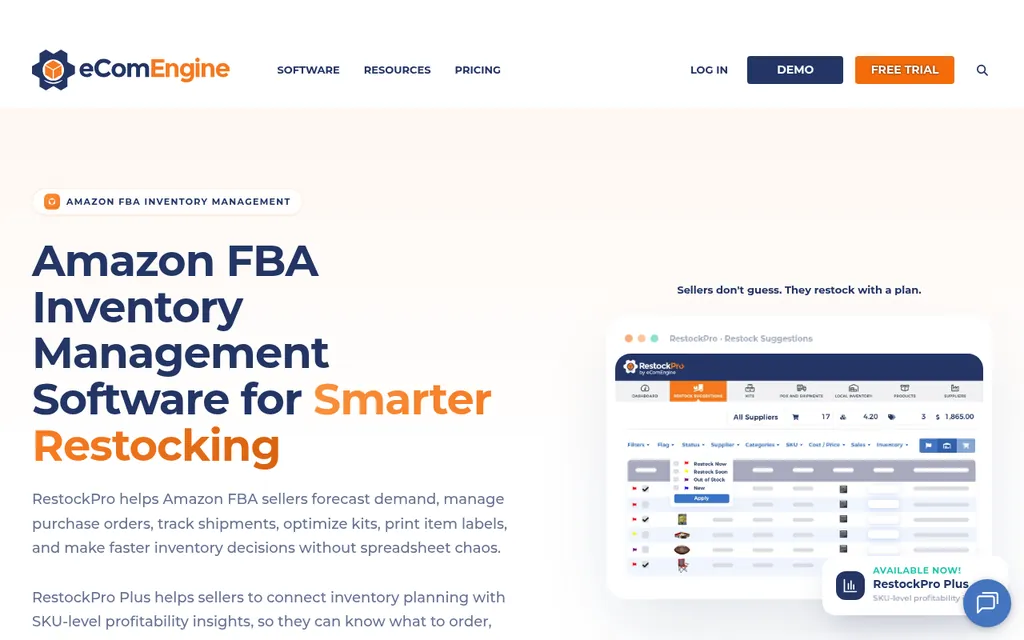
RestockPro by eComEngine page
RestockPro by eComEngine is Amazon FBA inventory software, and its page says it reviews demand, days of supply, and restock suggestions, flags at-risk SKUs, and lets you create purchase orders, manage suppliers, and track shipments. The screenshot on its page shows restock flags like Restock Now, Restock Soon, and Out of Stock, which is close to the two-alert setup in this guide. A newer RestockPro Plus tier adds SKU-level profitability, including Amazon fees.
The page listed plans starting at $49 a month with a 30-day free trial and no credit card required when I checked in October 2026. It's a reasonable step up from a spreadsheet for an FBA-first brand, and the purchase orders it creates live inside RestockPro. For more options, our Amazon FBA supply chain software roundup and ERP for Amazon FBA guide cover heavier systems.
Where SupplyAutomate Fits
SupplyAutomate Lead Time Calculator And Purchase Orders
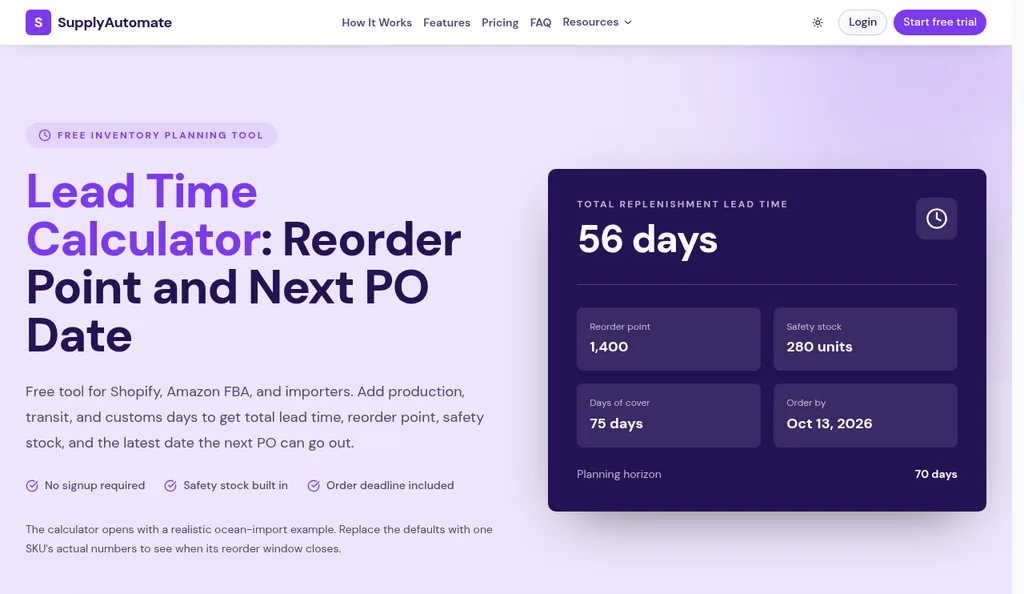
SupplyAutomate lead time calculator with its default example
SupplyAutomate won't send the alert, since it doesn't read Seller Central. Where it helps is the lead time behind both reorder points, which is the number most alerts get wrong. The free lead time calculator adds up production, transit, and customs days with a safety buffer and returns the total lead time, reorder point, safety stock, and the latest date the next PO can go out, so you can check the numbers in your sheet or in Restock Inventory.
Once you place the order, the SupplyAutomate app tracks it through production and shipping. You upload the supplier invoice, packing list, freight bill, and customs entry, they're filed on the purchase order, and parcel and ocean container tracking shows where the shipment is, so the real time from PO to arrival at your prep center is in your records for the next reorder. It also works out landed cost per unit from factory price, freight, duty, and samples, and exports to CSV or Excel for your planning sheet. The Amazon FBA ERP page shows how that fits an FBA business, plans are on pricing, and if you'd rather hand off supplier follow-up and freight entirely, our Outsourced Supply Chain Manager service runs purchase orders and shipments for you.
Frequently Asked Questions
Does Amazon Seller Central Have Reorder Alerts?
Yes. Replenishment Alerts in Seller Central email you when a listing's fulfillable quantity in FBA reaches a threshold you set, in units or weeks of cover. Restock Inventory also flags items as Low stock when their days of supply is less than the lead time in your replenishment settings. Both only see stock at Amazon, so they won't tell you when to reorder from your factory.
How Do I Set A Replenishment Alert In Seller Central?
Amazon's help page says to open Manage FBA Inventory from the Inventory menu, select the listings, choose Set Replenishment Alerts from the Apply to Selected Item(s) menu, and enter a threshold in units or weeks of cover for each SKU. If your account uses the newer FBA Inventory page and you can't find the option, search Seller Central help or ask Seller Support. Test it on one SKU first and make sure the email reaches the right person.
What Lead Time Should I Use For An Amazon Reorder Point?
For the factory reorder, use the full time from sending the purchase order to the units being available in FBA, which covers production, transit, customs, prep, and Amazon check-in. For the FBA send alert, use only the time from your prep center or 3PL to available in FBA. The worked example above shows how using the factory's production quote on its own leads to a stockout of about two weeks.
How Do I Avoid The Low-Inventory-Level Fee?
Keep your historical days of supply at or above 28 days, since the fee applies only when both the 30-day and 90-day measures fall below that line. Set your FBA send alert high enough that new shipments land with about 30 days of stock still in FBA, and watch the Historical days of supply column on the FBA Inventory page. SKUs where at least 70% of inventory was auto-replenished from AWD over the prior 90 days are exempt.
Can SupplyAutomate Send Amazon Reorder Alerts?
No. SupplyAutomate doesn't connect to Amazon, Shopify, or WooCommerce and doesn't read sales or inventory, so the alerts come from Seller Central, a spreadsheet, or a tool like SoStocked or RestockPro. It helps once the order is placed, by tracking production and shipments from the documents you upload, recording real lead times, calculating landed cost per unit, and exporting to CSV or Excel.
Starting With Your Ten Best Sellers
If I were setting this up this week, I'd pick the ten SKUs that bring in the most money and pull the dates from their last two shipments to get a real factory leg and FBA leg for each. Then I'd turn on a weeks-of-cover Replenishment Alert for those ten, fill in their Restock Inventory settings, and build the factory sheet with one row each. That's an afternoon of work, and within a month you'll know whether the alerts fire when you expect them to.
Once that works, add the rest of the catalog and make the Monday sheet check a habit. If the sheet starts taking longer than the reorders themselves, that's the point where SoStocked, RestockPro, or AWD earns its fee, and by then you'll know exactly which part you want automated. Our guide to partial shipments and late shipment alerts are good next reads if the factory side is where your lead times keep slipping.
Related Guides
- Reorder Point Formula For Importers (When To Buy)
- How To Calculate Safety Stock (Formula + Excel)
- Best Amazon FBA Supply Chain Software
- Purchase Order Management For Amazon FBA Sellers (2026)
- How To Turn Shopify Reorder Points Into Purchase Orders
- Best Lead Time Calculator Tools For 2026 (Ranked)
- ERP For Amazon FBA: How It Works And Top Tools
- How To Calculate Amazon FBA Landed Cost: Inbound Plus Fee Stack
- How To Add Amazon FBA Shipment Costs To Landed Cost
- Best MOQ Calculator Tools For Ecommerce Sellers
- How To Create A Purchase Order For FBA And Shopify Imports
- Can Supplier Management Software Flag Late Shipments Early?