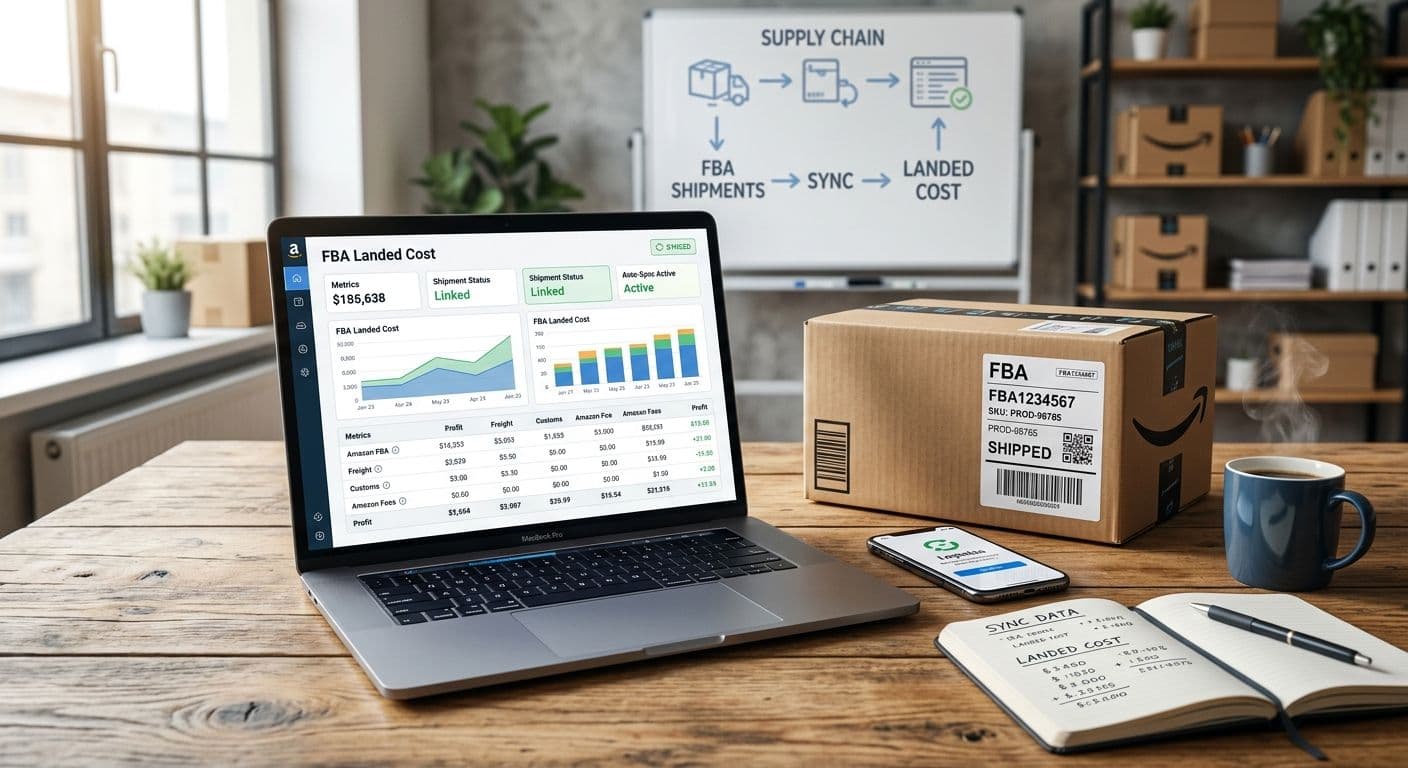
The FBA inbound shows received in Seller Central. The commercial invoice is still in email. The freight bill arrived as a PDF from the forwarder. Duty came through on a separate broker statement. Until those pieces land in one place and get allocated to units, the cost field you sell against is still the factory line, and your margin report is guessing.
I ran that scramble every time a container cleared while we were building a $3M ARR Amazon FBA and Shopify brand. What you usually want is unit economics that update after each shipment without retyping every freight and duty line. This guide is the honest map of how that actually works in practice: Seller Central reports plus a spreadsheet, inventory tools that take cost as an input, and a document-upload workflow that calculates landed cost from the PDFs you already have. For the arithmetic itself, start with how to calculate Amazon FBA landed cost and landed cost for Amazon FBA.
One clear product note up front: SupplyAutomate does not connect to Amazon SP-API, Seller Central, Shopify, or WooCommerce. It does not pull shipment plans, sync sales or orders, or push unit cost into marketplace pricing. What it does is let you upload supplier invoices, packing lists, freight bills, and customs entries, allocate those costs across SKUs, calculate landed cost from factory price, freight, duty, and samples, then export CSV or Excel for your own sheets and tools.
TL;DR
- Gather the shipment document stack (commercial invoice, packing list, freight bill, customs entry, sample invoices) and match SKUs to the FBA inbound before you allocate costs.
- Build per-SKU landed cost with a spreadsheet, an inventory tool that accepts cost as an input, or a document-upload calculator. Either way, you enter or import the finished per-unit cost yourself.
- Allocate freight and duty with one consistent method (units, weight, or value) on mixed shipments, then export clean rows for accounting and pricing sheets.
- SupplyAutomate helps on the document, allocation, and export side only. It does not sync Amazon shipment plans or marketplace pricing.
Ways To Get Shipment Costs Into Landed Cost
The goal is getting shipment costs into per-SKU unit cost without starting from a blank sheet every inbound. Any path that turns invoice, freight, and duty into a number you can paste into a cost field, a planner, or a margin model will do the job. That can be:
- Downloading Amazon shipment and inventory reports, then joining them to factory and freight rows in a spreadsheet
- Typing or importing finished unit cost into an inventory or planning tool that treats cost as an input
- Uploading the same shipment PDFs into a landed cost tool and exporting CSV or Excel
- Hand-entering the final per-unit number into Seller Central, Shopify, WooCommerce, or your books after the math is done
Every one of those paths still depends on matching SKUs across the commercial invoice and the FBA ASN, and on choosing how freight splits on a mixed container. A tool that posts the wrong allocation still leaves you with a mess. What you want is fewer keystrokes and a clear audit trail you can check against Seller Central yourself.
What Belongs In Importer Landed Cost
For importers here, landed cost means factory price plus freight plus duty plus samples, allocated to units. Amazon FBA fulfillment fees, storage, ads, returns, and other marketplace fees belong in a separate margin model. The importer definition is spelled out in landed cost for Amazon FBA and landed cost vs COGS.
Keep the buckets separable on every shipment. Factory goods usually live on the commercial invoice. Ocean or air freight lives on the forwarder bill. Duty and taxes live on the customs entry or broker statement. Samples often arrive on a separate invoice weeks earlier. If you dump everything into one COGS line, the next replenishment cannot tell you which SKU actually got more expensive.
Incoterms change which lines you expect on which PDF. An FOB quote leaves ocean and US duty on your side. DDP may bury freight and duty inside the seller total. If you are comparing supplier quotes before the booking, FOB vs EXW vs DDP for FBA sellers keeps the comparison honest.
Option 1: Amazon Reports Plus A Spreadsheet
This is still the default for many FBA sellers, and it works when volume is manageable and one person owns the sheet. After the inbound receives, pull the shipment and inventory views you already use in Seller Central so you know which SKUs and quantities landed. Then line up the commercial invoice quantities against those received units.
Build one row per SKU with factory extended cost, then add allocated freight, allocated duty, and any sample spend that belongs to the PO. Divide by received units to get landed cost per unit. Lock the allocation method for the shipment so the next person uses the same method from start to finish. Landed cost spreadsheet vs software and the free landed cost calculator help when you want a template before you invent columns.
Spreadsheets break when freight PDFs sit in three inboxes, SKU codes on the invoice do not match FNSKUs or seller SKUs, or two people edit formulas on the same file. Fix filing with how to organize supplier invoices before you buy another tool. For duty math on China imports, pair the freight sheet with how to calculate import duty from China.
Option 2: Inventory Tools That Take Cost As An Input
Some sellers already live in inventory or planning software and only need a clean cost number to paste or import. Cin7 is built for inventory and order management; landed cost is typically something you configure or enter per receipt. Inventory Planner focuses on demand forecasting and reorder timing, so unit cost is usually an input you still calculate elsewhere and feed in.
Those tools are a good fit when purchasing, stock, and replenishment already run there, and you are willing to own the landed cost math upstream. Treat them as consumers of a finished cost, and keep the document stack and allocation method documented so the next shipment uses the same rules.
If you are mapping which systems belong in purchasing and documents versus marketplace ops, the Amazon FBA ERP page and Amazon FBA supply chain software are useful category guides. Use them to see where each layer sits alongside your Amazon reports, your freight forwarder, and your books.
Option 3: Upload Documents And Calculate Landed Cost
When the bottleneck is the PDF pile, a document-first workflow is often faster than another inventory login. You collect the commercial invoice, packing list, freight bill, and customs entry against the same PO or shipment, match line items to SKUs, allocate shared costs, and export per-SKU landed cost. That is the path SupplyAutomate is built for, and it mirrors what careful sellers already do by hand.
Invoice intake and matching still matter before the calculator runs. Invoice processing software, invoice matching software for ecommerce sellers, and reconcile a supplier invoice to a purchase order cover the approve-against-PO step. Once the numbers are trusted, getting supplier invoices into QuickBooks Online explains how clean export rows move into accounting without pretending one tool owns both layers.
Step 1: Gather The Shipment Document Stack
Start with every PDF that belongs to the inbound: commercial invoice, packing list, freight invoice, customs entry or broker statement, and any sample invoices tied to the PO. Name files with the PO or shipment ID so freight and duty still match the goods weeks later. If a document is missing, treat the landed cost as incomplete until it arrives.
Track the physical move separately from the cost math. Parcel and ocean tracking tell you where the cargo is, and the freight bill tells you what moving it cost. When you need a rough freight sanity check before the final invoice, the freight cost estimator gives you a planning number until the carrier PDF arrives.
Step 2: Match SKUs Across Invoice And FBA Inbound
Supplier SKUs, barcode labels, and Amazon seller SKUs often disagree on the same carton. Resolve that mapping before you allocate freight. If the invoice says one code and the FBA shipment uses another, freight assigned by SKU will land on the wrong row or drop to blank.
Use the packing list quantities as the bridge when cartons mix SKUs. Confirm received units in Seller Central against what you expected to pay for on the commercial invoice. Quantity mismatches belong in the PO conversation first, then in the cost sheet. A wrong unit count will distort every allocation method you try next.
Step 3: Allocate Freight And Duty Consistently
Pick one method for the shipment and stick to it: by unit count, by weight or volume, or by factory value. Mixed containers need an explicit rule because a heavy inexpensive SKU and a light expensive SKU will get very different freight shares depending on the method. Walk through the split with allocate freight cost across multiple SKUs and ecommerce landed cost calculator.
Duty often follows the customs line values more closely than carton weight. Keep duty allocation tied to the entry lines when the broker statement supports it. Samples go to the SKUs they supported, or spread across the PO if they were shared development spend. Keep Amazon fulfillment and ad costs in your margin model, outside this importer total.
Step 4: Calculate Per-SKU Landed Cost And Export
For each SKU, add allocated factory cost, freight, duty, and samples, then divide by the units you will cost (usually received units for that inbound). Spot-check two SKUs against a hand calculator before you trust the whole sheet. The free landed cost calculator and how to calculate landed cost are useful when someone new joins the process.
Export CSV or Excel with SKU, quantity, factory, freight, duty, samples, and landed cost per unit. That file is what you paste into a planner, a margin model, or an accounting import. Keep the source PDFs with the same PO memo so you can defend the number in a pricing review months later.
Where SupplyAutomate Fits
SupplyAutomate sits on the document and calculation side of this job. You upload supplier invoices, packing lists, freight bills, and customs entries, track parcels and ocean containers, allocate costs across SKUs, and calculate landed cost from factory price, freight, duty, and samples. Then you export CSV or Excel for the tools you already use.
That is the honest scope. SupplyAutomate does not connect to Amazon SP-API, Seller Central OAuth, Shopify, WooCommerce, QuickBooks, or Xero. It does not sync sales or orders, does not pull FBA shipment plans on a trigger, and does not push unit cost into Amazon or Shopify pricing. If you need a live marketplace connector, choose inventory or ERP software built for that layer, and use category pages like Amazon FBA ERP only as a map of where purchasing and documents sit relative to marketplace ops.
If document intake plus clean landed cost export is what you need, check pricing. If you want a person chasing suppliers, freight, and the document stack while you stay on product and ads, use the Outsourced Supply Chain Manager option.
A Simple Routine After Each FBA Inbound
Use this as a checklist when a shipment receives, then keep the same PO or shipment ID on every related PDF and export row. The goal is a repeatable handoff that anyone on the team can rebuild next month.
- Collect commercial invoice, packing list, freight bill, customs entry, and sample invoices into one folder keyed to the PO.
- Match invoice SKUs and quantities to the FBA inbound received units. Flag mismatches before allocation.
- Choose the allocation method for freight and duty and apply it once across every SKU on the shipment.
- Calculate landed cost per unit and export CSV or Excel for your planner, books, or pricing sheet.
- File the export next to the PDFs so the next replenishment can reuse the same method.
When step one fails, fix organization before you buy software. When step two fails, fix SKU mapping before you trust any total. When step three fails, the allocation guides matter more than another dashboard. When step four is the grind, a document-upload calculator or a tighter spreadsheet template pays for itself.
Frequently Asked Questions
Can SupplyAutomate Pull In My Amazon FBA Shipments?
No. SupplyAutomate does not connect to Amazon SP-API or Seller Central, and it does not pull shipment plans on a trigger. You upload the shipment documents, calculate landed cost from those documents, and export the results yourself.
Can Amazon Seller Central Calculate My Landed Cost?
Seller Central shows shipment and inventory activity. Turning your factory invoice, freight bill, and duty into importer landed cost per SKU happens in your own documents or tools, and you bring the result back as a finished cost.
Is Cin7 Or Inventory Planner Enough For FBA Landed Cost?
Cin7 can store and manage inventory cost once you enter or configure it. Inventory Planner mainly needs cost as an input for planning. With either one, you still gather the invoice, freight, and duty documents and choose an allocation method for a mixed inbound.
Should Landed Cost Include Amazon FBA Fees?
In the importer definition used here, landed cost for the inbound covers factory price, freight, duty, and samples. FBA fulfillment, storage, ads, and returns belong in a separate margin view so replenishment cost stays comparable across shipments.
How Do I Allocate Freight On A Mixed SKU Container?
Pick units, weight or volume, or factory value, apply that method to every SKU on the shipment, and document the choice on the export. Switching methods mid-shipment is how two people get two different unit costs from the same PDFs. See allocate freight cost across multiple SKUs.
What Do I Export After The Math Is Done?
Export a row per SKU with the cost buckets and the final landed cost per unit. Use that file in your accounting import, planner, or pricing sheet. Keep the PDFs with the same PO reference so you can audit the number later.
Do I Need An ERP To Tie Shipments To Landed Cost?
For a focused import catalog, a disciplined spreadsheet or a document-upload calculator usually covers the FBA inbound cost work. An ERP starts to matter when purchasing, multi-warehouse inventory, and accounting need one shared system. Use category maps like Amazon FBA supply chain software when you are comparing layers of software for purchasing, inventory, and accounting.
Related Guides
- How To Calculate Amazon FBA Landed Cost
- Landed Cost For Amazon FBA
- How To Calculate Landed Cost
- Ecommerce Landed Cost Calculator
- Allocate Freight Cost Across Multiple SKUs
- Landed Cost Spreadsheet Vs Software
- How To Calculate Import Duty From China
- FOB Vs EXW Vs DDP For FBA Sellers
- How To Organize Supplier Invoices
- Reconcile A Supplier Invoice To A Purchase Order
- How To Get Supplier Invoices Into QuickBooks Online
- Amazon FBA Supply Chain Software
- Landed Cost Vs COGS
- Invoice Processing Software