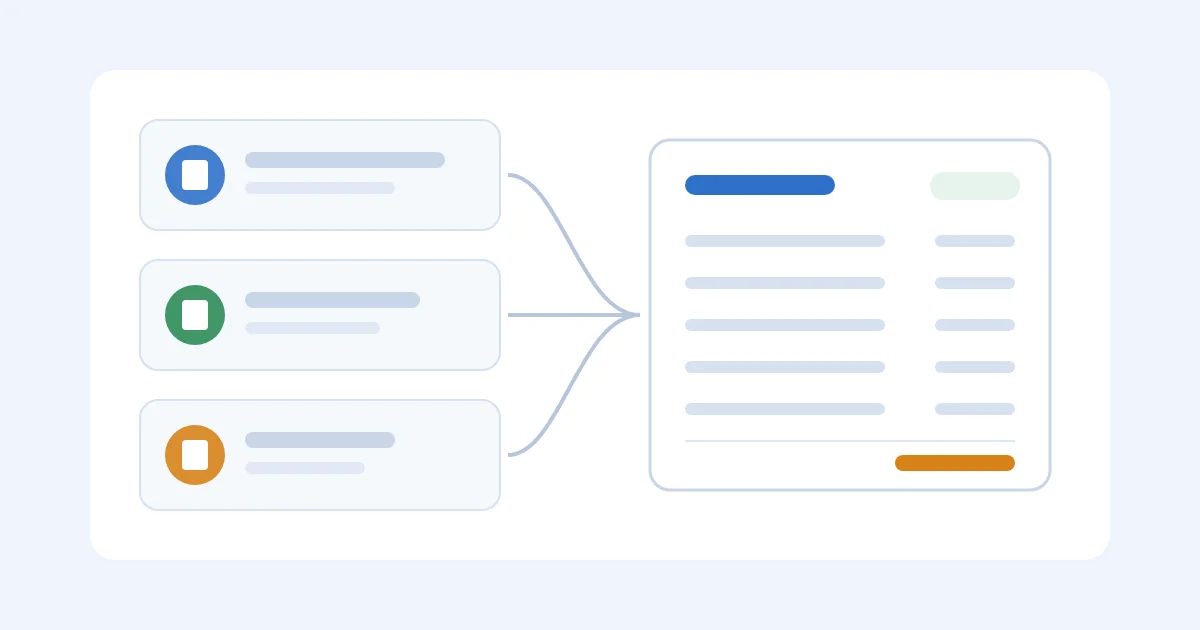
Supplier invoices arrive as PDFs, WeChat forwards, portal downloads, and a "final-final2" that is not final. Folders by vendor feel organized, but they fail the question that matters for Amazon FBA and Shopify importers: which files belong to this PO, and which charge already hit the SKU. Use this as the filing guide so the commercial invoice, freight bill, and revision all land on the same order.
Start from a consistent PO number with the free purchase order template, then name and link every PDF on intake. Invoice processing software is capture (reading the PDF). AP automation is pay. What landed cost is is why the file has to reach the unit.
Stay here for names, statuses, and the one intake inbox. If you are tracking the dollars rather than the PDFs, use shipping and manufacturing costs and product costs across the supply chain.
If Someone Still Searches Downloads For The PO
You import, and several people can approve or pay. A deposit, a commercial invoice, a freight bill, and a revised total show up on different days, and someone still searches Downloads for PO-1048.
Skip a system if one person still has every current PDF and can find the latest version in a minute. A naming rule is enough until the second person starts paying the pro forma.
Organize Around The Transaction, Not The Folder
A supplier folder answers "who sent this."
It does not answer "which invoices sit on PO-1048" or "which file supports this $9.06."
Every invoice record needs:
- Supplier name
- Their invoice number
- Your PO number
- Invoice date
- Currency
- Total
- Status (received, approved, paid, disputed, superseded)
- Shipment or container reference when you have one
- The file itself
For imports, also mark what the document is: product only, deposit, balance, packaging or tooling, freight the supplier billed.
That tag is how you avoid booking the same $6,240 twice.
Name The File So You Do Not Open It
Pick one pattern.
Keep it.
supplier_po-number_doctype-number_yyyy-mm-dd_amount.pdfExample:
shenzhen-apex_po-1048_inv-88321_2026-04-15_12480usd.pdfThe exact punctuation matters less than doing it on intake.
Rename on arrival.
"We will tidy these on Friday" is how invoice-new-final-final2.pdf survives.
Categories that belong in the name or a tag: pro forma, deposit, commercial invoice, tooling, packaging, supplier freight, credit note, revised invoice.
Without that, finance treats a PI and a commercial as two bills.
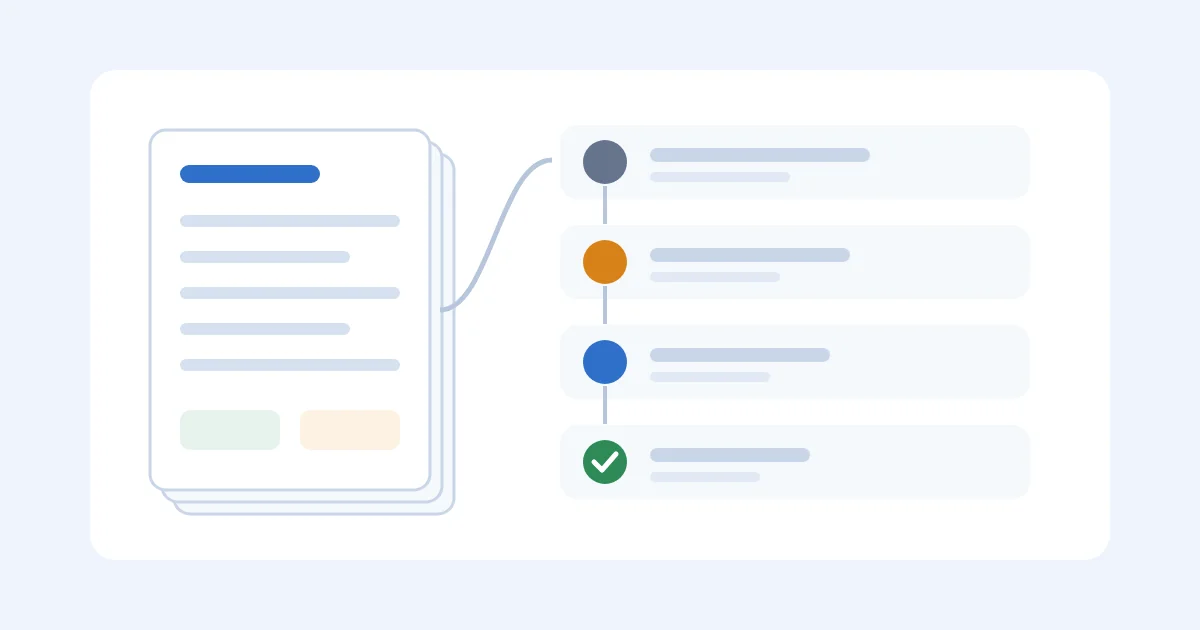
One Intake, Then Link, Then Reconcile
- One inbox or one upload. Not four personal inboxes.
- Name or tag immediately.
- Link to the PO. If the supplier omitted it, add it yourself. An invoice with no PO is a bill you will misallocate.
- Status. Received, approved, paid, disputed, superseded. Superseded is how a revision stops getting paid.
- Reconcile lines to the order, the packing list, and the charges you already booked.
Creating a purchase order is what the invoice has to match.
What Net 30 means is why the due date and the sellable date are different clocks.
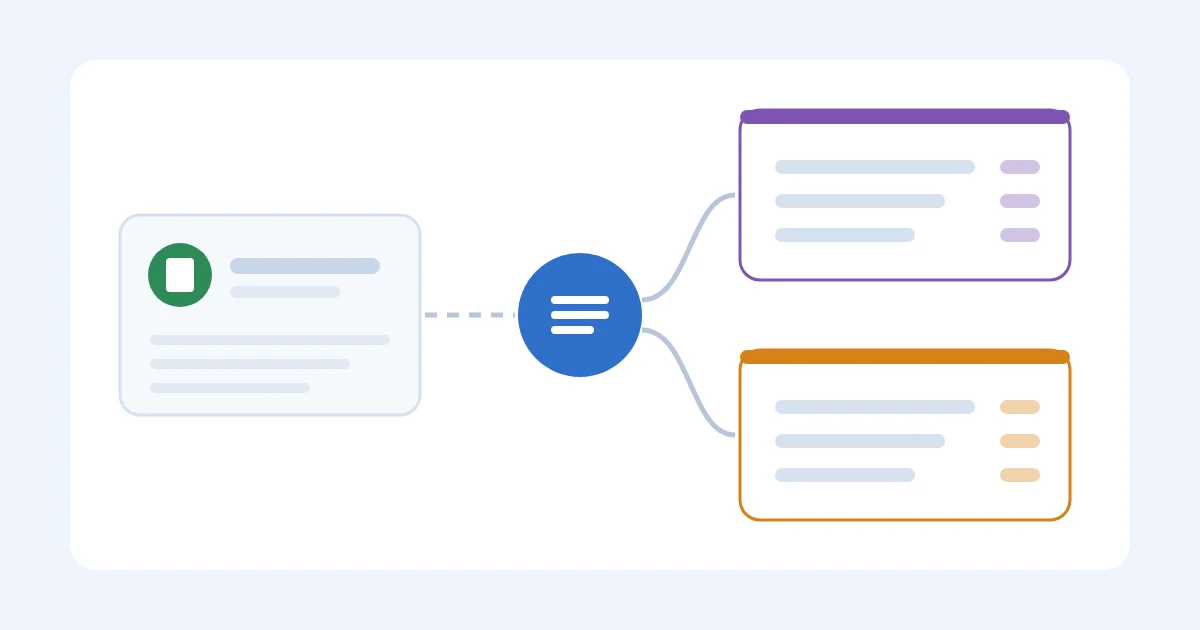
PO-1048: Three Files, One Cost Stack
The team receives:
shenzhen-apex_po-1048_pi-22014_2026-04-02_6240usd.pdf
shenzhen-apex_po-1048_inv-22014b_2026-04-19_6240usd.pdf
shenzhen-apex_po-1048_freight-8891_2026-04-28_1180usd.pdf
Loose in a vendor folder, those look like three bills.
Pay the pro forma and the commercial and you book $12,480 of product against a $6,240 deal.
The b on the commercial is the revision.
The PI was for approval, not a second payment.
The freight file is the same PO's inbound stack, not a mystery "shipping" expense.
Product $6,240 + freight $1,180 is what landed-cost has to see.
Split across the sellable units on that PO, not dumped into a catch-all freight account three weeks later.
That is the same miss as typing a factory total and calling it processed: the invoice processing worked example ends at $9.06 only when every file sits on the order.
Mistakes That Keep The Folder Honest And The Cost Wrong
Vendor folders only. Easy to browse.
Hard to rebuild a shipment.
No revision mark. invoice-new-final-final2.pdf is already a failed system.
Storage in one place, cost in another. The PDF in Drive and the number in the sheet will drift.
Landed-cost projects die here more often than they die on the formula.
No timeline. Deposit, balance, freight, and duty arrive on different days.
If they are not linked, nobody has a total.
Landed cost spreadsheet vs software is when that handoff stops fitting a tab.
Folders Are Fine Until They Are Not
A sheet plus a shared drive holds while one person pays, you have a handful of suppliers, and every file has a PO in the name.
It breaks when several people approve, documents have to support u on the SKU, or finance and operations need the same current version.
Then the file has to live on the purchase order next to the shipment.
SupplyAutomate is built for that: upload the invoice and the freight bill, match them to the PO, see the unit cost.
It will not invent a PO number you never typed.
Start with PO-1048's three files, not a catalog import.
Keep the templates until the software has earned the right to replace the naming rule.
A Short Close-Out
Before you call an invoice done:
- Named so a second person knows the PO and the type
- Linked to the right supplier and PO
- Status current, including superseded
- Latest version, not the PI you already converted
- Reflected in the cost record, not only archived
Stored is not organized.
Organized means you can find the file, trust it, and put it on the unit the same day.
FAQ
How Should I Name Supplier Invoice Files?
Supplier, PO, document type and their number, date, amount, currency.
Same pattern every time.
Rename on intake.
What If The Supplier Omits The PO Number?
Add it internally before anyone approves.
An unmatched PDF is how a deposit and a commercial invoice both get paid.
Do I Need Software To Organize Supplier Invoices?
Not while one person can find the current file and the names stay honest.
You need a shared record when revisions, freight bills, and a second approver show up.
Capture tools help you type less.
They do not replace the PO link.
How Does This Relate To Landed Cost?
Every inbound bill has to sit on the same PO as the units.
If the freight PDF lives in Downloads, u stays at the factory price.
Use the landed cost calculator on one shipment after the files are linked.
One open PO should have one current PI, one commercial, one freight bill, and a clear mark on anything superseded.
Rename the files, add the amounts once, and the next person can rebuild the unit cost.
Typing the PDF is invoice processing.
Getting the file onto the order is the filing job this page started with.
SupplyAutomate is built for that PO.