The factory invoice lands as a PDF on a Tuesday. Someone pays it on Net 30 from the email thread, marks the bill done, and moves on. Three weeks later the freight bill shows up, duty and brokerage follow, and thirty units fail inspection at receiving. The listing was priced on a unit cost that never included those lines, so the margin report looks fine until ads and storage sit on top of it.
Vendors will happily sell you "accounts payable automation" as if Medius, Tipalti, BILL, an ERP connector, and a supply-chain tool were the same product. For an Amazon FBA or Shopify importer, they are not. Medius-class suites are built to capture, match, approve, and pay bills. An importer also needs that bill to belong to the purchase order, the container, and the SKU that has to carry freight and duty.
This guide maps what AP automation actually covers for an importing brand, when email and a spreadsheet stop holding, and which category to trial first. If you only need to read a PDF into fields, start with invoice processing software. That page is about capture and OCR. Stay here for invoice-to-pay (approvals, matching, payments) plus the importer gap those suites leave open.
TL;DR
- AP automation is invoice-to-pay: capture, match, approve, pay, and leave an audit trail in accounting.
- Importers also need the factory invoice, freight, and duty attached to the same purchase and SKU, which classic AP often skips.
- Trial tools against your own PO, a revised commercial invoice, and a late freight bill, not against a vendor demo.
- Six categories cover most buys: mid-market AP (Medius and peers), global mass-pay (Tipalti), SMB bill pay (BILL), approval layers (ApprovalMax), capture/OCR, and importer purchase context (SupplyAutomate).
- Growing importers often need two systems: bill pay for release and payment, plus a supply-chain record for the PO and landed cost.
Who This Guide Is For
You import finished goods for Amazon FBA, Shopify, or both, and maybe WooCommerce on the side. You pay factories, freight forwarders, and brokers on different clocks, and you have already noticed that "the invoice is paid" can still leave you guessing whether the SKU is profitable.
Skip a mid-market AP suite if you do not have a finance team, an ERP, or a pile of non-PO invoices that need routing. Those tools solve a real problem for controllers. It is rarely the first problem a growing importer has. If your daily pain is still "what moved?" and "what did it really cost?", keep reading for the purchase side of the stack.
What AP Automation Means For Importers
Accounts payable automation is invoice-to-pay: capture the bill, match it, route approval, pay it, and leave an audit trail in accounting. For a mid-market finance team, the objects are the vendor, the invoice, the approval chain, and the payment. That is a clean job when the invoice is the whole story.
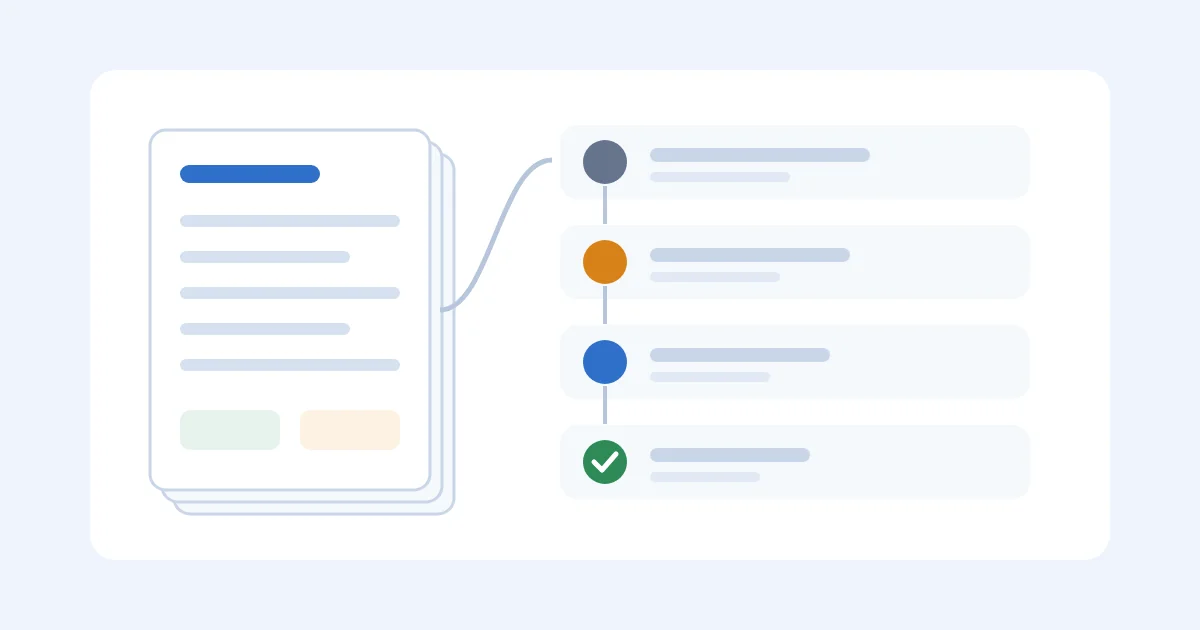
For an importing e-commerce brand, the invoice is one document in a longer record. The PO said 2,000 units at $6.40. The commercial invoice may say something else. The freight bill arrives three weeks later. Duty and brokerage land after that. FBA receiving or Shopify available qty may not match the packing list. Paying the factory on Net 30 does not by itself tell you what the goods cost or when they become sellable, so an AP suite can close the bill and still leave margin wrong.
Invoice processing is the capture slice: OCR, email inbox, field extraction. See that comparison if the pain is typing PDFs. AP automation is the control slice: match, approve, pay. Supply-chain software is the purchase slice: PO, shipment, landed cost. Importers often need the third before they need a polished second. For the wider map, see supplier management software and best supply chain management software.
When Email And The Spreadsheet Stop Working
A shared inbox and a bill-pay spreadsheet are the right first system. They are cheap, honest about what you do not know yet, and they hold while one person pays the bills, you have a handful of suppliers, invoices match the PO, and freight is predictable. The day a revised commercial invoice shares a number with the one you already paid, you are already late.
The usual collapse is quieter than a missed ACH. The factory invoice is a PDF in email. The PO lives in a sheet, or in WeChat. The freight invoice arrives after the bill was already paid. Someone approves from their phone without opening the packing list. The next reorder is priced on the factory quote instead of the landed cost. That is a record problem. Organizing supplier invoices is the filing version. Stay here for the systems version: which tool owns the bill, and which tool owns the purchase behind it.
Keep the templates until a system has earned the right to replace them. A neglected AP app is worse than a dated sheet everyone still opens.
The Bill Was Paid. The SKU Was Wrong.
A Shopify + FBA seller reorders 2,000 units of a $6.40 factory SKU. The commercial invoice is $12,800. They pay it on Net 30 from the email PDF and AP is "done." Three weeks later the rest of the purchase shows up:
| Line | Amount |
|---|---|
| Factory invoice (already paid) | $12,800 |
| Ocean freight (revised after booking) | $3,050, not the $2,200 in the sheet |
| Duty and brokerage | $1,140 |
| Trucking + FBA inbound prep | $860 |
| Sellable units received | 1,970 (30 units failed inspection) |
Landed cost on the number they used to price the listing:
- ($12,800 + $2,200) / 2,000 = $7.50
Landed cost after the documents are complete:
- ($12,800 + $3,050 + $1,140 + $860) / 1,970 = $9.06
The AP tool did its job. The invoice was captured, approved, and paid. Nobody allocated freight and duty, and nobody reduced the unit count. If contribution after ads was planned on $7.50, every unit is $1.56 light. On a 2,000-unit cadence that is about $3,120 of missing cost per order.
Run the same shipment through the landed cost calculator. If you cannot reconstruct the $9.06 from the documents you already have, the AP tool never connected to the purchase. You have bill pay with better screenshots.
What A Real AP Product Has To Cover
Score invoice-to-pay first, then add the checks an importer actually loses money on.
Capture
Invoices have to enter from email, a PDF upload, or a supplier portal. Extraction helps, and a human still has to confirm vendor, currency, invoice number, and which PO the bill belongs to. Duplicate and revised invoices are the usual failure, not the clean demo PDF.
PO Match
Two-way match (invoice vs PO) is the minimum. Three-way match (invoice, PO, and receipt) is better when you actually receive against the order. The match is only as good as the purchase order. If the PO is an email, the AP tool is matching against air.
Approvals
Someone who did not enter the bill has to release payment. Amount thresholds, vendor rules, and a pause when price or quantity differs from the PO are the useful parts. A Slack "looks fine" does not leave an approval trail your auditor will trust.
Payments
ACH, wires, cards, or the rails your factories actually take. Payment status has to write back to the invoice and to accounting. Paying from a separate bank portal and typing "paid" in a sheet is how duplicates happen.
Multi-Currency
Factory invoices, freight, and duty often arrive in different currencies. You need the invoice currency, the payment currency, and a rate you can explain at month-end, with no silent conversion buried in a journal.
Audit
Who captured, changed, approved, and paid. The original file stays attached. If a bank detail changes, that should be louder than a line-item edit.
The Importer Extras AP Suites Often Skip
Freight, duty, and brokerage have to attach to the same purchase as the factory invoice. Shared charges allocate to SKUs, and estimates get replaced when the actual bill arrives. A short or failed inspection changes the unit cost, not just the inventory count. Net 30 should be visible against the date goods become sellable, not only against the invoice date. Those extras are why supplier management software and supply chain management software sit next to AP rather than inside it. For the QuickBooks posting habit that follows allocation, see landed cost in QuickBooks.
How To Score A Trial
Do not buy from a ranked list. Take two or three products and run the same factory invoice, the same freight invoice, the same PO, and one bill that did not match. Use 0-5 and write down what you saw, including the awkward exception path the deck skipped.
| Criterion | Weight | What "5" looks like | What "1" looks like |
|---|---|---|---|
| Capture and duplicates | 15% | Email/PDF in; revised invoices are obvious | Someone still types the header |
| PO match | 20% | Price/qty exceptions stop payment | Match is a checkbox on a header total |
| Approvals | 15% | Separation of duties, amount rules, an audit trail | One person enters and pays |
| Payments and reconciliation | 15% | Payment status writes back to the bill and the ledger | Paid in the bank, pending in the tool |
| Multi-currency | 10% | Invoice currency, payment currency, and a rate you can explain | Everything forced to USD |
| Audit / vendor controls | 10% | Bank-detail changes and duplicates are loud | Files live in Drive with hopeful names |
| Importer cost context | 10% | Freight and duty land on the same purchase / SKU | Factory invoice only |
| Time to value | 5% | A three-person team can run it this month | You need a consultant to create a vendor |
Weighted score = sum(score × weight). A 4.4 on an enterprise AP suite and a 4.0 on an importer tool are not comparable if you cannot implement the 4.4. That last row exists so a nine-month ERP project loses to something you can run next week. Two people should score independently. If you disagree on "PO match," you did not run the same invoice.
Six Categories To Consider
These are category judgments from how the products are sold and used, not a lab test of every AP vendor. Pricing is omitted on purpose; ask for it against your invoice volume, entities, and payment rails. If a vendor will not show the workflow with your documents, treat the claim as unproven.
SupplyAutomate is on this list as the adjacent system for importer context. It is built for the purchase behind the invoice, so ranking it #1 for classic invoice-to-pay would confuse the category.
Mid-Market AP Suites (Medius And Peers)
This is what most "AP automation vendors" searches mean. Medius and peers treat the invoice as the object: extract it, store the original, match lines, route exceptions, pay, and keep the ERP in sync. If you have several entities and a controller who will not accept a sidecar spreadsheet as the AP record, start here.
This is more system than a three-person import brand needs. Setup still requires clean vendors, clear approval rules, and an ERP plan. AI extraction will not fix a chart of accounts nobody owns. Product-level landed cost for a mixed container is not why these suites exist unless you build it yourself.
Global Supplier Payments (Tipalti)
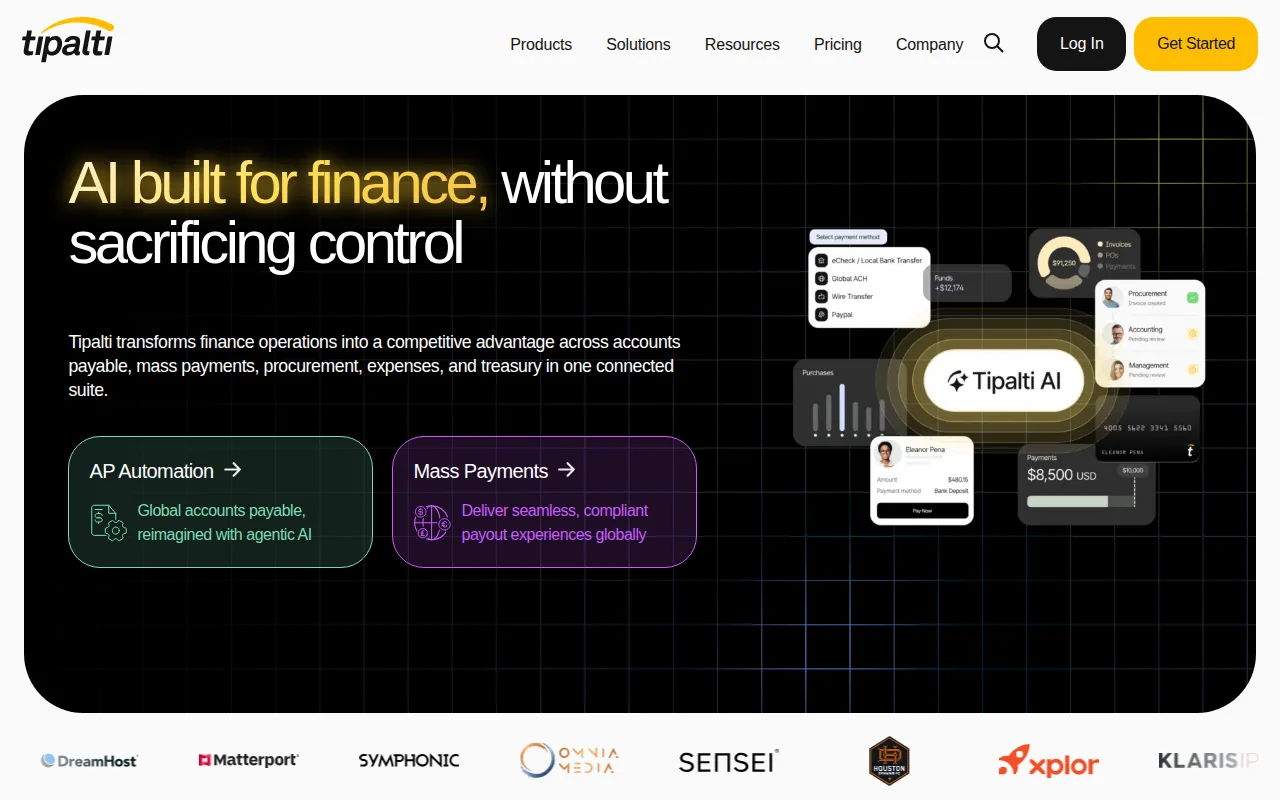
Tipalti is sold as mass-pay and supplier onboarding more than as a purchasing system. If the fire is "we wire factories, freelancers, and marketplace partners from three portals," a global payments layer is the right shape. Invoice capture and approval exist in this category, and the differentiator is the payment rail.
Paying in many currencies is still separate from purchase-order tracking. Confirm country coverage, tax forms, entity controls, and what writes back to your ledger. A brand can be excellent at cross-border payouts and still reorder on the factory quote.
SMB Bill Pay (BILL)
BILL is the default "just pay the bills" answer for a lot of SMBs living in QuickBooks or Xero. Invoices arrive by email, one or two people approve them, and payment records land in accounting. That is an honest first AP buy, and usually the one you make before anyone says "automation platform."
Bill pay will not run import execution. Do not expect supplier production status, container tracking, or SKU landed cost. If the harder question is why inventory cost keeps moving, you are looking at the wrong aisle.
Approval Layers (ApprovalMax)
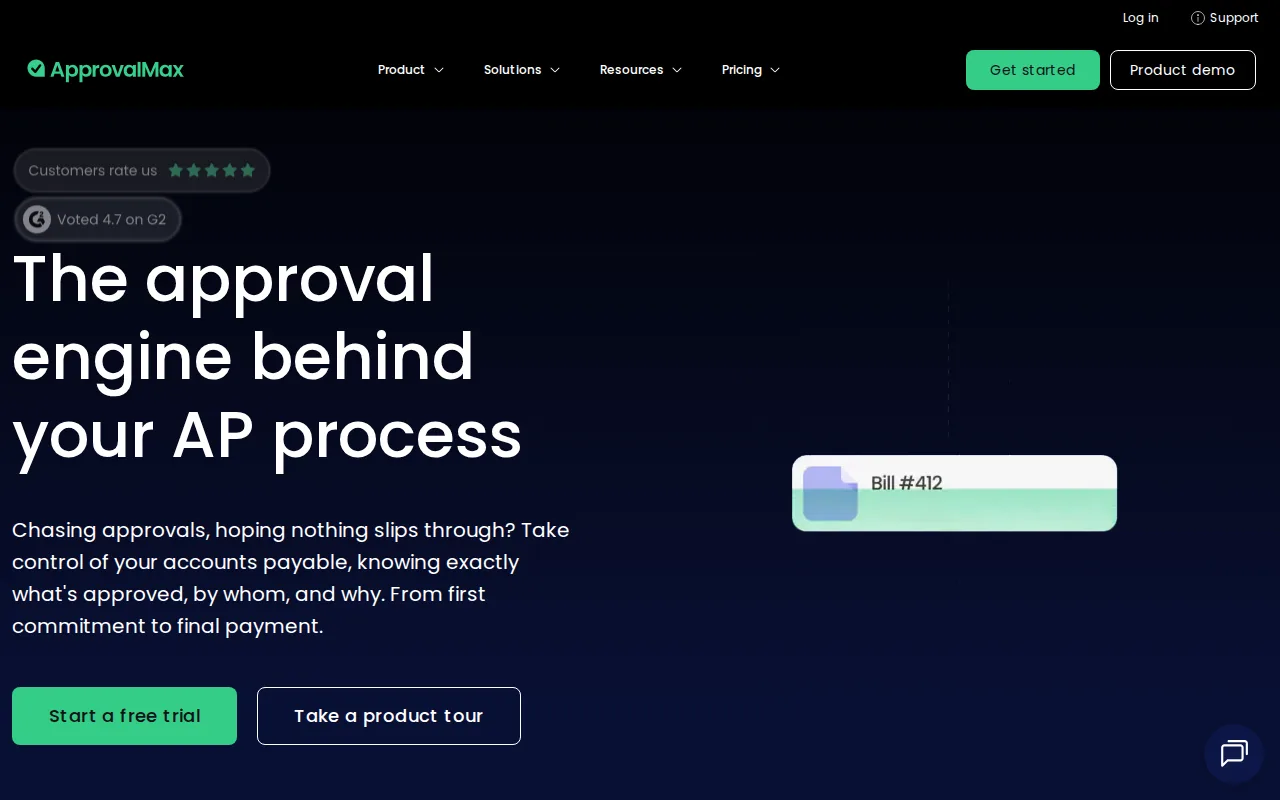
ApprovalMax is a narrow, clear product: multi-step approval routing on top of Xero or QuickBooks. One person enters, another checks the purchase, a third releases payment. That closes a real control gap for SMBs, and it is not a full AP suite on its own.
Approval routing will not tell you a shipment is late or what freight did to the SKU. Complex multi-entity ERP needs belong in the Medius row. Confirm how exceptions and vendor bank changes fit the workflow you already have.
Invoice Capture / OCR
Capture is the query a lot of "invoice processing" searches actually mean. Extraction APIs and inbox readers can feed BILL, an ERP, or a sheet. A parsed PDF is still not a matched PO and not a payment. If this is the job, use the invoice processing software guide. Do not buy a capture tool and expect landed cost to appear.
SupplyAutomate For The Purchase Behind The Invoice
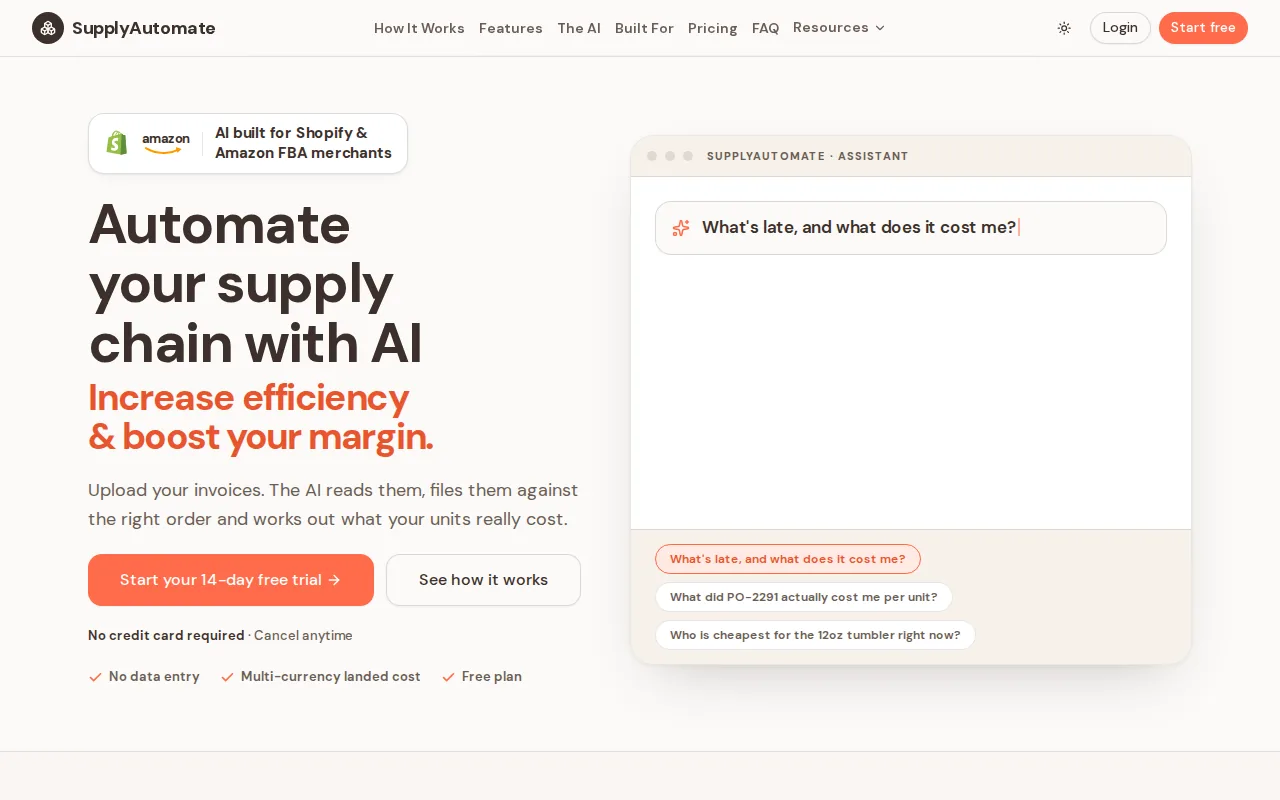
SupplyAutomate is supply chain software for importers. It is not a general-purpose AP suite like Medius or Tipalti. You upload the commercial invoice, packing list, and freight bill, match them to the PO, and see what the SKU cost and what is still late. That is the context AP tools skip.
It is a fair first trial if your daily questions are "what moved?" and "what did it really cost?", including when the factory invoice was already paid. Multi-entity invoice approval inside SAP, or mass-pay across 200 countries, belongs in those other categories. You still need clean SKUs and honest dates. The tool will not invent a freight allocation you never recorded. Start with one recent PO and its documents rather than a catalog import.
How Those Categories Score If You Import
Judgments against the framework above, not lab benchmarks. Adjust them after your own trial.
| Criterion | Medius-class AP | Tipalti-class pay | BILL-class SMB | ApprovalMax-class | Capture / OCR | SupplyAutomate |
|---|---|---|---|---|---|---|
| Capture and duplicates | Strong | Strong | Partial to strong | Partial | Strong | Partial to strong |
| PO match | Strong | Partial | Partial | Partial | Weak | Strong on the purchase, not AP 3-way |
| Approvals | Strong | Strong | Partial to strong | Strong | Weak | Partial |
| Payments and reconciliation | Strong | Strong | Strong | Weak (accounting pays) | Weak | Weak: not a payment rail |
| Multi-currency | Strong | Strong | Partial | Partial | Partial | Partial to strong on cost records |
| Audit / vendor controls | Strong | Strong | Partial | Strong | Weak | Partial |
| Importer cost context | Weak for this job | Weak for this job | Weak | Weak | Weak | Strong |
| Time to value for a small import team | Weak | Medium | Strong | Strong if Xero/QB | Strong | Strong |
"Partial" means the category can store the data if you build around it. It does not mean that workflow is the default. The pattern that works for a growing importer is often two systems: an AP or bill-pay tool for release and payment, and a supply-chain record for the PO and landed cost. Forcing one product to fake the other job is how the spreadsheet comes back.
A One-Week Trial With Your Own Files
Skip the vendor's sample invoice. Pick one high-volume SKU you sell on FBA, Shopify, or both. Take the last closed PO, the commercial invoice, the packing list, the freight invoice, and the duty or brokerage bill. Enter or capture the factory invoice as it actually arrived, including the first due date. Try to match it to the PO and note every exception. Attach the freight and duty bills to the same purchase, produce a landed cost per sellable unit, and walk one approval and one payment (or a payment sandbox) through to the ledger.
Compare the SKU cost the AP tool leaves you with to the landed cost calculator. It passes if a second person can reconstruct who approved what and which PO the bill belongs to, a price or quantity miss would have stopped payment, and you can explain freight and duty on the SKU rather than only the factory total. It fails if you still need the spreadsheet to trust the unit cost, payment status and the bank disagree, or the only automation on offer does not touch the exception that wastes your week.
Frequently Asked Questions
What Is Accounts Payable Automation Software?
Software that turns invoice-to-pay into a defined workflow: capture the bill, match it to a PO or contract, route approval, pay, and write the result back to accounting. OCR is optional. Matching, approvals, duplicate checks, and payment controls are the part that removes work.
What Is The Best Accounts Payable Automation Software For E-Commerce?
There is not one winner. If you are a mid-market brand with an ERP and a real AP queue, a Medius-class suite is the honest AP buy. If you pay factories and contractors across countries, look at Tipalti-class mass-pay. If you are an SMB on QuickBooks or Xero, BILL or an ApprovalMax-class layer is usually enough. If you import for FBA or Shopify and the loss is landed cost more than a missed approval, trial SupplyAutomate for the purchase record and keep a real AP tool for payment.
How Do I Compare AP Automation Vendors?
Use the scoring table. Bring one messy invoice, one clean invoice, and one freight bill. Ask each vendor to show capture, the exception path, payment, and what lands in the ledger. Feature lists rank well in search. The useful question is which exception you still handle in email after the trial.
What Is The Best AP Automation Software For Small Business?
The smallest honest stack is bill pay next to the accounting system you already have (BILL or a Xero/QuickBooks approval layer), plus a way to file invoices against POs. You do not need an enterprise AP platform to stop paying from a shared inbox. You do need a rule that the person who enters the bill is not the only person who can release it.
Does ApprovalMax Replace AP Automation?
No. ApprovalMax and similar tools add approval routing on Xero or QuickBooks. That closes a real control gap for SMBs. It does not replace capture, PO match, global payments, or landed cost. If approvals are the fire, start there. If the fire is a freight bill that never reached the SKU, you need a different category.
Can E-Commerce Brands Automate Supplier Payments?
Yes. The payment rail is the easy part. The hard part is knowing the payment is for the right PO, in the right currency, against the right quantity, before goods are sellable. Automating the wire without the match just pays mistakes faster. Net 30 still starts on the invoice date, not the FBA receive date.
Is This The Same As Invoice Processing Software?
No. Invoice processing is capture: reading the PDF. AP automation is the rest of invoice-to-pay. This page also covers the importer gap (PO, freight, duty, SKU cost) that neither capture nor classic AP owns by default.
How Much Does AP Automation Software Cost?
It depends on invoice volume, users, entities, payment volume, and whether implementation is a project. SMB bill-pay is usually a subscription plus payment fees. Mid-market AP and global mass-pay are quoted. Treat any public "average AP software price" as a different market. Ask against your invoice count and your payment rails. No price in this article is a quote.
Conclusion
A paid factory invoice is still only one line in a finished SKU cost. Capture, approvals, and payment belong in an AP suite. The PO, the documents, and the unit cost need a purchase record next to it. SupplyAutomate will not replace Medius, Tipalti, or BILL. It will keep the shipment those tools never see. The landed cost calculator is a quick check on that last inbound.
Related Guides
- Invoice Processing Software
- Invoice Matching Software For Ecommerce Sellers
- How To Organize Supplier Invoices
- Creating A Purchase Order
- What Is Landed Cost And Why It Matters
- How To Calculate Landed Cost For Imported Products
- Landed Cost In QuickBooks
- Landed Cost Vs COGS
- Supplier Management Software
- Best Supply Chain Management Software
- What Is Net 30