
It's Tuesday morning, and the stock report says your best-selling SKU is down to 90 units. You message the factory, and the next production slot is four weeks out, then there are three weeks on the water and another week to clear customs and get checked in at the warehouse. The math is ugly before you even open a spreadsheet, and the frustrating part is that Shopify watched that number fall for weeks. What you really wanted was a heads up on the day the SKU crossed its reorder point, with enough time left to get a purchase order to the supplier.
I ran into that more times than I'd like to admit while we were building a $3M ARR Amazon FBA and Shopify brand. This guide walks through how to get from a reorder point to a purchase order on a Shopify store in October 2026: how to work out the number, how to get Shopify Flow to tell you when a SKU crosses it, where to create the PO, and where the lead time should come from. I checked every tool below on its official pages before writing about it, and if you're still working out what a supply chain app should do for your store in the first place, our Shopify supply chain app review is a good place to start.
A quick product note so nothing below reads as a promise. SupplyAutomate does not connect to Shopify, Amazon, or WooCommerce, it doesn't read your inventory or sales, and it can't tell when a SKU hits its reorder point. It works from the documents you upload, meaning supplier invoices, packing lists, freight bills, and customs entries, plus parcel and ocean container tracking, so once you've decided to reorder you can create and track the purchase order there and see real lead times and landed cost per unit, then export them to CSV or Excel.
TL;DR
- A reorder point is daily demand times lead time, plus safety stock. Work it out per SKU with real lead times first, using the reorder point formula for importers or the free lead time calculator.
- Shopify has no built-in reorder point field. Store the number in a variant metafield and use Shopify Flow, which is free, to email you, your supplier, or a Slack channel when stock crosses it.
- Flow can't create a Shopify purchase order, because Shopify's purchase order APIs aren't generally available yet. You create the PO yourself in admin under Products > Purchase orders, ask Sidekick to draft one, or build it in a separate purchasing tool.
- Stocky stopped working as an inventory app on August 31, 2026, so its suggested purchase orders are gone. If you want buying recommendations turned into POs inside one app, look at Prediko or Inventory Planner by Sage.
- Once the PO is placed, track the shipment and keep the actual dates, because the next reorder point is only as good as the lead time behind it.
What A Reorder Point Does For A Shopify Store
A reorder point is the stock level that tells you it's time to place the next purchase order. The standard formula is daily demand multiplied by lead time in days, plus safety stock. When stock hits that number, what's left should cover sales until the new order is sellable, with the safety stock as a cushion for a late shipment or a busy week. We go deeper on each input in the reorder point formula for importers, including why the lead time should run all the way to the day the units can actually be sold.
Shopify itself doesn't have a reorder point field on products or variants. Shopify's Stocky migration guide says to set custom minimum and maximum thresholds per variant using custom metafield definitions, and it suggests the same approach for supplier lead times, case packs, and minimum order quantities. Those metafields only store the numbers, so nothing happens when stock crosses them unless you build a workflow that checks.
Work Out The Reorder Point Before You Automate The Alert
Automating a bad number only gets you to a bad decision faster, so the math comes first. Here's a made-up example for one SKU imported by ocean. It sells 12 units a day, the factory needs 30 days to produce, ocean transit is 18 days, and customs clearance plus receiving takes another 6, for a total lead time of 54 days. You want 10 days of safety stock on top, which is 120 units.
The reorder point is (12 × 54) + 120 = 768 units, so when available stock drops to 768, the next PO should go out that day. If you'd used the factory's 30-day quote as the lead time, you'd get (12 × 30) + 120 = 480 units, and 480 units only last 40 days at 12 a day. The new stock lands on day 54, so you'd be out of stock for about 14 days and miss roughly 168 units of sales.
Two more inputs belong in the plan. Safety stock can be a simple days-of-cover buffer like the one above, or a service-level formula once you have enough demand history. Order quantity is a separate decision that depends on your supplier's minimum, which the MOQ calculator roundup covers. Recalculate your fast sellers more often, since a promotion or a slow sailing changes both sides of the formula.
What Shopify Can And Can't Automate Right Now
This is the part most setup guides skip. Shopify's admin has real purchase orders, with suppliers, costs, payment terms, and receiving through a linked inventory transfer. But Shopify's own Stocky migration guide says purchase order APIs aren't generally available yet, with read access only in developer preview. That means Shopify Flow and third-party apps can't create a native Shopify purchase order for you.
In practice, that leaves three ways to get from low stock to a PO. Flow can alert you or email your supplier when a variant crosses its reorder point, and then you create the PO in admin or in whatever tool you use for purchasing. Sidekick, Shopify's built-in assistant, can recommend what to reorder from your sales data and draft the purchase order when you ask, according to the same guide. Or an inventory planning app like Prediko or Inventory Planner can create and track POs in its own system from its buying recommendations, and the sections below cover each of those.
Shopify Reorder Point Tools At A Glance
| Tool | What it does for reorder points | Creates the PO? | Price when checked |
|---|---|---|---|
| Shopify Flow | Runs a workflow when a variant's inventory changes, so you can compare it to your reorder point and send an email, vendor email, or Slack message | No, it sends the alert | Free |
| Shopify purchase orders | Draft, order, and receive POs in admin, with CSV import and Sidekick drafting | Yes, you create it or Sidekick drafts it | Built into Shopify admin |
| Stocky | Suggested purchase orders and low stock alerts for POS Pro stores | Stopped working August 31, 2026 | Was included with POS Pro |
| Prediko | Demand forecasts, a buying table, replenishment alerts, and POs | Yes, inside Prediko | From $49 a month, 14-day trial |
| Inventory Planner by Sage | Forecast-based buying recommendations and PO creation | Yes, inside Inventory Planner | Priced by inventory volume, on request |
| SupplyAutomate lead time calculator | Total lead time, reorder point, safety stock, and latest order date for one SKU | No, you type in the numbers | Free |
Shopify Flow
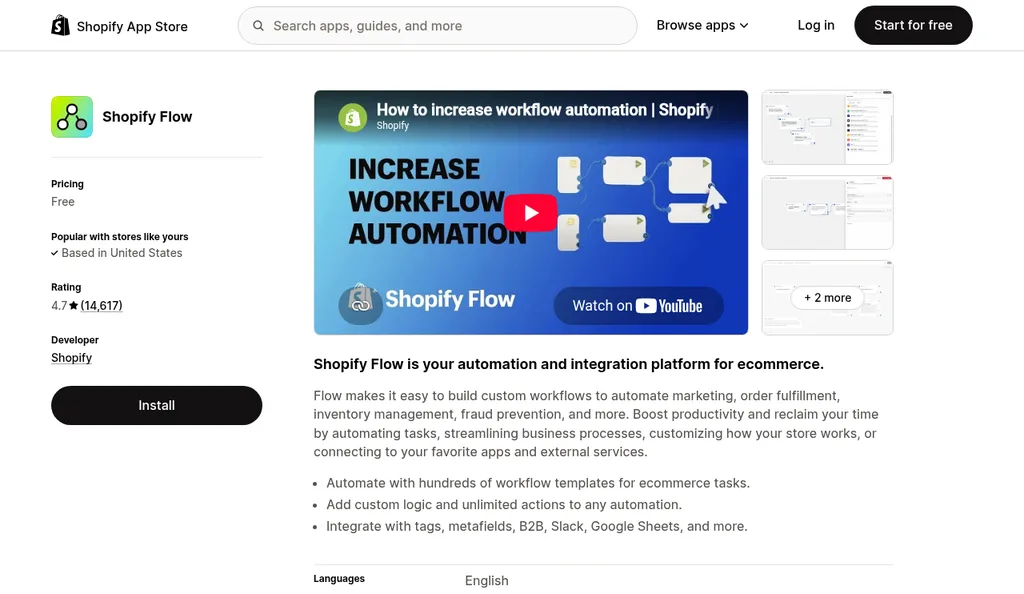
Shopify Flow on the Shopify App Store, checked October 2026
Shopify Flow is Shopify's free automation app, and it's the piece that actually watches your reorder point. Its Product variant inventory quantity changed trigger starts a workflow whenever a variant's inventory changes, whether that comes from an order, a manual adjustment, or an app, and it passes along the quantity from before the change. Shopify's template library for that trigger includes low stock email notifications, Slack, Trello, and Asana alerts, and one called Initiate reorder with vendor when inventory gets low, which sends your vendor an email to start a reorder.
Here's how I'd set it up. Create an integer variant metafield for the reorder point under Settings > Custom data and fill it in for each SKU. Then install the low stock email template and change its condition to compare the variant's inventory quantity against that metafield, which Flow lets you add as a variable. If the condition editor won't accept the metafield as the comparison value, a Run code step can do the comparison instead. Add a second check that the prior quantity was above the reorder point, so the alert fires once, on the sale that takes stock across the line, and test the whole thing by adjusting one variant's stock by hand.
A few limits are worth knowing before you rely on it. Flow compares against the quantity Shopify is tracking, which doesn't count stock already on an open purchase order, so check what's inbound before you order again. Stock that's already below the reorder point when you turn the workflow on won't produce a crossing, so review those SKUs by hand on day one. And while Flow can send the alert or the vendor email, it can't create the Shopify purchase order itself.
Shopify Native Purchase Orders
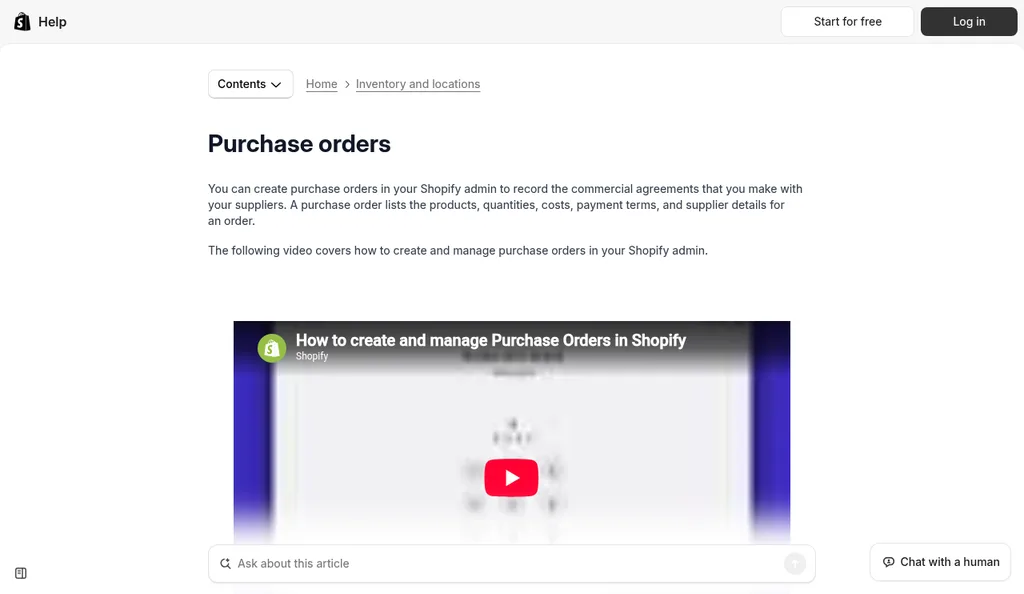
Shopify Help Center purchase orders page, checked October 2026
When the alert arrives, Shopify's own purchase orders are the simplest place to create the order if you want it in the same admin as your stock. From Products > Purchase orders, you pick a supplier, a destination location, the products, and the quantities, then save it as a draft. Shopify's guide to creating purchase orders says that if you've ordered the product from that supplier before, the supplier SKU, cost, and tax fill in from your previous purchase orders, and you can bulk add lines from a CSV file, which is handy when you've worked out quantities in a spreadsheet.
After the supplier confirms, you mark the PO as Ordered and create an inventory transfer to track the shipment and receive the stock. You can download the purchase order as a PDF, and the Stocky migration guide notes that you can't email a PO from admin, so you send that PDF yourself. The same guide says Sidekick can recommend items to reorder based on sales data and draft the purchase order for you. That's the closest Shopify gets today to a PO that appears on its own, and you still review it and send it.
One thing a Shopify purchase order won't do is update the variant's cost per item when you receive the stock. Shopify's migration guide says that field stays fixed and points to third-party apps for landed cost allocation of freight and duty. We wrote about whether Shopify's cost tracking is enough for landed cost, and creating a purchase order covers what should be on the PO itself.
Stocky (Discontinued August 31, 2026)
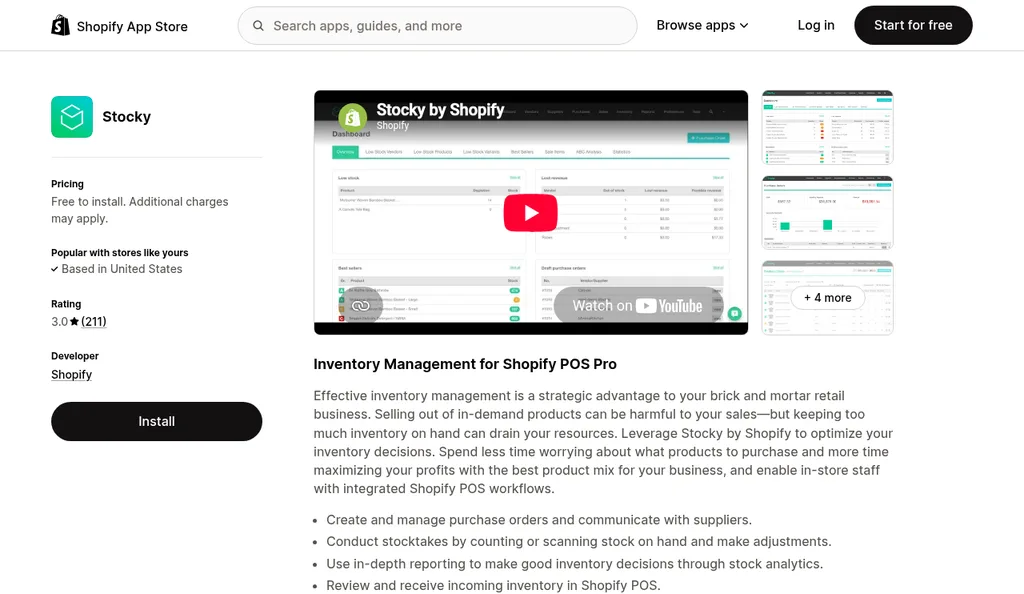
Stocky on the Shopify App Store, checked October 2026
Stocky was the usual answer to this question for years. Shopify describes it as an inventory app included with Shopify POS Pro that tracked stock and suggested which products to order, and its App Store page still lists purchase orders and low stock alerts. Shopify delisted it from the App Store on February 2, 2026, and its migration guide says Stocky is no longer available as of August 31, 2026, with read-only access to export your data for at least 90 days after that date.
If your reorder routine lived in Stocky, export your completed purchase orders, stocktake history, and cost data while that window is still open. Historical POs don't move into Shopify, and suppliers can't be exported at all, so plan on recreating supplier records by hand. We covered the replacement options in Stocky alternatives for Shopify, and for reorder points specifically, the closest replacements are a Flow alert plus native purchase orders, or one of the planning apps below.
Prediko
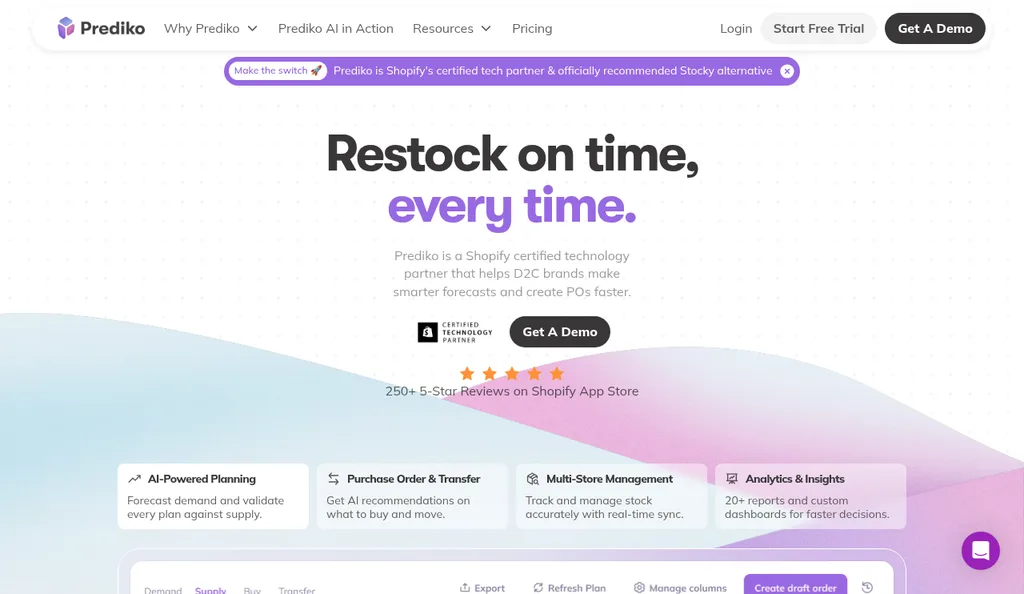
Prediko homepage, checked October 2026
Prediko is an inventory planning app built for Shopify brands, and it handles the step Flow can't, which is turning a reorder signal into a purchase order inside one app. Its purchase order page says you create POs directly from a Buying Table of suggested quantities, review them before they go out, share them with suppliers through exports and in-app email, and track each one through draft, sent, in transit, and received. Its Shopify App Store listing says it sends replenishment alerts to create purchase orders and syncs received items back to Shopify.
Prediko manages those POs in its own app, separate from Shopify's purchase order screen. The listing showed plans from $49 a month for stores up to $100,000 in revenue, with a 14-day free trial, when I checked in October 2026, and it also advertises moving suppliers and purchase orders over from Stocky. It makes the most sense once you're reordering enough SKUs that working out quantities by hand eats a morning every week.
Inventory Planner By Sage
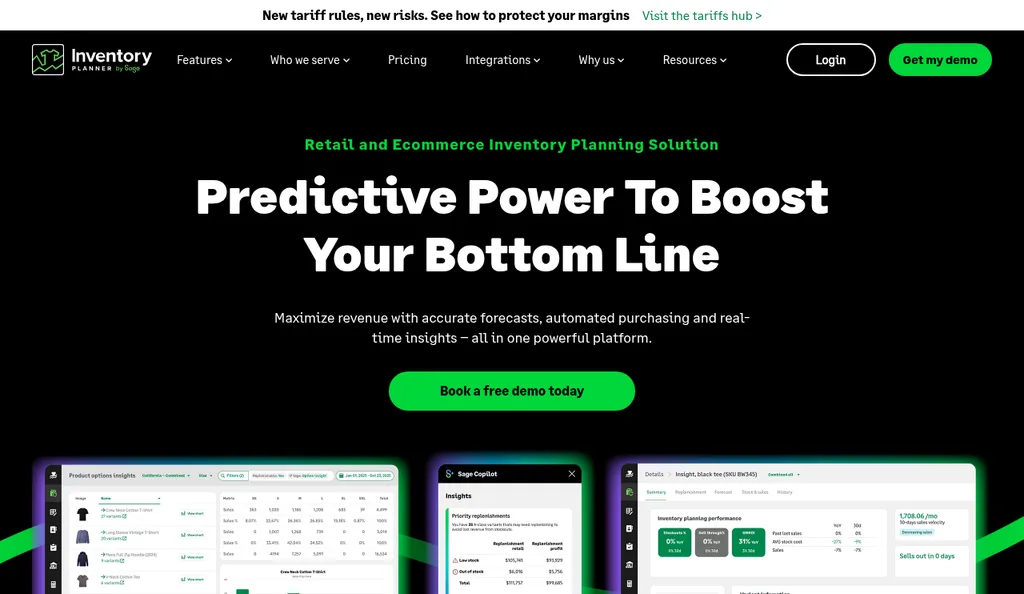
Inventory Planner by Sage homepage, checked October 2026
Inventory Planner by Sage is a forecasting and purchasing tool aimed at larger and multi-location retailers. Its purchasing page describes buying recommendations based on demand forecasts, supplier settings like currency, minimum order quantity, and payment terms that are applied automatically, and purchase orders placed directly from those recommendations. It can also scale an order by CBM or weight to fill a shipping container, which matters if you bring stock in by ocean freight.
Its pricing page says pricing is based on the volume of inventory you manage, and you get a price by filling in its request form. The site says customers go live in five to six weeks. One thing to ask about during the demo is that its Shopify App Store listing said the app wasn't currently available there when I looked in October 2026, while the Shopify integration page on its own site was still up. It's the heaviest option on this list, and it fits brands where forecasting across many locations is the real bottleneck.
SupplyAutomate Lead Time Calculator And Purchase Orders
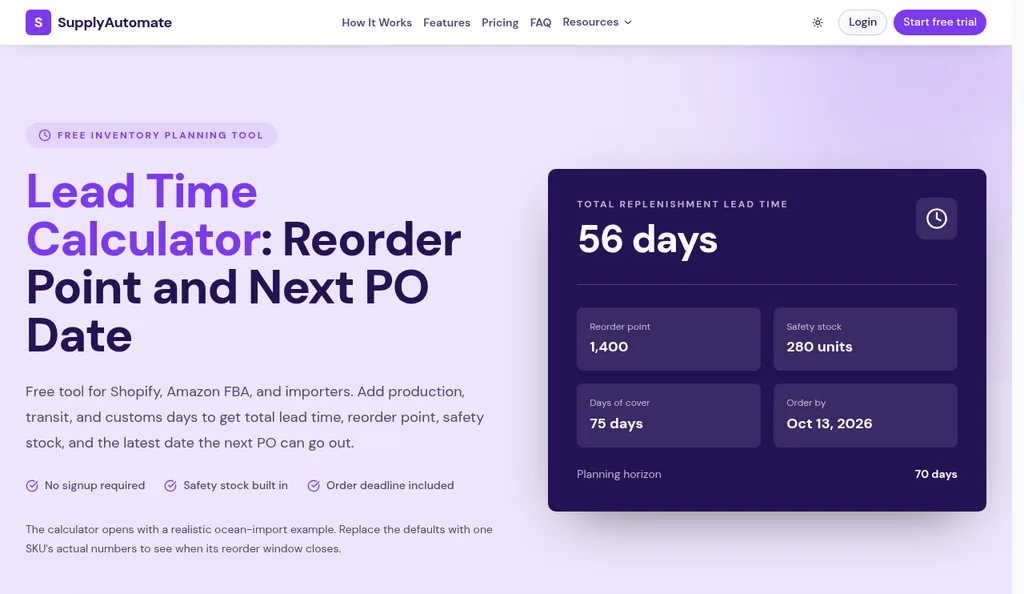
SupplyAutomate lead time calculator with its default example, checked October 2026
A reorder point in Flow is only as good as the lead time behind it, which is why we built the free SupplyAutomate lead time calculator. You enter production, transit, and customs clearance days, a safety buffer in days, and optionally daily demand and current stock. It returns total lead time, the reorder point, safety stock, days of cover, and the latest date the next PO can go out, and it shows the formulas it uses right on the page. With the example from earlier (30 production days, 18 in transit, 6 for customs and receiving, a 10-day buffer, and 12 units a day), it gives a 54-day lead time, 120 units of safety stock, and a reorder point of 768.
The SupplyAutomate app picks up once you've decided to reorder. You can create the purchase order there, or build a one-off PO with the free purchase order creator and download it as a PDF. In the app, you upload the supplier invoice, packing list, freight bill, and customs entry, file them on the purchase order, and track the parcel or ocean container on the same record, so the actual time from order to arrival is in your own records the next time you set a reorder point.
It also calculates landed cost per unit from factory price, freight, duty, and samples, and exports to CSV or Excel for your pricing sheet or bookkeeper. It doesn't read your Shopify stock, so the Flow alert still tells you when to order, and the Shopify ERP page shows how that fits together. If you want to compare other ways of keeping lead times current, see lead time calculator tools for import reorder planning.
A Weekly Reorder Routine That Ties It Together
None of these tools does the whole job alone, so here's the routine I'd run each week. Once the reorder points are set, most of the work is checking what's already inbound before you order more.
- Calculate each SKU's reorder point with the latest real lead time, using the lead time calculator or a sheet, and save it in the variant's reorder point metafield.
- Let the Shopify Flow alert tell you when a variant crosses it, and check open purchase orders and inbound shipments before ordering more.
- Size the order against the supplier's minimum with an MOQ check, then create the purchase order in Shopify, a planning app, or SupplyAutomate, and send it to the supplier.
- Agree the deposit and shipping terms before production starts. 30/70 payment terms and FOB vs EXW vs DDP cover the common choices.
- Track the shipment, reconcile the supplier invoice to the purchase order, and update your landed cost per unit once freight and duty are in.
- Compare the actual lead time with the one in your reorder point, and update the metafield when the two drift apart.
The last step is the one people skip, and it's the reason reorder points go stale. If you only do one thing differently after reading this, write down the date each PO was placed and the date the stock was sellable, then use that gap next time.
Frequently Asked Questions
Can Shopify Automatically Create Purchase Orders At A Reorder Point?
Not on its own. Shopify Flow can alert you or email your supplier when a variant's inventory crosses a reorder point you store in a metafield, but Shopify's purchase order APIs aren't generally available, so Flow can't create a native PO. You create the PO in admin, ask Sidekick to draft one, or use an app like Prediko or Inventory Planner that makes POs in its own system.
Does Shopify Have A Reorder Point Setting?
There isn't a built-in reorder point field on products or variants. Shopify's guidance is to store minimum and maximum thresholds, lead times, and minimum order quantities in variant metafields. You then use Shopify Flow, reports, or Sidekick to act on those numbers.
Is Stocky Still Available For Shopify Purchase Orders?
No. Shopify delisted Stocky on February 2, 2026, and it stopped working as an inventory app on August 31, 2026, with read-only export access for at least 90 days afterward. Purchase orders now live in the Shopify admin under Products > Purchase orders.
How Do I Set Up A Low Stock Purchase Order Alert In Shopify?
Install Shopify Flow, start from the low stock email template on the Product variant inventory quantity changed trigger, and set the condition to the variant's reorder point. Add a check that the prior quantity was above it so you get one alert per crossing, and send the email to whoever places supplier orders. The Initiate reorder with vendor template goes one step further and emails the vendor directly.
What Lead Time Should I Use For A Shopify Reorder Point?
Use the full time from placing the PO to the units being sellable, which for imports means production, transit, customs, and receiving. The factory's quoted production time on its own is too short, and the worked example above shows how that turns into a two-week stockout. The lead time calculator adds up the stages for you.
Can SupplyAutomate Create Purchase Orders From Shopify Inventory?
No. SupplyAutomate doesn't connect to Shopify, Amazon, or WooCommerce and doesn't read inventory or sales, so it can't tell when a SKU hits its reorder point. You can create and track the purchase order in it once you've decided to reorder, and it works from the supplier invoices, packing lists, freight bills, and customs entries you upload, tracks parcels and ocean containers, calculates landed cost per unit, and exports to CSV or Excel.
How I Would Set This Up This Week
If I were starting from scratch, I'd pick the ten SKUs that bring in the most money, pull the real lead times from the last couple of shipments, and calculate a reorder point for each one. Then I'd put those numbers in a metafield and turn on a single Flow alert, which takes an afternoon and costs nothing. Creating the PO by hand is fine at that scale, and within a few weeks you'll know whether the alerts fire when you expect them to.
Once the weekly PO run starts eating real time, that's when a planning app like Prediko or Inventory Planner starts to earn its fee. If keeping lead times and landed cost current is the part that keeps slipping, that's what the SupplyAutomate app does from your shipping documents, and the plans are on pricing. And if you'd rather hand off supplier follow-ups and freight entirely, the Outsourced Supply Chain Manager option covers that.
Related Guides
- Reorder Point Formula For Importers (When To Buy)
- Shopify Supply Chain App Review: SupplyAutomate
- How To Calculate Safety Stock (Formula + Excel)
- Best Lead Time Calculator Tools For 2026 (Ranked)
- Best Stocky Alternatives For Shopify After The 2026 Sunset
- Best Purchase Order Software For Shopify In 2026
- How To Create A Purchase Order For FBA And Shopify Imports
- Best MOQ Calculator Tools For Ecommerce Sellers
- How To Reconcile A Supplier Invoice To A Purchase Order
- How To Calculate Shopify Landed Cost: Factory Price To Unit Cost
- 5 Best Ecommerce Inventory Management Software For 2026
- Is ERP Software Overkill For A Small Shopify Store?