
It's Monday morning and you're doing the reorder run twice. First you look at Shopify and decide the 3PL needs another 500 bottles, then you open Seller Central and decide Amazon FBA needs another 1,200 of the exact same bottle. Both numbers go to the same factory in two separate messages, each one below the supplier's minimum, and a week later you're paying for two production slots and two freight bookings for what should have been one order. Nobody made a bad call. The two channels just never got looked at side by side.
I did a version of this more than once while we were building a $3M ARR Amazon FBA and Shopify brand, and what fixed it was a simple routine I could run every reorder cycle. In this guide I'll walk through how to pull demand from each channel using the reports Shopify and Amazon already give you, combine it in one sheet per supplier, size the order against the MOQ and case pack, and write one purchase order that tells the factory where every carton goes. I'll also cover the planning apps that can do the merge for you and what each one actually connects to, based on their official pages in October 2026.
A quick product note so nothing below reads as a promise. SupplyAutomate does not connect to Shopify, Amazon, or WooCommerce, and it doesn't read your sales, orders, or stock, so it can't merge channel demand for you. It works from the documents you upload, meaning supplier invoices, packing lists, freight bills, and customs entries, plus parcel and ocean container tracking, which makes it useful once the combined purchase order exists and you need to track it to arrival and work out landed cost per unit.
TL;DR
- Consolidating means you plan each channel's demand separately, add the quantities together per SKU, and send each supplier a single purchase order that covers both channels.
- Map every SKU across channels first, because a Shopify variant SKU, an Amazon seller SKU, an ASIN, and an FNSKU can all describe the same physical unit.
- Pull Shopify demand from the Inventory sold daily by product report and FBA demand from the FBA Inventory page or Restock Inventory in Seller Central, then check that Amazon orders aren't also showing up in Shopify.
- Work out what each channel needs, add it up, and round the total to the supplier's MOQ and case pack before you split cartons between your 3PL and FBA.
- Planning apps like Prediko and Inventory Planner by Sage can read both channels and suggest orders, and a shared spreadsheet does the same job by hand for a smaller catalog.
Why Two Channels End Up With Two Purchase Orders
Most brands add Amazon FBA after Shopify, or the other way round, and the reorder habit for the second channel gets bolted on next to the first. Shopify stock lives at your own warehouse or a 3PL, FBA stock lives across Amazon's fulfillment network, and each channel has its own screen that tells you when you're running low. So the natural thing is to reorder from each screen as it asks, and that's how you end up with two purchase orders to one supplier in the same month.
The costs show up in a few places. Two small orders are each more likely to fall under the factory's MOQ, which means paying a surcharge or padding the order with stock you didn't plan for. They usually mean two freight bookings, and two half-full shipments cost more per unit than one fuller one. And they double the paperwork, with two deposits, two balance payments, and two sets of invoices and packing lists to reconcile. Our guide to purchase order management for Amazon FBA sellers covers the FBA side of that paperwork in more depth.
Before You Start
You need three things before the first combined order. Read access to Shopify Analytics and to the inventory pages in Seller Central is the first, and it doesn't have to be the owner account, because a staff or user account with report permissions is enough. The second is a supplier list with each factory's MOQ, case pack, production time, and payment terms, ideally taken from the last few orders you actually placed.
The third is a real lead time for each channel, and the two are usually different. Units headed to your 3PL are ready to sell once they're received, while units headed to FBA often go through a prep center or your 3PL first and then wait for Amazon to check them in. If you haven't measured those two gaps yet, the reorder point formula for importers and the free lead time calculator will help you get a defensible number for each one.
Step 1: Map Each SKU Across Both Channels
Consolidation only works if you know that two rows in two reports are the same product. Shopify identifies a unit by its variant SKU, while Amazon uses your seller SKU for the listing, an ASIN for the catalog page, and an FNSKU for the barcode on FBA units. If the seller SKU on Amazon matches your Shopify variant SKU, you're in luck, and if it doesn't, you need a mapping table before anything else.
I'd keep that table as a tab in the planning sheet, with one row per physical unit you buy from a factory. The columns are your internal SKU, the Shopify variant SKU, the Amazon seller SKU, the ASIN, the FNSKU, the supplier, and the supplier's own item code. Bundles and multi-packs get their own rows that say how many base units they contain, so a two-pack sold on Amazon counts as two bottles of demand when you add up what to buy.
Step 2: Pull Shopify Demand
Shopify Inventory Reports
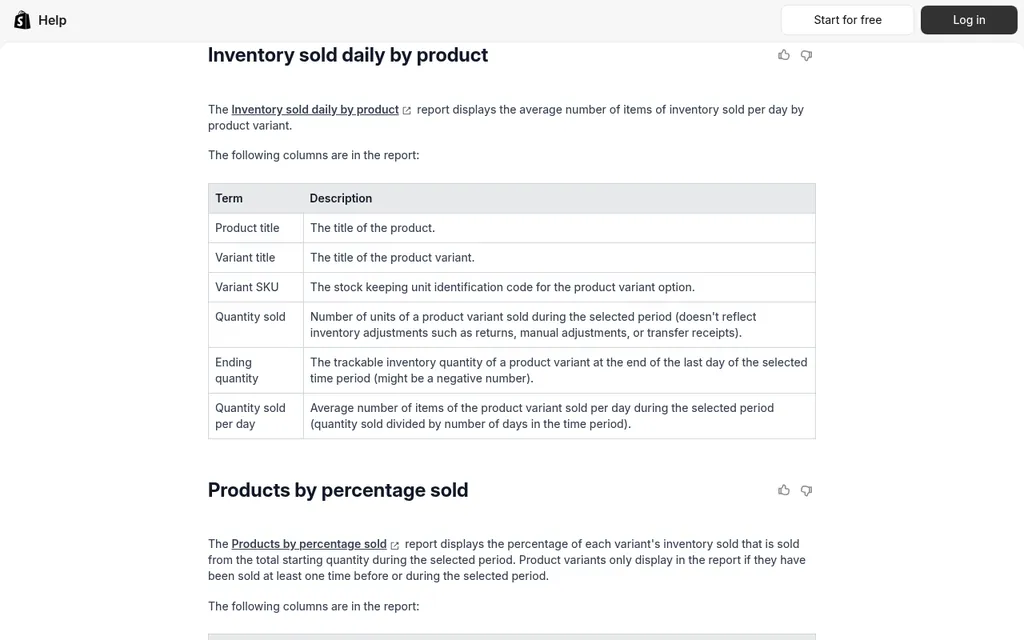
Shopify Help Center inventory reports page
Shopify has the numbers you need under Analytics > Reports, filtered to the Inventory category. According to Shopify's inventory reports guide, the Inventory sold daily by product report lists each variant SKU with the quantity sold in the period, the ending quantity, and the average quantity sold per day. That daily rate is the figure you want, and I'd run it over the last 60 or 90 days so one slow or busy week doesn't swing the order.
Two details from Shopify's own notes are worth knowing. The quantity sold in that report doesn't reflect returns or manual adjustments, so a product with a high return rate will look a little stronger than it is. And starting October 1, 2026, Shopify's inventory reports measure stock by On hand quantity, which includes committed and unavailable units, so your ending quantity may read higher than it did last month. Shopify can also store a reorder point in a variant metafield and send you an alert when stock crosses it, which our guide to turning Shopify reorder points into purchase orders walks through.
Shopify Marketplace Connect
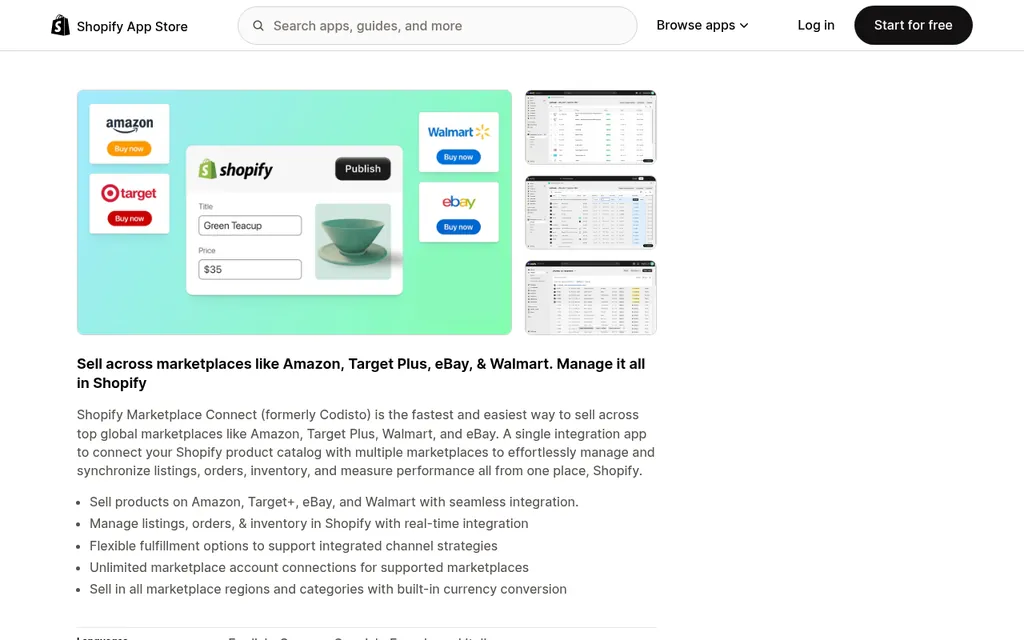
Shopify Marketplace Connect on the Shopify App Store
Before you trust the Shopify number, check whether Amazon orders are already in it. If you use Shopify Marketplace Connect to manage your Amazon listings, Shopify's order import guide says it can import Amazon orders into your Shopify admin, including orders fulfilled by Amazon depending on your settings, and the marketplace name shows in the order's channel field. Those orders can then show up in your Shopify sales reports.
If they're in there, you'll count FBA demand twice when you add the Amazon report on top. The simplest fix is to filter the Shopify report by sales channel so it only shows your own storefront, or to change the Marketplace Connect import setting so FBA orders stay in Amazon. Either way, decide once and write it at the top of your planning sheet so whoever runs the reorder next month makes the same choice.
Step 3: Pull Amazon FBA Demand
Seller Central Restock Inventory And FBA Inventory
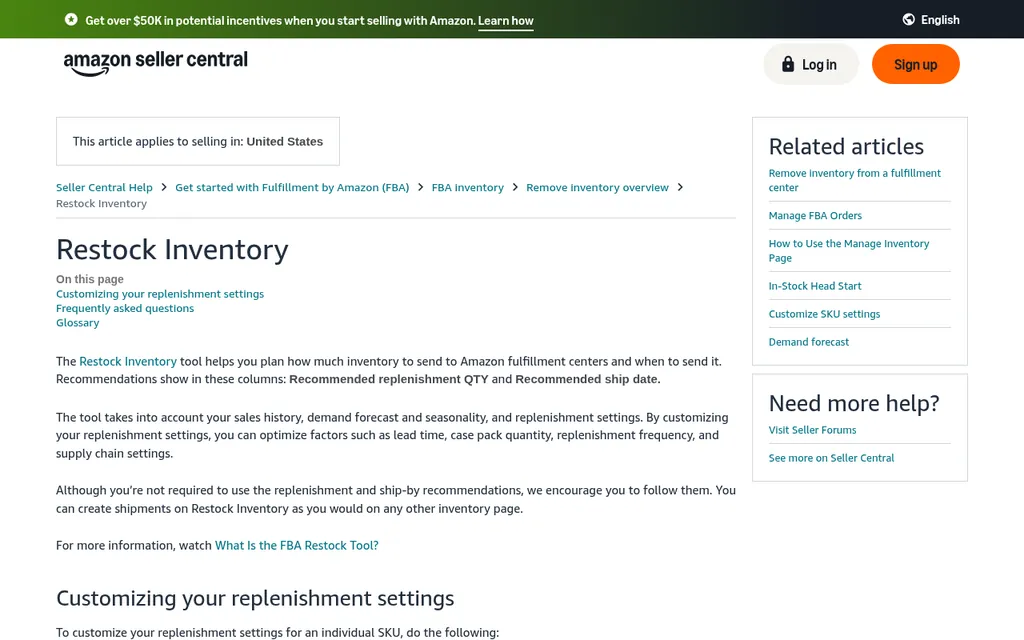
Amazon Seller Central Restock Inventory help page
On the Amazon side, Seller Central's Restock Inventory help page describes a tool that recommends how many units to send to fulfillment centers and when, based on your sales history, demand forecast, seasonality, and the replenishment settings you enter. Those settings include supplier lead time, case pack quantity, replenishment frequency, and whether your supplier ships straight to Amazon or to your own facility first. Amazon has said in Seller Central that the Restock Inventory report is being phased out in favor of the FBA Inventory report, which shows sales for the last 7, 30, 60, and 90 days, inbound shipment quantities, and recommended restock units in one download.
For the consolidation sheet, I'd take three numbers per SKU from whichever of those reports your account shows. Those are units sold over the last 60 or 90 days, divided down to a daily rate, the units available in FBA, and the units already inbound or in a working shipment. I'd treat Amazon's own recommended quantity as a useful second opinion, because it only sees Amazon and it plans for the next FBA shipment, while you're planning a factory order that won't land for two months.
One more Amazon limit belongs in the plan. Amazon sets FBA capacity limits by storage type, so even when a SKU needs 1,200 more units, you may not be able to send all of them to FBA at once. That's one reason many sellers ship the whole factory order to a 3PL or prep center and feed FBA from there in smaller shipments, which our Amazon FBA supply chain software roundup touches on as well.
Step 4: Combine Demand In One Sheet Per Supplier
Google Sheets Or Excel
Google Sheets product page
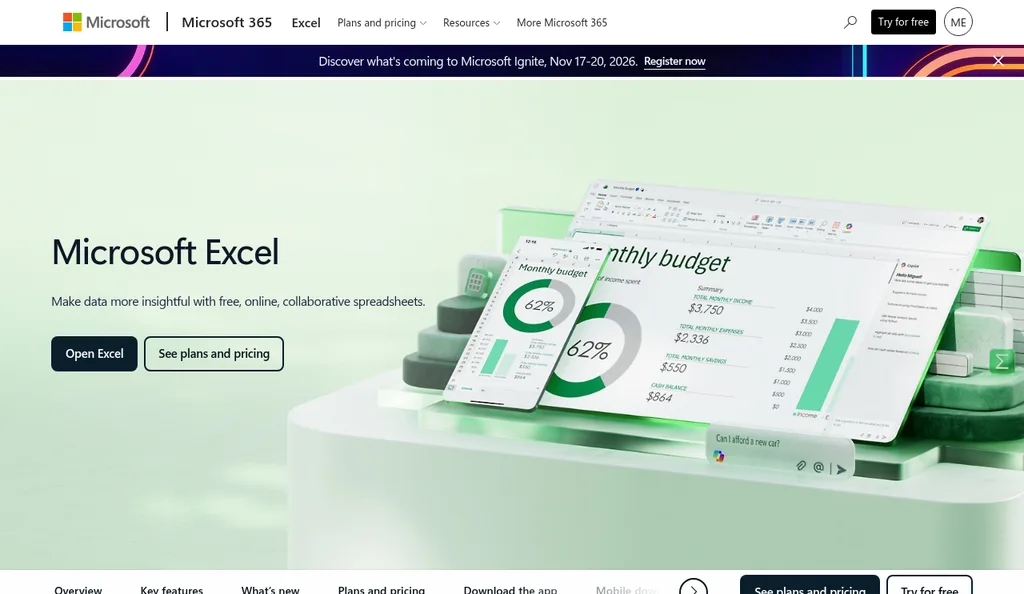
Microsoft Excel product page
The combining itself happens in a spreadsheet for most brands under a few hundred SKUs. Google Sheets is easier when a VA, a co-founder, and a bookkeeper all need to edit the same file, and Microsoft Excel works just as well if it's only you. I'd make one tab per supplier, because the whole point is to end with one order per factory.
Each row is one internal SKU. The columns I use are Shopify units per day, FBA units per day, stock at the 3PL, stock available in FBA, units inbound or on order for each channel, the lead time for each channel, the order cycle (how often you reorder from this factory), and safety stock in days. From those, each channel gets a target stock level of daily demand times lead time plus order cycle plus safety days, and the units it needs are that target minus everything it already has or has coming. Our guide to calculating safety stock explains how to pick the safety days if you want something better than a round number.
Paste the Shopify and Amazon report downloads into their own raw tabs and pull the daily rates into the supplier tab with a lookup on the SKU mapping table. That way next month's update is two pastes and a quick check that no new SKUs came up blank. If a new variant or a new Amazon listing shows up without a match, map it before you trust the totals.
Step 5: Size The Order Against MOQ And Case Pack
Here's a made-up example for one SKU, a 750 ml insulated bottle, so you can see the math. Shopify sells 8 a day and the 3PL has 520 on hand with nothing on order. FBA sells 14 a day with 610 available and 150 inbound. The factory reorders every 60 days, the lead time to the 3PL is 60 days, the lead time to sellable FBA stock is 70 days because of the extra leg and check-in, and you want 10 days of safety stock on each channel.
| Channel | Units per day | Target days | Target stock | On hand and inbound | Units needed |
|---|---|---|---|---|---|
| Shopify (3PL) | 8 | 60 + 60 + 10 = 130 | 1,040 | 520 | 520 |
| Amazon FBA | 14 | 70 + 60 + 10 = 140 | 1,960 | 760 | 1,200 |
| Combined | 22 | 1,720 |
Now apply the supplier's rules. Say the MOQ is 1,500 units per SKU and the bottle ships 24 to a carton. Ordered separately, both channels fall under the MOQ, the Shopify order badly so. Combined, 1,720 units clears it, and rounding up to full cartons gives 72 cartons, or 1,728 units. You split those as 22 cartons (528 units) for the 3PL and 50 cartons (1,200 units) for FBA, and the order stays inside one production run and one freight booking.
If the combined number still falls short of the MOQ, you have three honest choices. You can order up to the MOQ and accept a few extra weeks of stock, ask the factory whether they'll run a smaller batch at a higher unit price, or push the order out a couple of weeks and let demand catch up, as long as your safety stock covers the gap. Our roundup of MOQ calculator tools helps you compare the cost of each option.
Step 6: Write One PO With A Destination Split
The purchase order itself should look like any other order from that supplier, with one extra section. Under the line items, list how many cartons of each SKU go to each destination, and say how those cartons should be labeled. Cartons for FBA need FNSKU labels on the units if they're not already barcoded with a code Amazon accepts, plus whatever carton labeling your FBA shipment requires, while cartons for the 3PL just need your SKU and PO number.
You also need to decide where the split happens. Shipping everything to your 3PL or a prep center is simpler for the factory and lets you send FBA stock in stages within your capacity limits, but it adds a second freight leg for those units. Having the factory label and ship the FBA cartons directly to Amazon saves that leg, though it means creating the FBA shipment before pickup and trusting the factory's labeling. Our guides to creating a purchase order and FOB vs EXW vs DDP for FBA sellers cover the PO fields and the shipping terms that decide who books which leg.
If the factory ships the two destinations in separate lots, keep them under the same PO and track each lot. Our post on tracking partial shipments explains how to keep them straight, and 30/70 payment terms with Chinese suppliers covers how the deposit and balance line up with one combined order.
Step 7: Track The Order And Work Out Landed Cost
Once the order is placed, you're back to one order, one set of documents, and one shipment, which is most of the point. When the supplier invoice and packing list arrive, check them against the combined PO line by line, including the carton split, before you pay the balance. Our walkthrough on reconciling a supplier invoice to a purchase order shows how.
Landed cost needs one small adjustment for the split. Factory price, ocean or air freight, and duty for the shared shipment apply to every unit, so the bottle costs the same per unit whether it ends up at the 3PL or in FBA. The extra leg from your 3PL or prep center to Amazon only belongs to the FBA units, and our guide to adding Amazon FBA shipment costs to landed cost shows how to handle it. Amazon's fulfillment and storage fees are channel selling costs, so I'd track those in your FBA profit numbers and keep them out of landed cost, which our Amazon FBA landed cost guide explains alongside the Shopify landed cost guide.
Tools That Merge Channel Demand For You
Once the sheet gets slow, a planning app can read both channels and do steps 2 through 5 for you. The two below both say they connect to Shopify and Amazon on their official pages, and both create purchase orders inside their own app. I'd check exactly what each one imports before you rely on it, because "Amazon integration" means different things from tool to tool.
Prediko
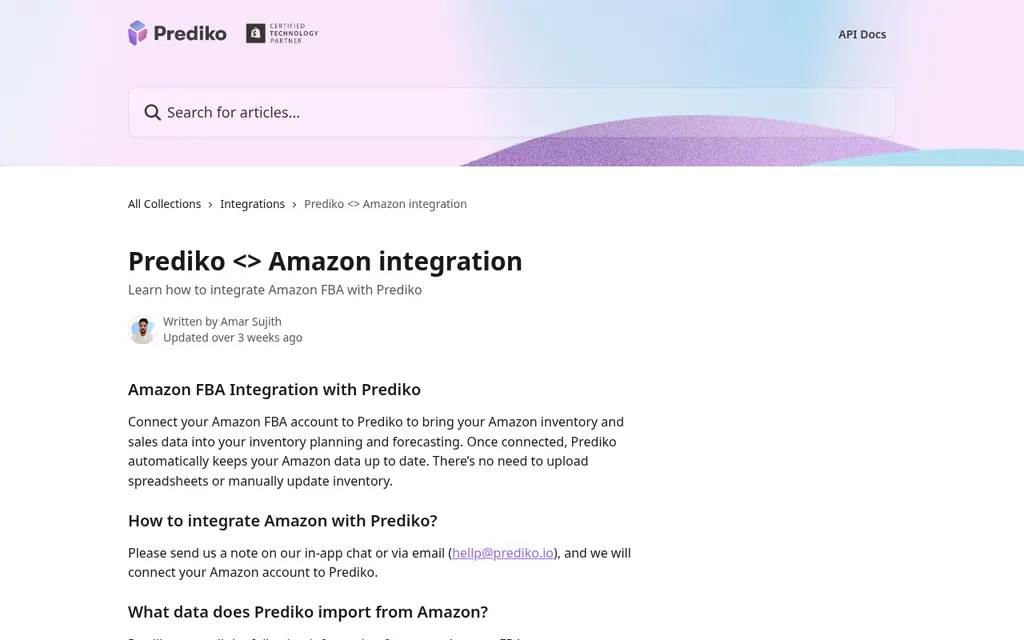
Prediko Help Center Amazon integration article
Prediko is an inventory planning app built for Shopify brands, and its Amazon integration article says it can import Amazon FBA inventory levels, products and SKUs, fulfillment locations, orders when order syncing is enabled, and returns. You connect Amazon by asking their team through chat or email, and the article says Amazon data refreshes about once an hour. It also says Prediko can't push inventory back to Amazon or create FBA shipments, so the purchase orders you build from its Buy table live in Prediko and you send them to the factory from there.
Its Shopify App Store listing showed a Starter plan at $49 a month for stores up to $100,000 in revenue, with higher tiers by revenue and a 14-day free trial, when I checked in October 2026. It fits a Shopify brand that has added FBA and wants one forecast across both without building the sheet above.
Inventory Planner By Sage
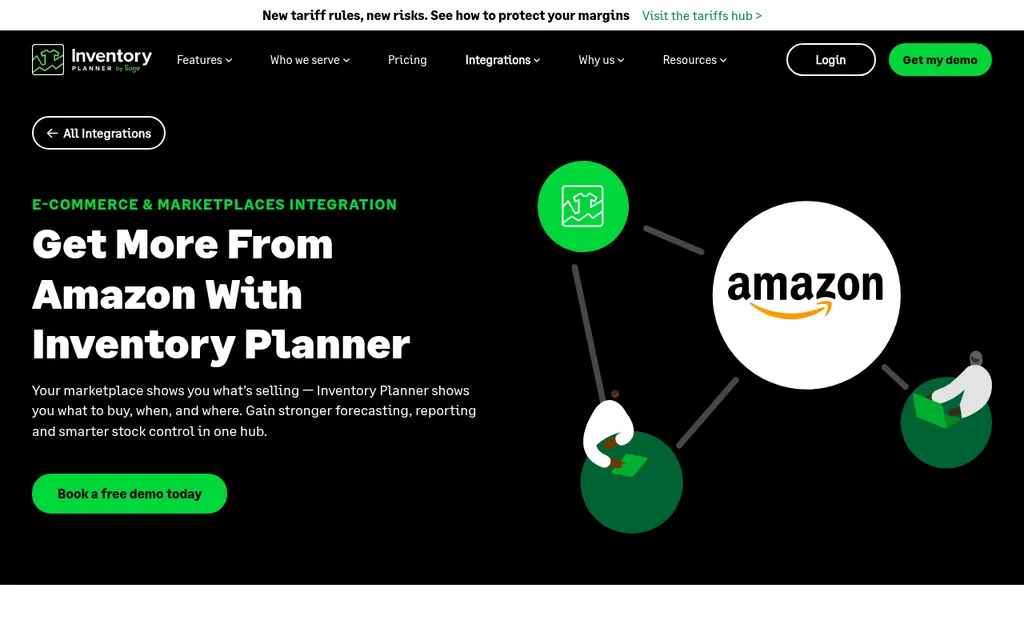
Inventory Planner by Sage Amazon integration page
Inventory Planner by Sage is a forecasting and purchasing tool aimed at larger multi-channel and multi-location retailers. Its Amazon integration page says it imports your Amazon product and sales data, builds forecasts from sales patterns, seasonality, and lead times, and turns them into replenishment recommendations, and its integrations list covers Shopify and other channels alongside Amazon. Its pricing page says pricing is based on the volume of inventory you manage, you request a quote, and customers go live in about four weeks on average.
It's the heavier of the two, and it makes the most sense when forecasting across many SKUs and locations is the real bottleneck. If you're comparing more options for the Shopify side, our best purchase order software for Shopify roundup and Stocky alternatives cover several more.
Where SupplyAutomate Fits
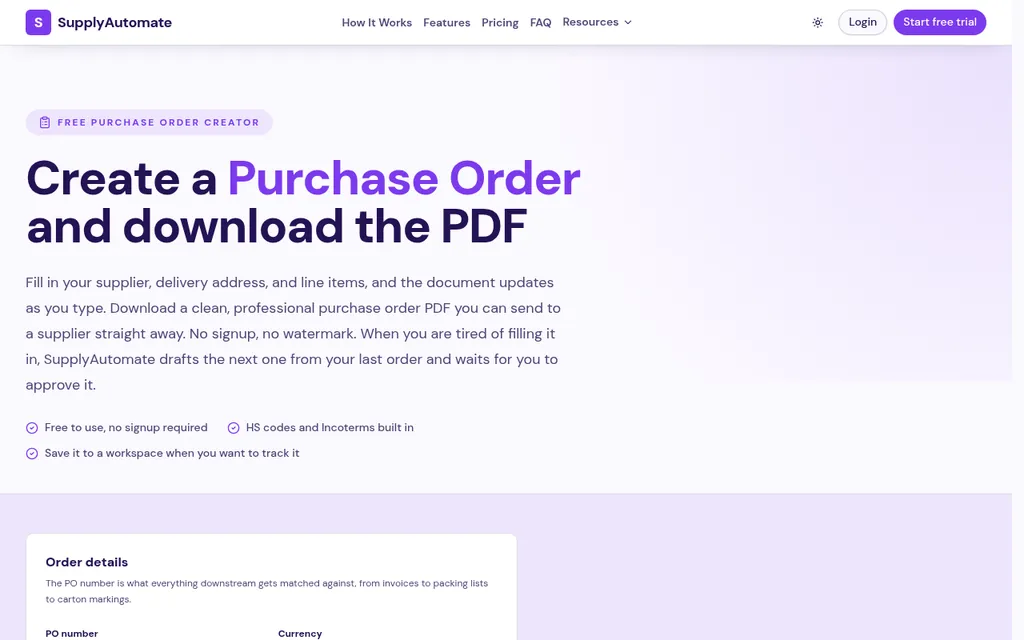
SupplyAutomate free purchase order creator
SupplyAutomate picks up after the planning step. It doesn't read Shopify or Amazon, so the demand numbers still come from the reports or the planning app above. Once you know the combined quantities, you can build the PO with the free purchase order creator or create it in the app, where orders move through stages from quoted and deposit paid to production, in transit, and delivered, and overdue steps get flagged.
From there you upload the supplier invoice, packing list, freight bill, and customs entry, each one is filed on the order, and the invoice is compared with the order's quantities and unit prices so differences show up before you pay. Parcel and ocean container tracking shows where the shipment is, landed cost per unit is built from factory price, freight, duty, and samples, and everything exports to CSV or Excel for your planning sheet or bookkeeper. Our Shopify ERP and Amazon FBA ERP pages show how that fits each channel, and plans are on pricing. If you'd rather hand the supplier follow-up and freight off entirely, our Outsourced Supply Chain Manager service runs purchase orders and shipments for you.
Frequently Asked Questions
Can I Use One Purchase Order For Shopify And Amazon FBA Inventory?
Yes. One PO can cover stock for both channels as long as it lists how many cartons go to each destination and how each set should be labeled. Most factories are happy to do this, since it's one production run for them, and it keeps your deposit, balance, and documents on a single order.
How Do I Avoid Counting Amazon Sales Twice?
Check whether an app like Shopify Marketplace Connect imports Amazon orders into your Shopify admin. If it does, filter your Shopify report to your own sales channels before you add the Seller Central numbers, or change the import setting so FBA orders stay in Amazon. Write down which approach you picked so the next reorder uses the same one.
Should I Use Amazon's Recommended Restock Quantity For My Factory Order?
I'd use it as a cross-check. Amazon's recommendation only sees Amazon demand and plans the next shipment into FBA, while your factory order has to cover both channels for a full production and shipping cycle. If Amazon's number is far from yours, look at the lead time and replenishment settings you've entered in Seller Central first.
Do Units Sent To Shopify And FBA Have Different Landed Costs?
Units from the same shipment share the factory price, main freight, and duty, so their landed cost per unit starts out the same. FBA units pick up the extra freight leg from your 3PL or prep center to Amazon if they go that way. Amazon's fulfillment and storage fees are selling costs for that channel and are usually tracked separately from landed cost.
Can SupplyAutomate Combine Shopify And Amazon Demand Automatically?
No. SupplyAutomate doesn't connect to Shopify, Amazon, or WooCommerce and doesn't read sales or stock, so the combining happens in your sheet or a planning app. It helps once the combined order is placed, by tracking production and shipments, reading the supplier invoice and packing list you upload, calculating landed cost per unit, and exporting to CSV or Excel.
Making The Monday Run A Single Pass
If I were setting this up this week, I'd start with the one supplier that makes your best sellers and build only that tab. Map the SKUs, paste in last quarter's Shopify and Amazon reports, and work out next month's order by hand using the example above. It takes an afternoon the first time and maybe half an hour after that, and the first combined order usually makes the case on its own when you see one deposit and one freight quote where there used to be two.
Once that tab works, add the next supplier, and keep going until every factory has one. You'll know it's time for a planning app when updating the sheet starts eating your Monday again, and by then you'll know exactly what you need it to do.
Related Guides
- Purchase Order Management For Amazon FBA Sellers (2026)
- Best Purchase Order Software For Shopify In 2026
- How To Turn Shopify Reorder Points Into Purchase Orders
- Reorder Point Formula For Importers (When To Buy)
- Best MOQ Calculator Tools For Ecommerce Sellers
- How To Create A Purchase Order For FBA And Shopify Imports
- How To Add Amazon FBA Shipment Costs To Landed Cost
- How To Reconcile A Supplier Invoice To A Purchase Order
- Excel To Automated Purchase Order Tracking: A How-To Guide
- Best Amazon FBA Supply Chain Software