
Almost every importer I know started tracking purchase orders in a spreadsheet, and most of them still do. It begins as one tab with a PO number, supplier, quantity, and ship date, and that's genuinely enough for the first few orders. A year later the file has a tab per supplier, colour codes only one person understands, a column called "notes 2", and invoices and packing lists saved in an email thread somewhere else.
The spreadsheet isn't the real problem. The problem is that every update has to be typed in by hand, so the sheet is only as current as the last time someone had a spare half hour. This guide covers how to tell when Excel has stopped working for your PO tracking, what to clean up before you move, and how to move tracking into software so documents and shipment tracking do most of the updating for you.
I'll be specific about what SupplyAutomate does, since that's where we moved our own tracking. It doesn't connect to Shopify, Amazon, WooCommerce, QuickBooks, or Xero, and it doesn't sync stock or orders. It works from the documents you upload, such as supplier invoices, packing lists, freight bills, and customs entries, plus parcel and ocean container tracking, and you can export everything to CSV or Excel whenever you need a spreadsheet again.
TL;DR
- Excel is fine for PO tracking until you have several open orders with suppliers, forwarders, and documents moving at once. Missed ship dates, hunting for invoices, and a landed cost you can't trust are the usual signs it's time to move.
- Before you switch, clean the sheet. Give every order one PO number, one row per PO line, a real ship-by date, the Incoterm, and the currency, using a structure like our free purchase order template.
- In SupplyAutomate you create the purchase order, upload your existing POs, invoices, and shipping documents as PDFs, and each document is read and filed on the right order without retyping.
- Parcel and ocean container tracking show where each shipment is, and landed cost per unit is built from the factory price, freight, duty, and samples on the order.
- Keep Excel for what it's good at. Export orders and landed cost reports to CSV or Excel for accounting or a one-off analysis.
Signs Your Excel PO Tracker Has Run Its Course
The first sign is usually time. If someone spends a morning each week chasing suppliers and forwarders just to update the sheet, the tracker has become a job of its own. The second sign is documents, because the invoice, packing list, and freight bill for a given PO live in email, WeChat, and a downloads folder rather than next to the row they belong to.
The third sign is cost. Working out the real cost per unit means pulling the supplier invoice, the freight bill, and the customs entry together and splitting them across SKUs, and in a spreadsheet that formula breaks quietly the first time a shipment is split or a line is short shipped. Our comparison of a landed cost spreadsheet vs software goes deeper on where that breaks down.
None of this means you were wrong to use Excel. It means your volume has outgrown a file that only updates when someone types into it, and that's a good problem to have.
Microsoft Excel And Google Sheets For PO Tracking
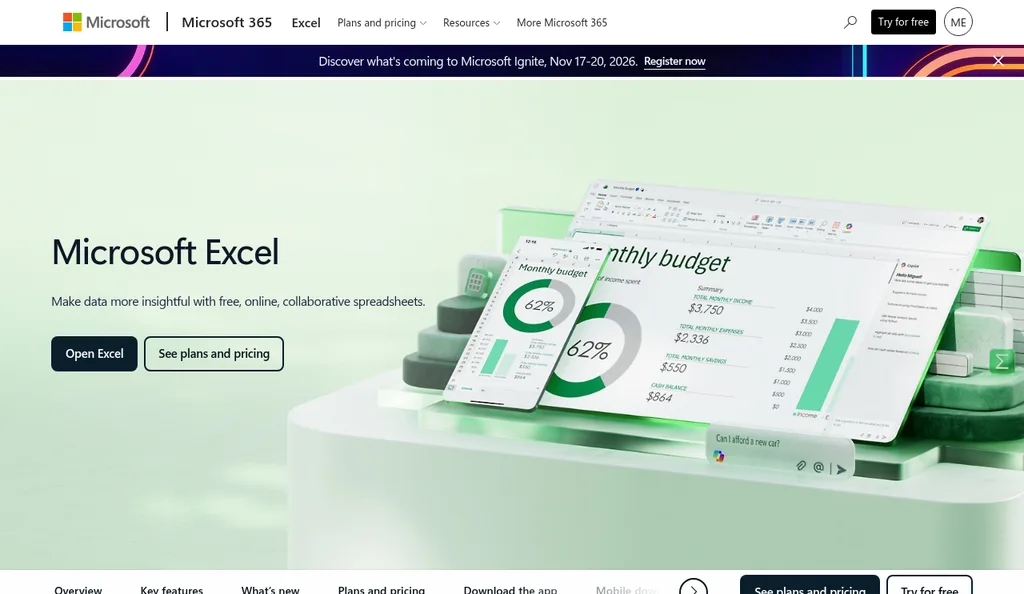
Microsoft Excel product page, checked October 2026
Spreadsheets do some things very well, so it's worth being fair to them. Microsoft Excel offers a free web version for online, collaborative spreadsheets, and Google Sheets is built for several people editing the same file at once, with Gemini built in to help analyze data. For a handful of orders a month, a shared sheet with a clear structure is cheap, flexible, and easy for anyone on the team to use.
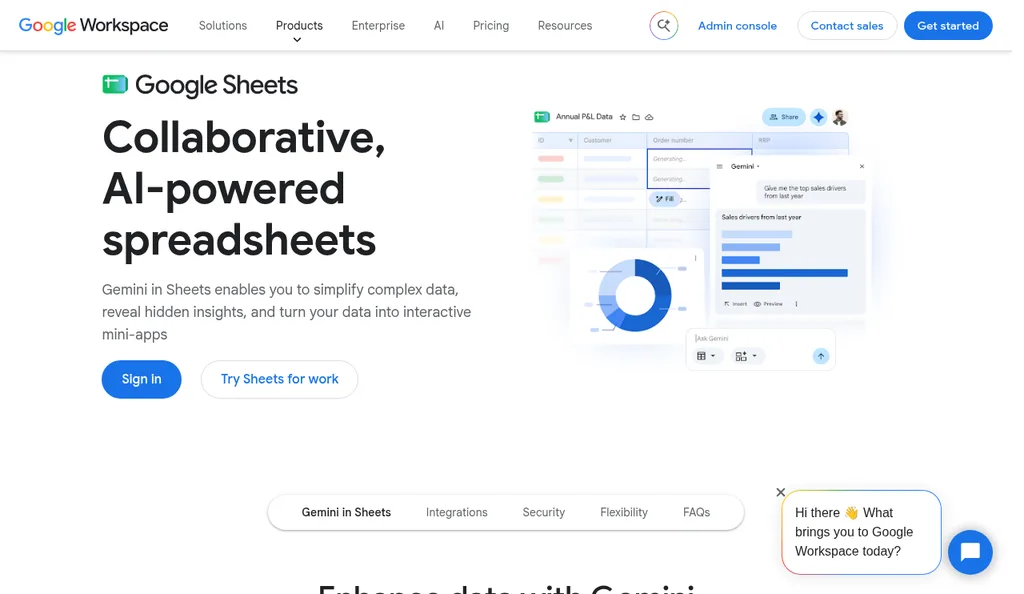
Google Sheets product page, checked October 2026
Where both fall short for purchase orders is that they don't know anything about your orders. A spreadsheet can't read an invoice, it can't see that a container has left port, and it can't tell that the freight bill you just received belongs to PO 2291. Every one of those updates depends on a person, which is fine at five orders and fragile at fifty.
Clean Up The Spreadsheet Before You Move
Moving a messy sheet into software just gives you messy software, so spend an hour on cleanup first. Start by making sure every order has one PO number that also appears on the supplier's invoice and packing list. If those documents don't carry your PO number, reconciling a part shipment against what you ordered turns into detective work, which is why our guide to reconciling a supplier invoice to a purchase order starts with that rule.
Next, settle the columns. Each PO should have a supplier, an order date, a ship-by date as a calendar date, the Incoterm with a named place such as FOB Shenzhen, the currency the price was agreed in, and payment terms. Each line should have your SKU, a description, the HS code, quantity, unit, and unit price. Our free purchase order template uses exactly that layout, and the guide to creating a purchase order explains why each field matters.
Last, gather the documents. Pull the supplier invoices, packing lists, freight bills, and customs entries for your open orders into one folder per PO, since those are what the software will read. Our guide to organizing supplier invoices has a simple folder and naming setup if you need one.
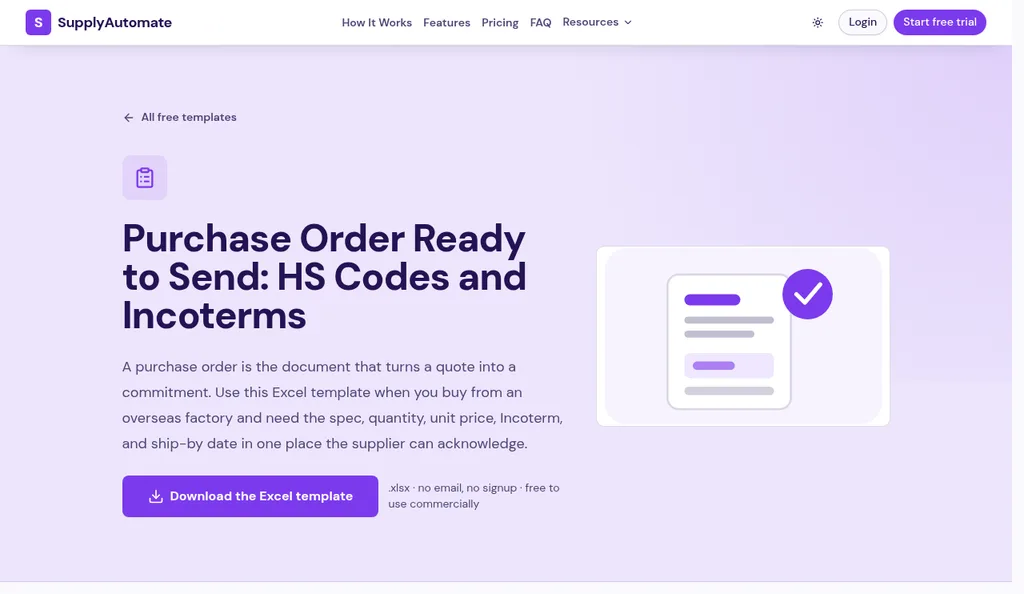
SupplyAutomate purchase order template, checked October 2026
Move Your Orders Into SupplyAutomate
Once the sheet is clean, the move itself is quick. Our onboarding is designed to take under 15 minutes for most teams, and you upload your existing POs, invoices, and shipping documents as PDFs with no manual re-entry. A single invoice turns into an organized order view in well under a minute, according to our FAQ.
Each document you upload is read and filed on the right purchase order, so the invoice, packing list, freight bill, and customs entry sit with the order they belong to. Currency is set per purchase order and per shipment, so an order agreed in EUR stays in EUR and totals across currencies are reported per currency. You can also create new purchase orders in SupplyAutomate from here on, or build one in the free purchase order creator and download it as a PDF.
Then invite the people who touch the order. Suppliers can be invited to the relevant PO to share updates and documents directly, which helps a lot if most of your supplier contact happens on WeChat. Your 3PL, accountant, or sourcing agent can be added as collaborators, and you control what each one can see or edit per order.
Let Documents And Tracking Do The Updating
This is the part that replaces the weekly spreadsheet update. When the forwarder sends the bill of lading or a freight invoice, you upload it and it lands on the order. Parcel tracking and ocean container tracking show where each shipment is, so you check the order instead of emailing three people to ask.
Landed cost is the other big change. SupplyAutomate builds the landed cost per unit from the factory price, freight, duty, and samples recorded on the order's documents, so the number moves as the freight bill and customs entry arrive rather than when someone remembers to update a formula. Our guides to landed cost per unit and allocating freight across multiple SKUs explain the math behind it.
The built-in assistant can draft purchase orders, payments, and supplier messages, and it waits for your approval before anything goes out. I find that's the right balance, because the drafting is the tedious part and the decision should stay with you.
Keep Excel For What It's Good At
You don't have to give up spreadsheets entirely. SupplyAutomate lets you export purchase orders, supplier communications, shipping invoices, and landed cost reports to CSV or Excel at any time, which is useful for your accountant, a month-end review, or a pivot table you want to build yourself. The difference is that the export is a snapshot of tracked data rather than the place where tracking happens.
The software is $199 a month or $1,999 a year, with a 14-day trial and no card required, and you can see the details on our pricing page. If you'd rather stay in a spreadsheet for now, our free templates include a PO, packing list, commercial invoice, and landed cost sheet that calculate their own totals.
Frequently Asked Questions
How Do I Track Purchase Orders In Excel?
Use one row per PO line with the PO number, supplier, SKU, HS code, quantity, unit price, ship-by date, Incoterm, currency, and status, and keep a separate folder of documents per PO. Our free purchase order template gives you the PO itself with line totals already calculated.
When Should I Move PO Tracking Out Of A Spreadsheet?
Move when keeping the sheet current takes hours each week, when documents for an order are scattered across email and chat, or when you no longer trust the landed cost. The exact point depends on how many suppliers and shipments you have open at once, so trust the time it takes more than any order count.
Can I Import My Existing Purchase Orders Into SupplyAutomate?
Yes. You upload your existing POs, invoices, and shipping documents as PDFs, and they are read and filed on the right order with no manual re-entry.
Does SupplyAutomate Update Inventory In Shopify Or QuickBooks?
No. SupplyAutomate doesn't connect to Shopify, Amazon, WooCommerce, QuickBooks, or Xero. It tracks orders, shipments, and landed cost from your documents and from parcel and container tracking, and you export to CSV or Excel for other systems.
Can I Still Export To Excel After I Switch?
Yes. You can export purchase orders, supplier communications, shipping invoices, and landed cost reports to CSV or Excel at any time.
Making The Switch
If your PO sheet works and takes ten minutes a week, keep it, and use the cleanup steps above to make it better. If it's become a Monday morning chore, try moving your open orders into software for a couple of weeks and see how often you still open the old file. When we made the switch ourselves, the thing I noticed first was that I stopped emailing forwarders to ask where a container was.