
Supply chain control tower software gives you a shared view of supply chain activity, so you can spot changes and act on them sooner. For e-commerce sellers, the best fit depends on what you need to see: supplier orders and landed costs, shipment progress, or future demand. Here are six platforms, with SupplyAutomate first for Amazon FBA, Shopify, and WooCommerce workflows.
Table of Contents
- SupplyAutomate
- o9 Digital Brain by o9 Solutions: Digital-twin-led planning
- Infor Nexus Control Center: Multi-enterprise supply chain visibility
- Movement by project44: Multimodal shipment visibility
- Visibility Hub by Transporeon: AI-informed shipment ETAs
- Logility Digital Supply Chain Platform: Demand sensing and planning
- Compare the six platforms for e-commerce fit
- Frequently asked questions
- Conclusion
1. SupplyAutomate
SupplyAutomate is AI-driven supply chain software for e-commerce sellers. It helps you manage orders, costs, and supplier communications, with document processing and real-time landed-cost insights. A landed cost is the full cost of getting a product ready to sell, including goods, freight, duty, and other charges.
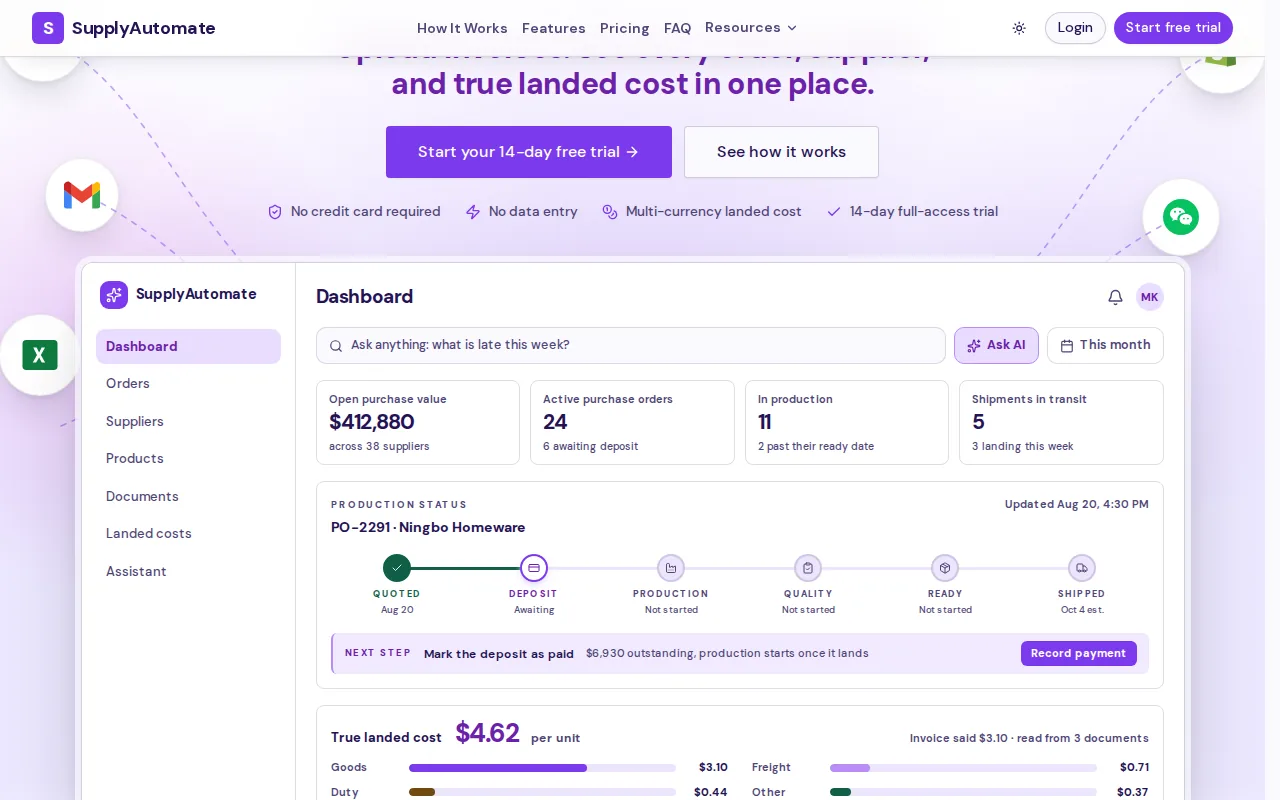
For Amazon FBA, Shopify, and WooCommerce retailers, channel fit matters as much as broad network visibility. SupplyAutomate lists integrations with all three. We use AI to process supply chain documents and show landed costs, so you can check how charges change a SKU’s cost instead of piecing figures together across files. The site shows an open purchase value across 38 suppliers, a useful example of the kind of order and supplier detail you may want at a glance.
If supplier records and POs are a bigger pain than shipment tracking, our comparison of software to manage suppliers can help you sort out that specific need. The monthly plan is $199.
For a seller who wants supplier orders, documents, and costs in view, that focus is more useful than a broad control room built around large logistics networks.
2. o9 Digital Brain by o9 Solutions: Digital-twin-led planning
o9 Digital Brain by o9 Solutions is an enterprise platform that emphasizes a digital twin of the business. A digital twin is a model of operations that helps teams explore how decisions may affect the wider business.
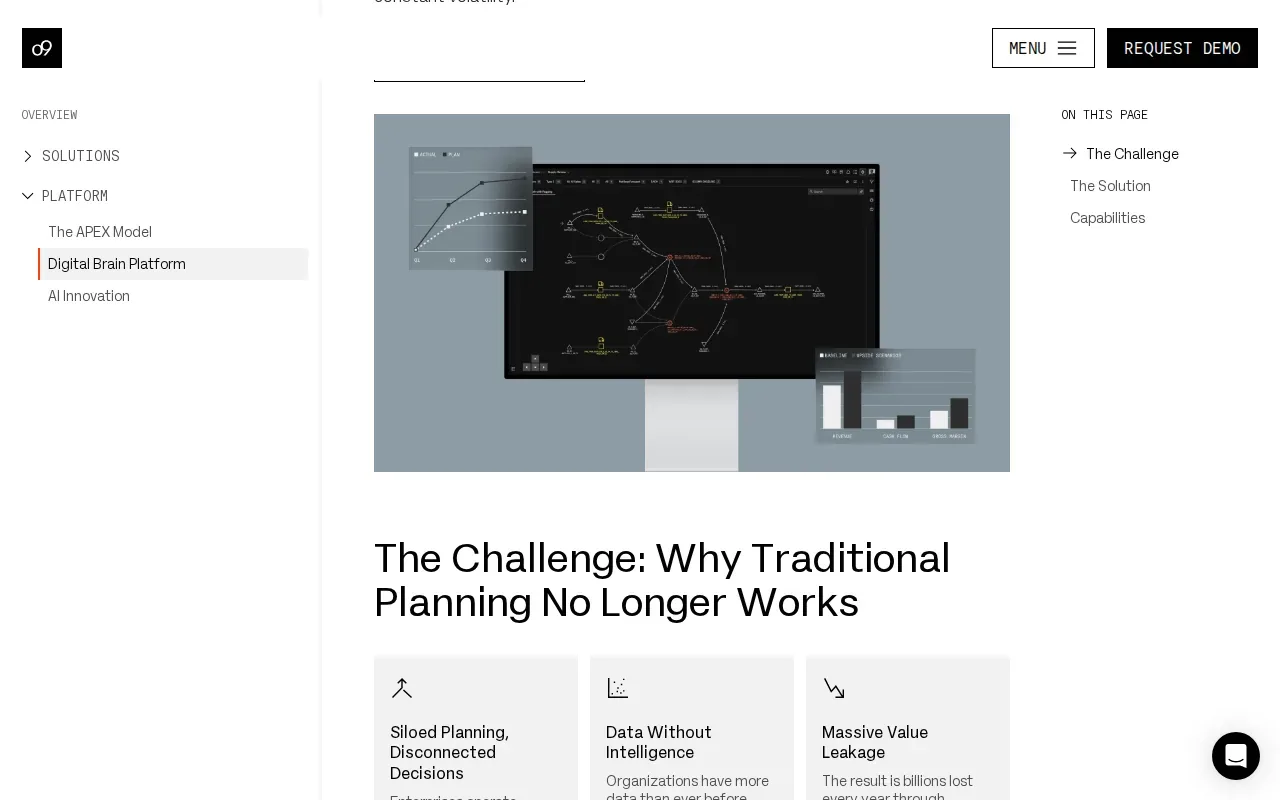
The platform unifies data, intelligence, and execution across an enterprise. That makes it a fit to assess when your main need is connected planning and decision-making across business functions, rather than a narrow view of one store or marketplace.
For an e-commerce team, ask how its planning model maps to your day-to-day objects: a PO, supplier, shipment, and SKU. Also check which sales and operations systems can feed the data you need. Those details determine whether a digital-twin-led approach can answer a seller’s question about stock and costs, or mainly supports wider enterprise planning.
If you want to compare planning tools with order and supplier workflows, our supply chain management software comparison covers e-commerce use cases.
3. Infor Nexus Control Center: Multi-enterprise supply chain visibility
Infor Nexus Control Center supports visibility and collaboration across global trade, logistics, suppliers, and multi-enterprise networks. It is a strong option to assess if your operation spans international suppliers and logistics partners.
A multi-enterprise view can help teams coordinate when an order crosses company lines. For example, a buyer may need to line up supplier status with logistics updates before deciding what to tell a sales or support team. Infor Nexus is built around that broad network context, rather than the seller-only view of a single storefront.
For a smaller retailer, test the match against your actual workflow. Can the system connect the partner and shipment information your staff use, and can they act on an exception without switching between disconnected records? For landed-cost calculations tied to product SKUs, see our e-commerce landed cost calculator comparison.
4. Movement by project44: Multimodal shipment visibility
Movement by project44 is a visibility-led platform for tracking shipments across multiple transport modes. Its focus includes real-time visibility, workflow automation, and insights at shipment, order, and SKU level.
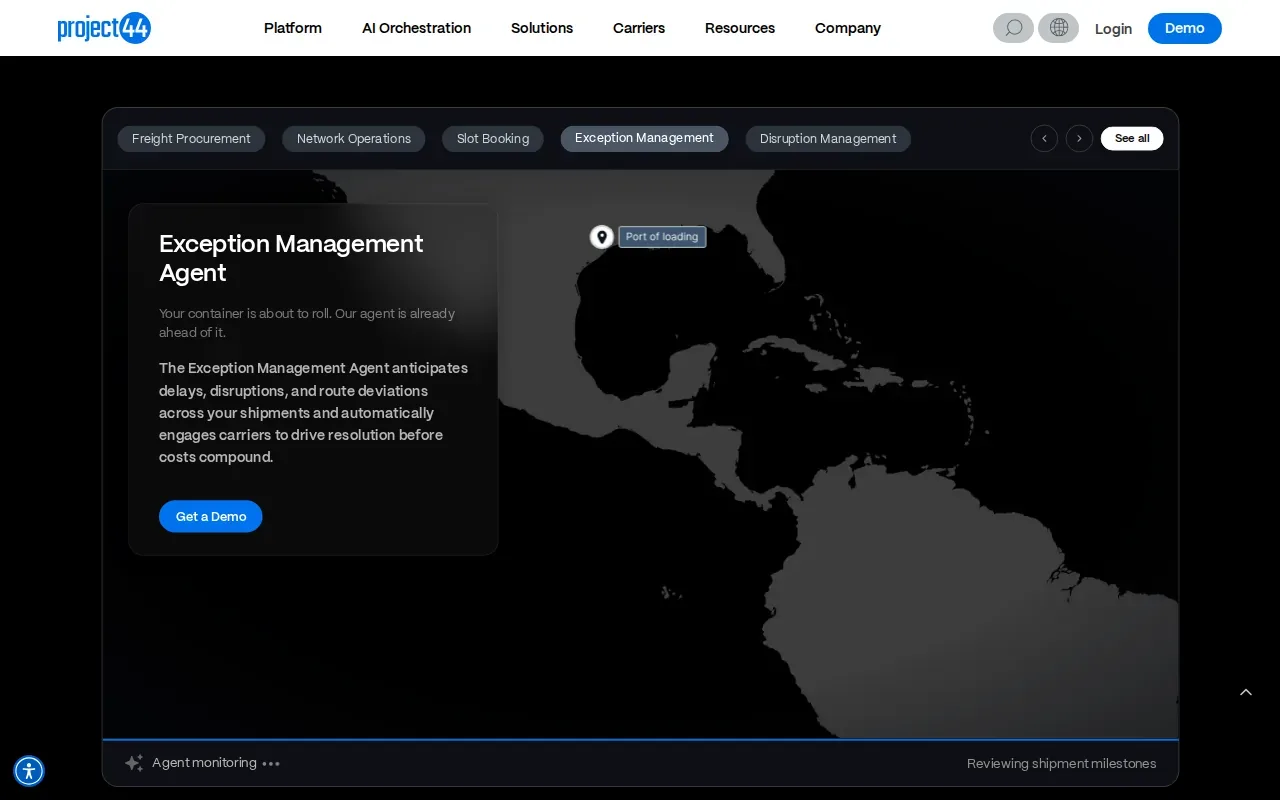
This is a fit to consider when inbound freight is the hard part to see. A shipment-level view can help an operations team notice a delay and decide which orders may need attention. The platform also describes visibility across modes and geographies, which matters when goods move through several legs before reaching a warehouse or fulfillment point.
Movement can also connect shipment records with orders and individual SKUs. That granularity may help inventory teams judge which products face a stock risk, rather than treating every late shipment as equally urgent. If your main problem is supplier invoices and full product cost, confirm that the platform covers that workflow before you shortlist it.
For Amazon-specific workflows that link inbound stock with supplier orders, our guide to Amazon FBA supply chain software offers a more focused comparison.
5. Visibility Hub by Transporeon: AI-informed shipment ETAs
Visibility Hub by Transporeon brings data from multiple sources together and uses artificial intelligence and machine learning to produce insights and estimated arrival times, or ETAs.
That focus suits teams that need a clearer view of when freight may arrive. An ETA can help a retailer review whether inbound goods are likely to reach a warehouse in time for planned selling activity. The value depends on the source data and how teams use the estimate when shipment status changes.
Ask how the visibility view fits your operation’s handoffs. For example, can the people who plan stock act on arrival information in their current process? Also check whether the tool’s scope aligns with your need for supplier order data and SKU-level cost records. An ETA answers a timing question, but it does not by itself tell you the landed cost of each unit.
6. Logility Digital Supply Chain Platform: Demand sensing and planning
Logility Digital Supply Chain Platform uses artificial intelligence and demand sensing to predict customer demand and support in-stock planning. Demand sensing means using current signals to adjust a forecast as conditions shift.
Retail teams can assess Logility when the challenge is balancing stock availability with inventory investment. Its retail materials describe forecasting across SKUs and using demand signals such as point-of-sale data. The platform also supports planning around changes such as promotions and new product launches.
This planning focus can help a team weigh stock and service decisions before a shortage takes hold. It is a different job from tracking one shipment or reconciling a supplier invoice. E-commerce sellers should map which forecasts they need and confirm how those plans connect to their store, marketplace, and purchase workflows.
Shopify sellers comparing tools for store operations can also review our Shopify supply chain app review to see how a seller-focused workflow differs from enterprise planning.
Compare the six platforms for e-commerce fit
These products solve different visibility problems. Use the main job each is built around as your first filter, then check integration fit and the data your team needs in its daily work.
| Platform | Main focus in this shortlist | Best fit to assess | Question to verify |
|---|---|---|---|
| SupplyAutomate | AI-driven automation, document processing, and landed-cost insights | Amazon FBA, Shopify, and WooCommerce sellers | Does it cover your supplier and SKU cost workflow? |
| o9 Digital Brain by o9 Solutions | Digital-twin-led enterprise planning | Teams coordinating decisions across the business | How does it connect with your sales and operations data? |
| Infor Nexus Control Center | Multi-enterprise visibility and collaboration | International and supplier-heavy operations | Can partners share the updates your team needs? |
| Movement by project44 | Multimodal shipment visibility | Teams monitoring freight across shipment legs | Can shipment-level data support your SKU decisions? |
| Visibility Hub by Transporeon | Data consolidation and AI-informed ETAs | Teams focused on shipment arrival estimates | How do ETA updates fit your stock planning process? |
| Logility Digital Supply Chain Platform | Demand sensing and planning | Retail teams balancing demand and inventory | Which demand signals can inform your forecasts? |
Compare these tools against the question your team asks most often. Is the pain “What did this SKU really cost?” “Where is the shipment?” or “How much stock should we plan for?” The first points toward landed-cost workflows, the second toward shipment visibility, and the third toward demand planning. One system may not be the right answer for all three.
For e-commerce, integrations deserve a hands-on test. Confirm what data flows in and out, how product identifiers match, and who handles a mismatch. A connector that moves the wrong SKU or omits a cost field can leave your team with another reconciliation task.
Pro Tip: Test one real PO from supplier confirmation through freight and duty review. Check whether the platform answers the cost, timing, and stock questions your team actually asks.
When you compare customer-facing delay updates, support workflows may matter too. This overview of customer service management software discusses how teams assess service tools by their workflow and integrations.
SupplyAutomate is the clearest fit in this shortlist for e-commerce sellers who want marketplace integrations alongside AI-driven document processing and landed-cost visibility. The other platforms are worth assessing when enterprise planning, global partner collaboration, or freight visibility is the main need.
Frequently asked questions
What does supply chain control tower software do?
Supply chain control tower software brings supply chain information into a shared view so teams can monitor activity and respond to changes. Depending on the product, that view may focus on demand plans, supplier networks, or active shipments. E-commerce buyers should also check whether it connects store or marketplace data with the records their team uses.
What should e-commerce sellers look for in a control tower?
E-commerce sellers should check channel integrations, SKU-level visibility, landed-cost handling, document workflows, and shipment updates. Start with the issue that causes the most manual work. If staff keep matching supplier invoices to POs, prioritize document and cost workflows. If they spend time chasing freight updates, focus on shipment visibility and ETAs.
Can a supply chain control tower help prevent stockouts?
It can help teams spot risks sooner when it brings together relevant stock, demand, and shipment information. Planning-focused software can support forecasts, while visibility tools can show delays that may affect incoming stock. The platform still needs useful data and a clear response process. Ask how an alert reaches the person who can act on it.
Which platform is best for Amazon FBA and Shopify sellers?
SupplyAutomate is a strong fit in this shortlist for Amazon FBA, Shopify, and WooCommerce sellers seeking AI-driven document processing and landed-cost insights. Its integrations match those channels. Sellers should still assess their own PO, supplier document, and SKU workflows to confirm the fit.
Conclusion
If you sell through Amazon FBA, Shopify, or WooCommerce and need supplier documents and landed costs in the same workflow, start with SupplyAutomate.