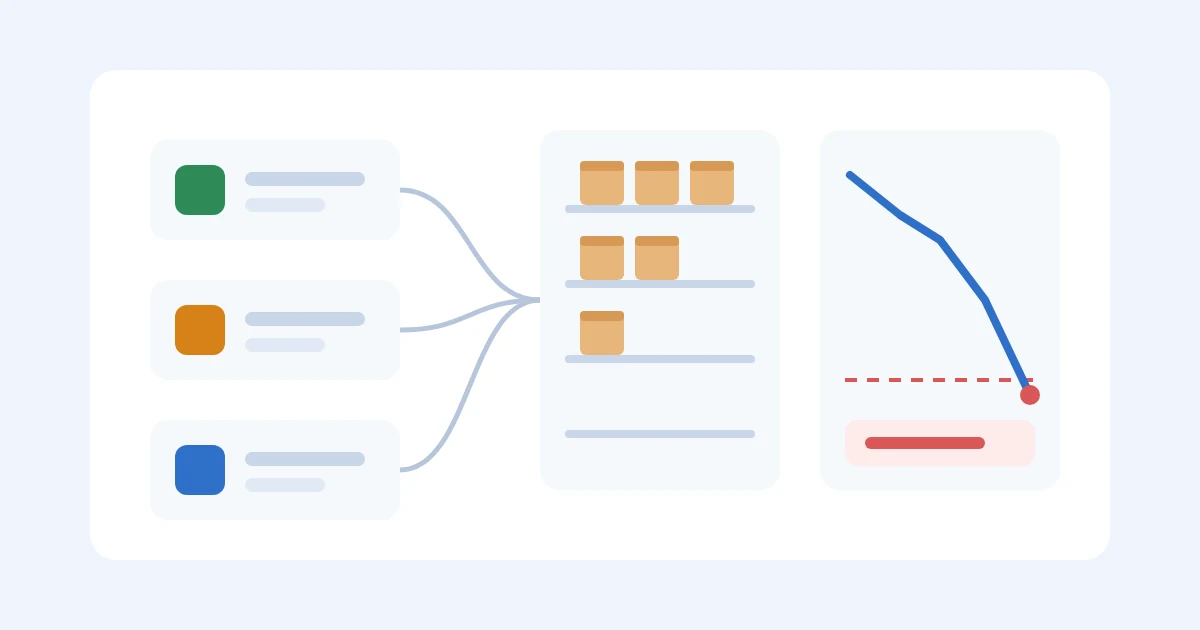
It's the second week of November and your best seller just went out of stock on Shopify. Amazon FBA still shows a few hundred units, so you assume you're fine there, until you check the factory order and realize it hasn't shipped yet and won't land until after the holidays. You bought an inventory app last spring specifically so this wouldn't happen. The app did its job perfectly, and you still ran out.
I sold through Amazon FBA and Shopify while building a $3M ARR brand, and I made this exact mistake more than once. The honest answer to "can inventory software prevent stockouts across sales channels" is yes for one kind of stockout and no for the kind that hurts most. In this guide I'll explain the three ways a multi-channel seller runs out, which tools fix which one, and the weekly check I'd run on a spreadsheet before paying for anything, written for someone who just placed their first or second factory order.
A quick product note so nothing below reads as a promise. SupplyAutomate does not connect to Shopify, Amazon, or WooCommerce, and it doesn't read or sync your sales, orders, or stock levels. It works from the documents you upload, meaning supplier invoices, packing lists, freight bills, and customs entries, plus parcel and ocean container tracking, so it helps with the supplier side of the check below and exports everything to CSV or Excel.
TL;DR
- Multi-channel sellers run out in three different ways: overselling the same units on two channels, having stock in the wrong place, and placing the factory order too late.
- Inventory sync software like Linnworks or Sellbrite is built for the first problem, and channel buffers make it work much better during busy periods.
- Amazon Multi-Channel Fulfillment lets Shopify and WooCommerce orders ship from your FBA stock, which helps with the second problem when one location runs dry.
- No sync tool fixes the third problem by itself, because it only sees units that already exist. You need combined daily sales, a reorder point built on real supplier lead time, and honest arrival dates for open purchase orders.
- Start with a weekly check in a spreadsheet, and add a sync or planning app once you're managing more SKUs or channels than you can update by hand.
Table of Contents
- Three Ways A Multi-Channel Seller Runs Out
- What Inventory Sync Software Actually Prevents
- Use Channel Buffers So Sync Lag Doesn't Oversell
- Ship Every Channel From One Pool With Amazon MCF
- What No Sync Tool Can Do For You
- A Weekly Stockout Check You Can Run In A Spreadsheet
- A Worked Example With Three Channels
- Where SupplyAutomate Fits
- Common Mistakes That Still Cause Stockouts
- Frequently Asked Questions
- Picking The Setup That Fits Your Store
- Related Guides
Three Ways A Multi-Channel Seller Runs Out
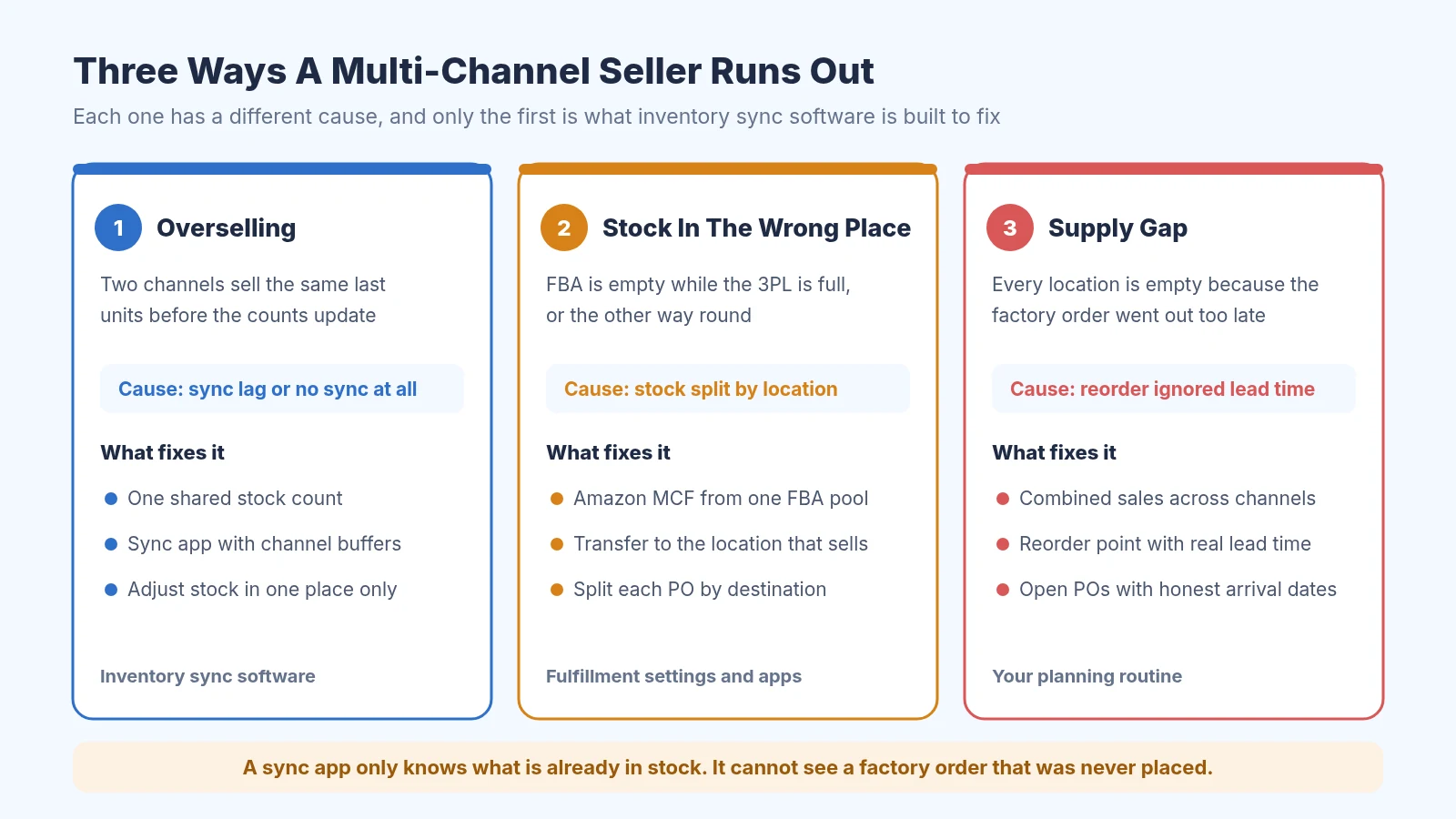
Three different stockouts, three different fixes
When people say "stockout" they usually mean one of three different problems, and it's worth separating them because the fix for each is different. The first is overselling. You have 10 units, a customer buys the last one on Amazon, and before Shopify hears about it another customer buys the same unit on your site. Now you have an order you can't ship, which is a stockout even though your count said you had stock.
The second is stock in the wrong place. Your FBA units are sold out while your 3PL has a full pallet, or the other way round. On paper you have plenty, but the location that's selling is empty, and moving units between Amazon and a 3PL takes days or weeks.
The third is a supply gap, where every location runs dry because the next factory order went out too late. For anyone importing from overseas this is the expensive one. With production and ocean freight it can take two or three months to fix, and no amount of syncing can make units appear that haven't been made yet.
What Inventory Sync Software Actually Prevents
Inventory sync software keeps one central count for each product and pushes it to every channel you sell on. When an order comes in anywhere, the tool reduces the central count and updates the other channels, so the same unit can't be sold twice for long. That's the overselling problem, and for a seller with one warehouse and three storefronts it's a real one.
Linnworks
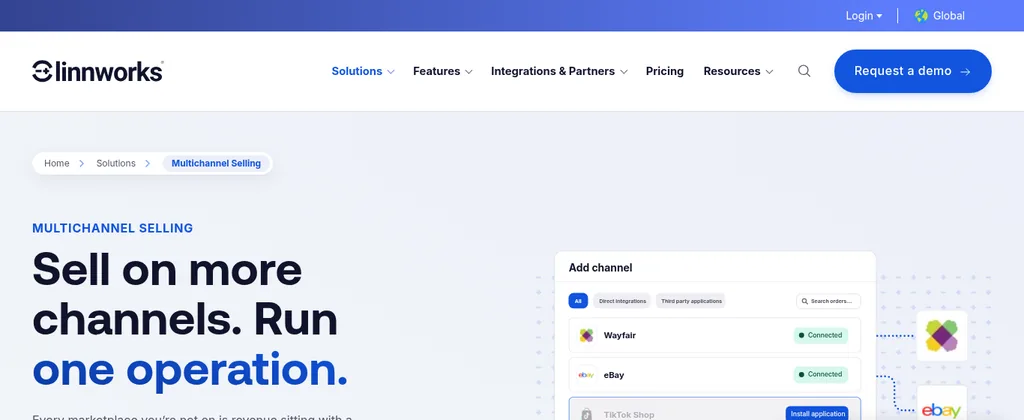
Linnworks multichannel selling page
Linnworks is an inventory and order management platform for sellers on many marketplaces at once. Its multichannel page says it deducts stock across all connected channels at the point of order, syncs stock levels in under 10 minutes, supports channel-level stock buffers, and can suppress a listing automatically when stock hits a minimum you set. It's aimed at larger catalogs, and pricing is through a demo request.
Sellbrite

Sellbrite inventory management page
Sellbrite, a GoDaddy brand, is a lighter multichannel listing and inventory tool that connects Amazon, eBay, Etsy, Walmart, Shopify, WooCommerce, and others. Its help center says inventory sync runs every 15 minutes on paid plans and every 2 hours on the free plan. It also says you have to make stock adjustments inside Sellbrite once sync is on, since changing a quantity directly on a channel can cause overselling.
Shopify Marketplace Connect
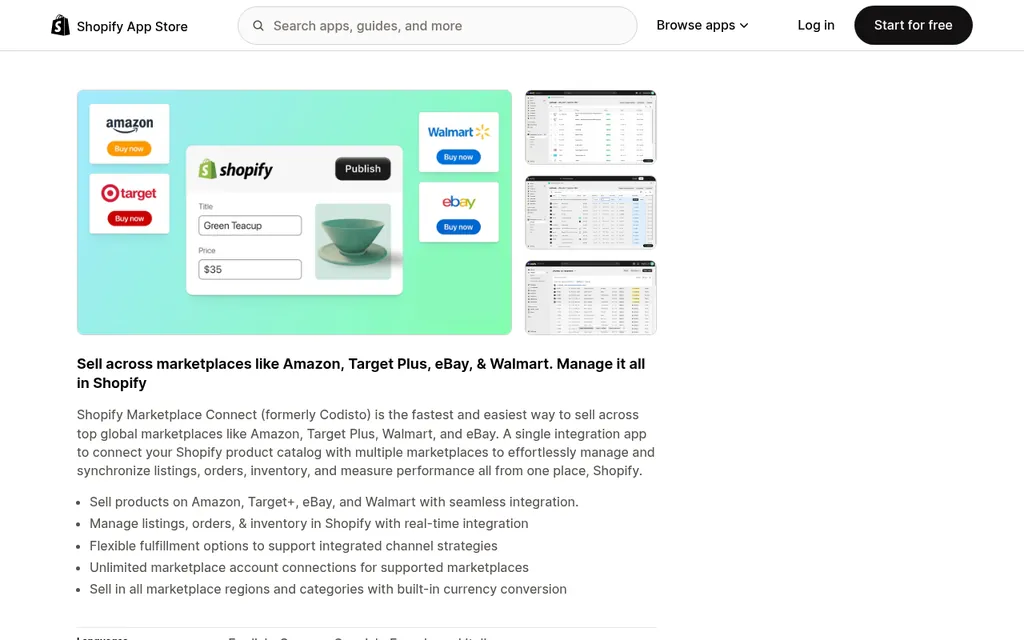
Shopify Marketplace Connect on the Shopify App Store
If Shopify is your main store, Shopify Marketplace Connect lists your products on Amazon, eBay, Walmart, and Target Plus and keeps marketplace quantities tied to your Shopify inventory. One detail matters a lot for FBA sellers. According to the Marketplace Connect listing defaults guide, merchant-fulfilled Amazon listings use your Shopify quantity, while FBA listings ignore it and use the units in Amazon's fulfillment centers. So the app syncs your own warehouse stock to Amazon, and your FBA stock stays a separate pool you still have to watch.
Use Channel Buffers So Sync Lag Doesn't Oversell
Even good sync has a delay. If your app updates every 15 minutes and you're running a promotion, two channels can each sell the last few units inside that window. The fix most tools offer is a buffer, which hides a few units from a channel so it reports zero slightly before you actually hit zero.
Sellbrite Help Center article on inventory rules
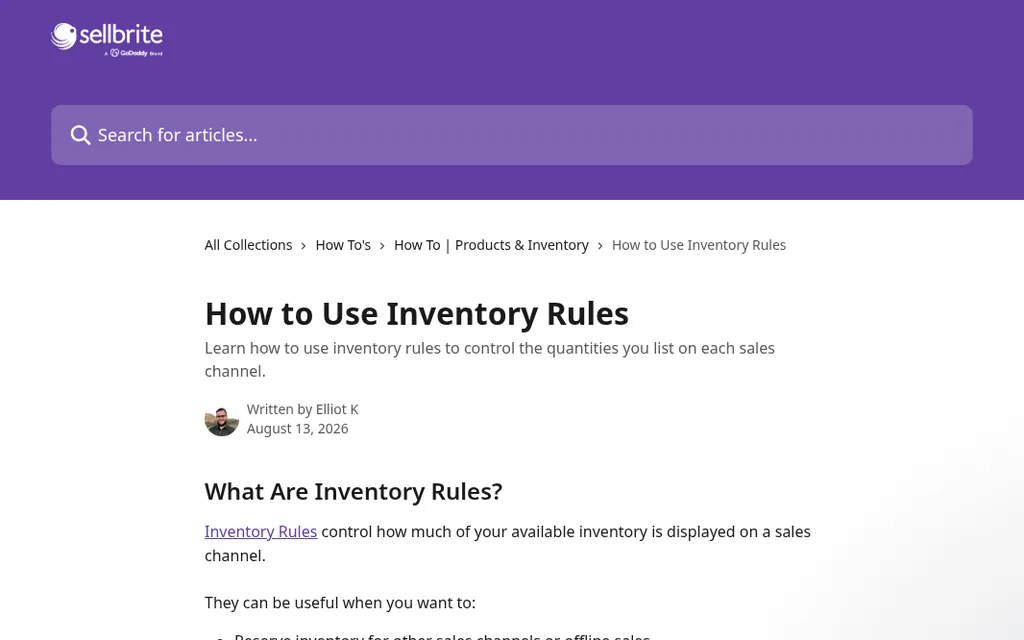
Each tool names this differently. Sellbrite's inventory rules let you send a percentage of available stock or a maximum quantity to each channel, and the percentage always rounds down, so low stock items show as sold out a little early. Marketplace Connect has a Quantity Buffer rule that subtracts a fixed number from the marketplace quantity to protect your Shopify store, and Linnworks offers channel-level buffers and a minimum level that ends the listing early.
I'd set a small buffer on whichever channel punishes a canceled order the most, which for most sellers is Amazon, and leave your own store with the full count. On Shopify, also check that Continue selling when out of stock is turned off for anything you don't sell on preorder. Shopify's help page on selling out of stock products explains that this setting lets customers keep ordering at zero or below, which quietly turns a sync gap into oversold orders.
Ship Every Channel From One Pool With Amazon MCF
The second kind of stockout, stock in the wrong place, is often easier to fix with fulfillment settings than with software. Amazon Multi-Channel Fulfillment, usually called MCF, lets Amazon pick, pack, and ship orders from your other channels using the inventory you already have in FBA. If most of your stock lives at Amazon anyway, this turns two pools into one and stops your Shopify store from selling out while FBA is full.
Amazon MCF App For Shopify
Amazon Supply Chain Services page for the MCF app for Shopify
Amazon publishes a free Multichannel Fulfillment app for Shopify, listed on the Shopify App Store as Amazon MCF and Buy with Prime. Amazon's page describes it as using a single pool of inventory across Amazon and your other channels, with FBA stock levels shown in your Shopify admin and orders sent to Amazon to ship in unbranded packaging. The user guide lists which countries it supports, so check yours before you plan around it.
Amazon Fulfillment For WooCommerce
Amazon Fulfillment (MCF) for WooCommerce on the WooCommerce Marketplace
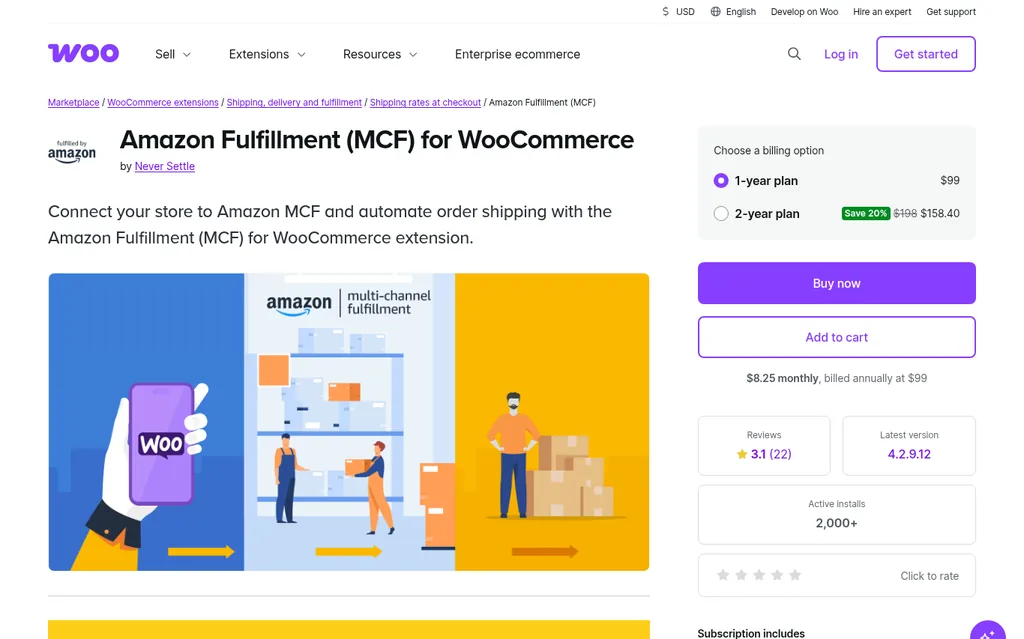
For WooCommerce, the Amazon Fulfillment (MCF) for WooCommerce extension by Never Settle sends your store's orders to Amazon to fulfill. Its listing shows a one year plan at $99 and requires an Amazon Professional seller account with FBA. MCF has its own per-order fees, so compare them with what your 3PL charges before you route everything through Amazon, and remember that every unit you keep only at FBA also counts against your Amazon storage limits.
What No Sync Tool Can Do For You
This is the part most software pages skip. A sync tool only knows about units that already exist. It can share the last 50 units fairly between three channels, but it can't tell you that those 50 units will last 9 days and your next order is 70 days away.
That third kind of stockout comes from the supplier side. Your factory needs a few weeks to produce, ocean freight adds a month or more, and customs, the 3PL, and FBA receiving add another week or two. If you don't reorder before your stock drops below what you'll sell during that whole stretch plus a safety cushion, you'll run out no matter how accurate your counts are.
The question that prevents most stockouts: for each SKU, how many days of combined sales do you have across every location and every open purchase order, and is that more than your real lead time plus safety stock? Sync tools give you half of that answer. The other half lives in your purchase orders and shipment tracking.
Some forecasting and planning apps do try to answer the whole question by reading sales from your channels and letting you enter supplier lead times and open purchase orders. If you go that route, our roundup of the best ecommerce inventory management software compares the main options and what they connect to. Either way, the lead times and arrival dates you type in are only as good as your supplier records.
A Weekly Stockout Check You Can Run In A Spreadsheet
The weekly check, with what comes from each side
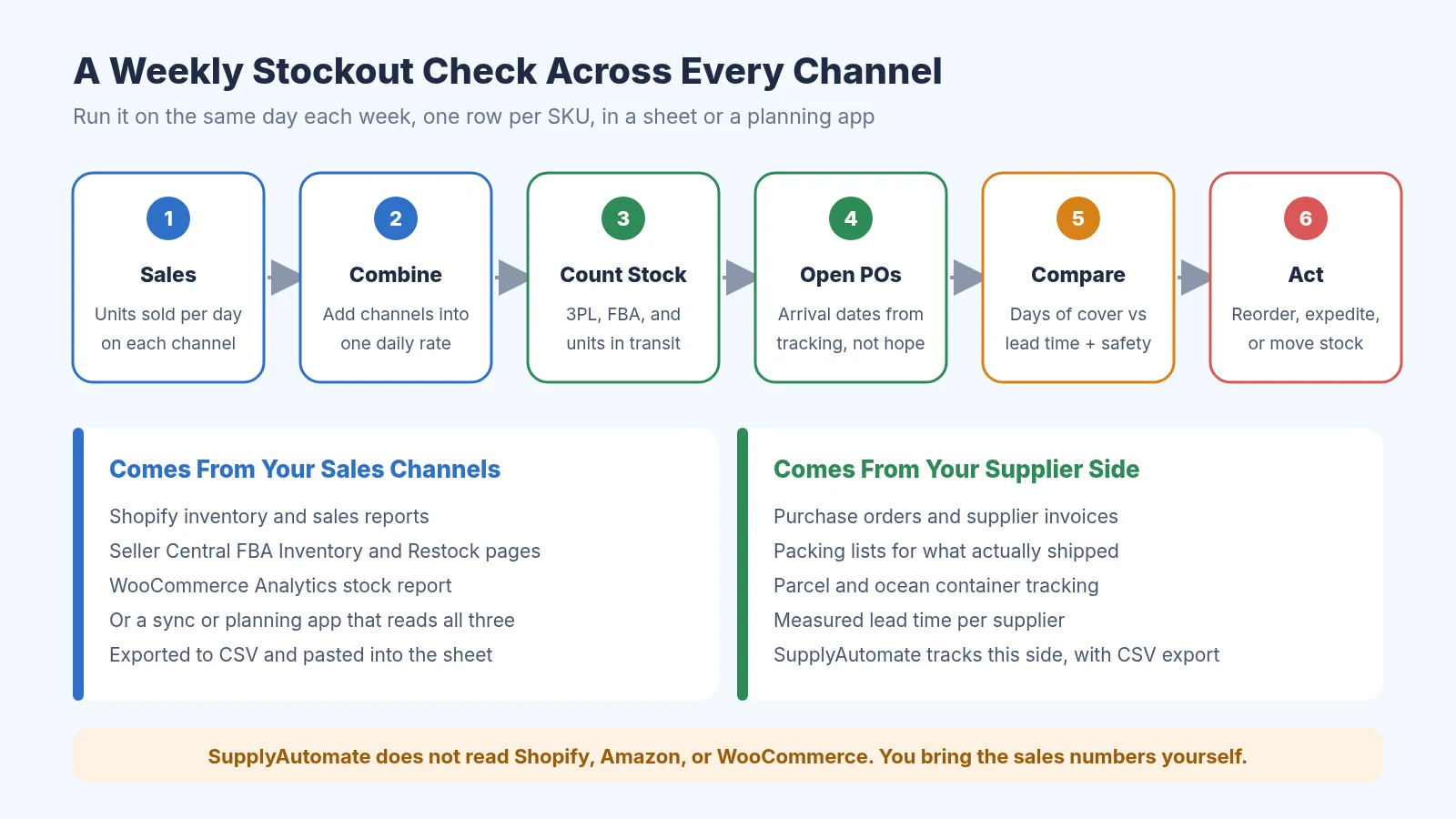
This is the routine I'd run before buying any software. Pick one day a week, give each SKU one row, and work left to right. First, pull units sold per day for each channel over the last 60 or 90 days, using the Shopify inventory reports, the FBA Inventory or Restock Inventory pages in Seller Central, and the WooCommerce Analytics stock report.
Next, add the channels together into one daily rate, and be careful about double counting. If Marketplace Connect imports your Amazon orders into Shopify, filter your Shopify report to your own storefront before you add the Amazon number. Then count stock everywhere it sits, meaning your 3PL or warehouse, FBA available, FBA inbound, and anything already on a truck or a ship.
After that, list every open purchase order with the date the units will actually be sellable. That date should come from the shipment tracking and the supplier's latest update, and it should include receiving time at the 3PL or FBA. Finally, divide total stock by the combined daily rate to get days of cover, and compare it with your lead time plus safety stock. If cover is shorter, reorder now, ask the factory to expedite, or move stock between locations.
Google Sheets
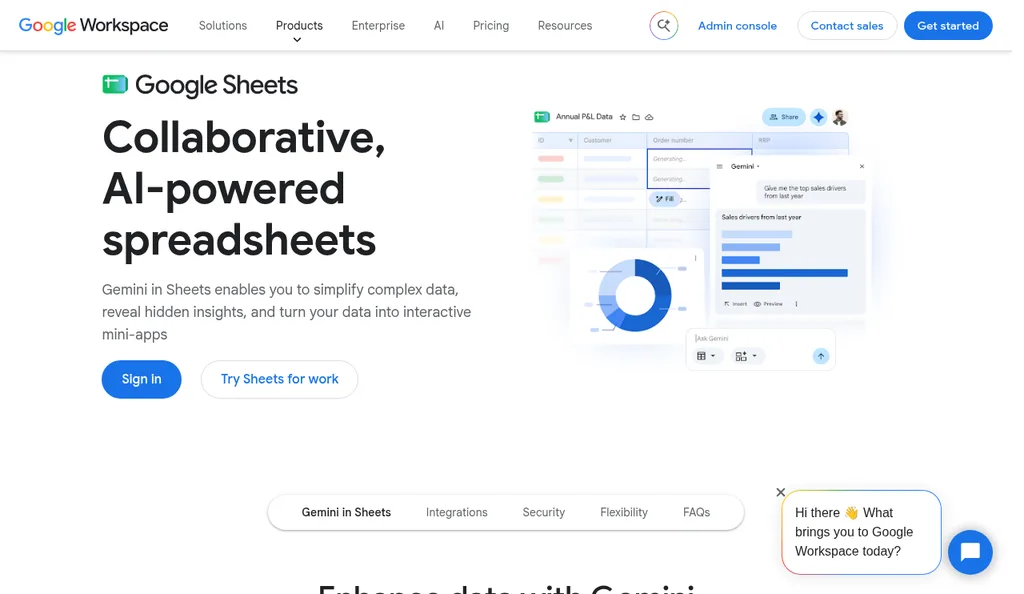
Google Sheets product page
Google Sheets is all you need for the first version of this check. I'd keep columns for each channel's daily sales, the combined rate, stock by location, open PO quantity and arrival date, lead time, safety stock, reorder point, and days of cover. If you want a head start, the free inventory tracking template and lead time tracker template cover most of those columns, and our guides on the reorder point formula for importers and how to calculate safety stock explain the math behind the last three.
A Worked Example With Three Channels
Here's an example with made-up numbers for one SKU, so you can see why each channel's own screen can look fine while the business is about to run out. You sell 6 units a day on Shopify and 2 a day on WooCommerce, both shipped from the same 3PL, which has 520 units. You also sell 9 a day through FBA, with 610 units available and 180 inbound to Amazon.
Look at Shopify alone and 520 units at 6 a day is about 87 days, which feels safe. Look at Amazon alone and 790 units at 9 a day is about 88 days, which also feels safe. But WooCommerce draws on the same 3PL units as Shopify, so the 3PL is really selling 8 a day and runs dry in 65 days, and across all three channels you're selling 17 a day against 1,310 units, which is about 77 days of cover.
Now say your supplier's real lead time from purchase order to sellable is 75 days, and you want 15 days of safety stock. Your reorder point is 17 times 90, or 1,530 units, and you only have 1,310, so this order is already about 13 days late. Even if you place it today, the 3PL runs out around day 65 and the new stock arrives around day 75, which leaves Shopify and WooCommerce sold out for about 10 days.
This is where the three fixes come together. Turning on MCF would let those 10 days of Shopify and WooCommerce orders ship from FBA, and 77 days of combined cover just about reaches a 75 day lead time, with no safety left. A sync tool with a small Amazon buffer protects the last few units from overselling. The real fix, though, was placing this purchase order two weeks ago, and only the weekly check would have caught that.
Where SupplyAutomate Fits
SupplyAutomate covers the supplier half of the weekly check. You upload the purchase order, supplier invoice, packing list, freight bill, and customs entry for each order, and it tracks the order through production, follows the parcel or ocean container, and keeps a record of how long each supplier actually took. That gives you honest arrival dates for open purchase orders and measured lead times for your reorder point, and you can export both to CSV or Excel to paste into the sheet.
It doesn't read Shopify, Amazon, or WooCommerce, so the sales and stock numbers still come from your channels or a sync app. It also won't change stock levels or listings anywhere. Our Shopify ERP page and Amazon FBA ERP page show how it fits each kind of store, and pricing is on the site.
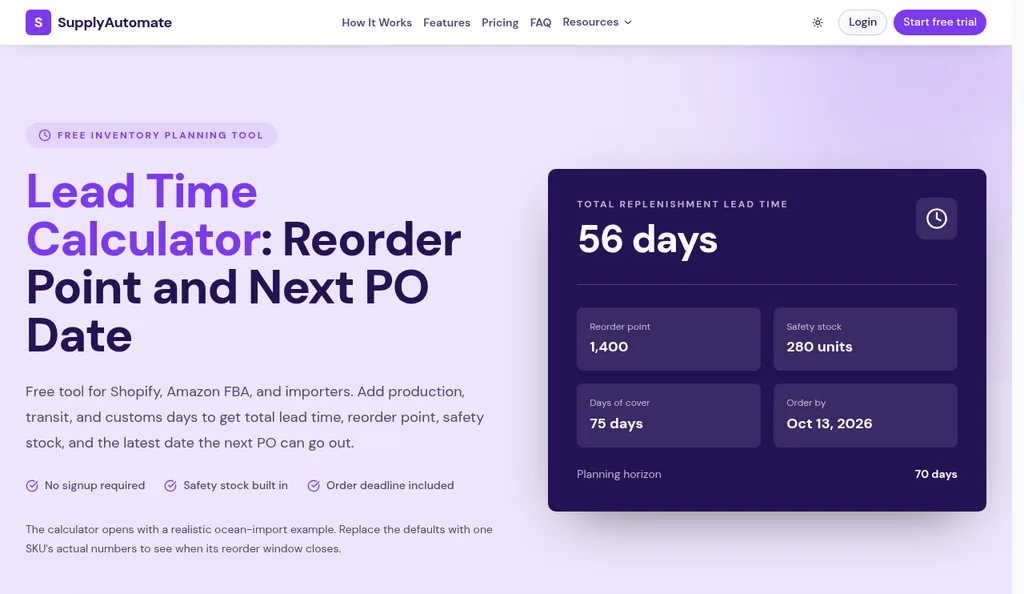
SupplyAutomate lead time calculator with its default example
If you don't know your lead time yet, the free lead time calculator adds up production, transit, customs, and receiving days and turns them into a reorder point and safety stock. The MOQ calculator helps when the reorder quantity lands below your supplier's minimum, and the free purchase order creator gets the order to the factory faster once you've decided. If you'd rather hand the whole supplier side to someone, our outsourced supply chain manager service runs it for you.
Common Mistakes That Still Cause Stockouts
The most common one I see is planning each channel from its own screen. Restock suggestions in Seller Central only know about Amazon, and Shopify's reports only know about Shopify, so each one undercounts how fast a shared product is really moving. If two channels draw from the same 3PL or the same factory, add them together before you decide anything. Our guide on consolidating Shopify and Amazon FBA purchase orders walks through combining that demand into one order per supplier.
The second is trusting the supplier's quoted lead time instead of the one you've measured. Factories quote what a smooth order looks like, and holidays, sample approvals, and port delays push real orders later. The third is changing stock directly on a channel after you've set up a sync tool, which both Sellbrite and Linnworks warn can cause overselling because the tool overwrites or ignores the change.
The last one is forgetting that FBA stock and warehouse stock are separate until you connect them. Marketplace Connect and most sync apps keep FBA quantities apart from your own warehouse unless you use MCF. If you're new to FBA, our guide to Amazon FBA inventory management explains how Amazon counts available, inbound, and reserved units.
Frequently Asked Questions
Can Inventory Software Prevent Stockouts By Itself?
It can prevent overselling, which is one kind of stockout, by keeping a single count across your channels and updating each one when an order comes in. It can't prevent running out of supply by itself, because it only knows about stock you already have. For that you need a reorder point based on combined sales and real supplier lead time, plus accurate dates for open purchase orders.
How Do I Stop Overselling Between Amazon And Shopify?
Use one tool to own the stock count, such as Shopify with Marketplace Connect for merchant-fulfilled listings or a multichannel tool like Sellbrite or Linnworks. Make all quantity changes in that tool, add a small buffer on Amazon, and turn off continue selling when out of stock in Shopify. If your Amazon listings are FBA, Amazon manages that quantity separately, so overselling between the two is less of a risk than running FBA dry.
Does Amazon FBA Inventory Sync To My Shopify Store?
Not automatically. FBA units are counted in Amazon's fulfillment centers, and tools like Marketplace Connect treat FBA listings as a separate pool from your Shopify stock. If you want Shopify orders to draw on FBA units, Amazon's MCF app for Shopify shows FBA stock levels in your Shopify admin and sends those orders to Amazon to ship.
How Much Safety Stock Should A Multi-Channel Seller Keep?
It depends on how much your combined sales and your supplier's lead time vary, so there's no single right number. A common starting point is a set number of days of combined sales, then adjusting after you see a few cycles of real lead times. Our guide on how to calculate safety stock walks through the formulas and an Excel version.
Can SupplyAutomate Prevent Stockouts Across My Channels?
It can help with the supplier side, which is where the costliest stockouts start. SupplyAutomate tracks purchase orders and shipments from the documents you upload, follows parcels and ocean containers, measures supplier lead times, and exports to CSV or Excel. It doesn't connect to Shopify, Amazon, or WooCommerce or sync stock, so you'd pair it with your channel reports or a sync app.
Picking The Setup That Fits Your Store
If you sell on two channels and have a handful of SKUs, I'd start with the weekly spreadsheet check and a small Amazon buffer before paying for anything. That alone catches the late factory order, which is the stockout that costs the most. Once you're making stock changes several times a day or adding a third or fourth channel, a sync tool like Sellbrite or Linnworks earns its fee by stopping oversells you'd otherwise miss.
If most of your stock is already at Amazon, MCF is worth a look before a 3PL, because it keeps one pool for every channel. And whatever you choose for the sales side, keep your supplier records clean, because the reorder date only works if the lead time and arrival dates behind it are real. If you want a next read, our guide to turning Shopify reorder points into purchase orders picks up right where this check leaves off.
Related Guides
- How To Calculate Safety Stock (Formula + Excel)
- Reorder Point Formula For Importers (When To Buy)
- How To Consolidate Shopify And Amazon FBA Purchase Orders
- Shopify Inventory Management: A Step By Step Guide
- Amazon FBA Inventory Management: A Step By Step Guide
- How To Set Up Amazon Seller Central Reorder Alerts
- How To Turn WooCommerce Low Stock Into Purchase Orders
- How To Turn Shopify Reorder Points Into Purchase Orders
- 5 Best Ecommerce Inventory Management Software For 2026
- Best Inventory Management Software For WooCommerce Stores
- Best Lead Time Calculator Tools For 2026 (Ranked)
- Best Supply Chain Control Tower Software for E-Commerce
SupplyAutomate Pages And Free Tools
- SupplyAutomate For Shopify Brands
- SupplyAutomate For Amazon FBA Sellers
- SupplyAutomate Pricing
- Outsourced Supply Chain Manager
- Free Lead Time Calculator
- Free MOQ Calculator
- Free Landed Cost Calculator
- Free Freight Cost Estimator
- Free Inventory Tracking Template
- Free Lead Time Tracker Template
- Free Purchase Order Creator