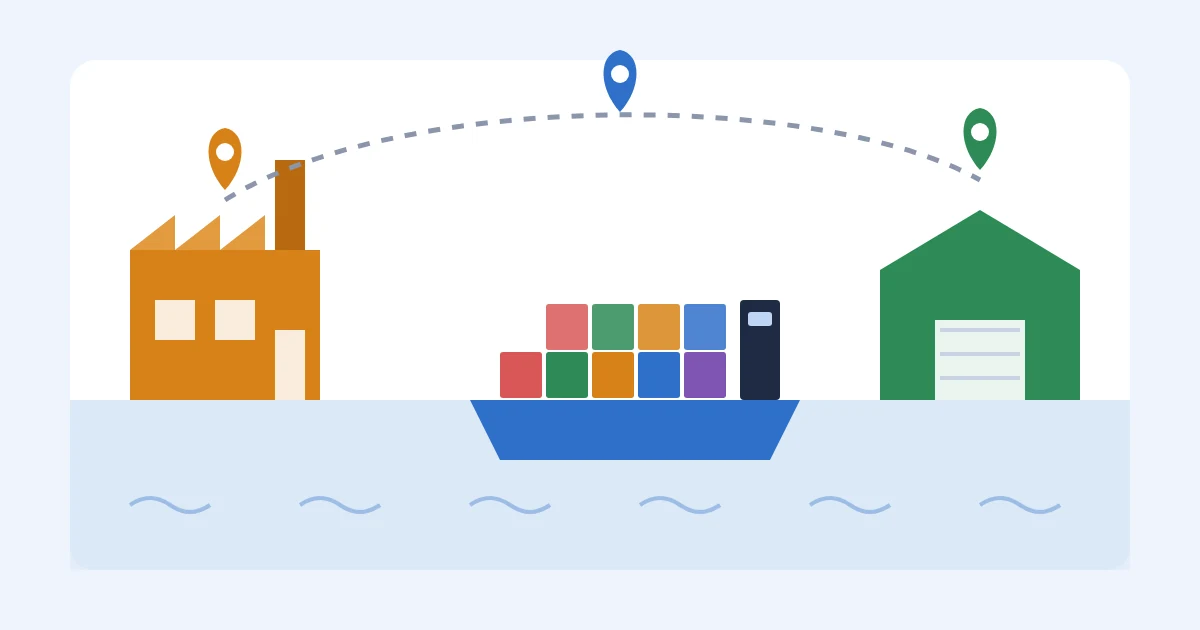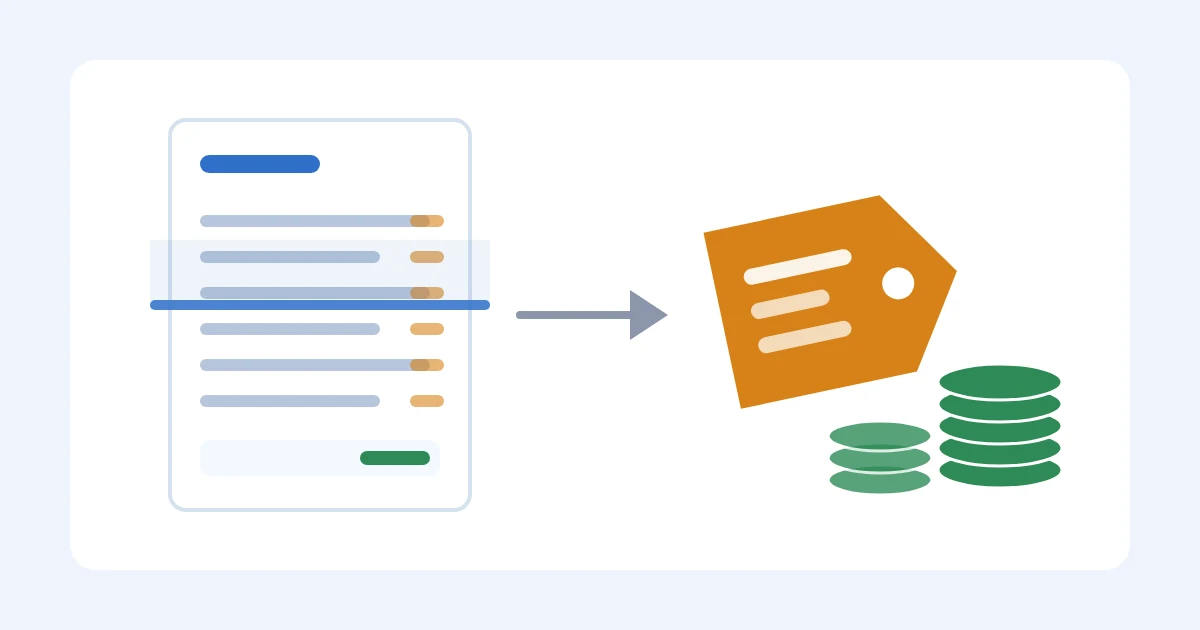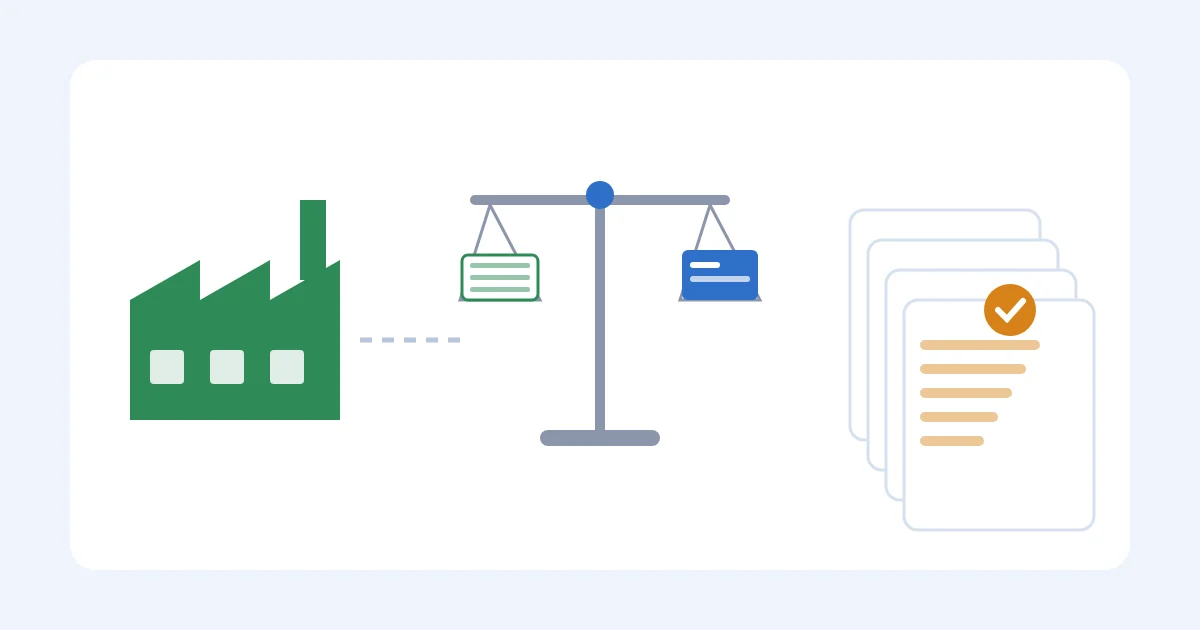
A landed cost calculator for WooCommerce sellers turns your product cost, freight, duty, and fees into one true cost per unit, so every price and margin decision inside WooCommerce runs on reality instead of the supplier's invoice price alone.
WooCommerce stores that import physical goods need this more than most platforms because the storefront has no built-in way to allocate freight or duty back to individual SKUs.
TL;DR
- A landed cost calculator for WooCommerce sellers adds freight, duty, insurance, and fees to unit cost, not just the invoice price.
- A spreadsheet formula works fine under roughly 50 SKUs with stable suppliers; past that, manual updates fall behind the first week freight rates move.
- SupplyAutomate calculates landed cost automatically from uploaded invoices and purchase orders, no templates or manual entry required.
- Cin7 and Inventory Planner solve adjacent problems, full inventory ERP and demand forecasting, but neither is built around invoice-driven landed cost math.
- Recalculate landed cost every time a supplier price, freight rate, or duty schedule changes in 2026, a stale number is worse than no number.
Why Landed Cost Calculator For WooCommerce Sellers Matters
WooCommerce's default cost-of-goods field holds one number per SKU, and most sellers fill it in once, at product creation, using the supplier's unit price straight off the invoice.
That number never includes ocean or air freight, customs duty, broker fees, insurance, or the FX spread on a wire transfer.
Every margin report WooCommerce generates from that field is wrong by the size of those missing costs.
This matters more for WooCommerce sellers than for sellers on platforms with built-in landed cost tools, because WooCommerce was built for order and inventory management, not import accounting.
If you import from overseas suppliers, the gap between listed cost and landed cost shows up as a margin surprise at tax time, not a warning before you set retail price.
Get Landed Cost Right: The WooCommerce Playbook
List Every Cost That Lands On Your Product
Before you calculate anything, get a complete list of what actually adds up to landed cost.
Most sellers miss two or three of these on the first pass.
- Unit cost from the supplier's commercial invoice
- Inbound freight, ocean, air, or truck, whichever mode you use
- Customs duty, which varies by HTS classification, not a flat rate across your catalog
- Customs broker and clearance fees
- Cargo insurance on the shipment
- Domestic drayage or trucking from port to warehouse or 3PL
- Wire transfer fees and FX conversion spread on supplier payments
Build Your Landed Cost Formula In A Spreadsheet First
Start manual.
The formula is not complicated, the discipline of applying it consistently is what breaks down.
Landed cost per unit = (unit cost + allocated freight + duty + insurance + broker fees) divided by units in the shipment.
- Allocate freight by weight or volume per SKU, never split evenly across a mixed shipment
- Separate duty line items by HTS code since rates differ product to product
- Build one tab per shipment so you can trace a number back to its invoice
- Add a column that maps each shipment row to its WooCommerce SKU
Pull Real Invoice And Freight Data Instead Of Estimates
A landed cost formula is only as good as the numbers feeding it.
Estimated freight allocations drift from actual freight bills within a quarter.
- Request an itemized invoice from your freight forwarder, not a lump-sum quote
- Get the commercial invoice and packing list from your supplier for every shipment
- Match your customs entry summary against duty actually paid, not the quoted rate
This is where most WooCommerce sellers hit a wall: reconciling three or four PDFs from three different vendors, by hand, per shipment, every month.
SupplyAutomate reads invoices and purchase orders directly and applies the line items to landed cost without you retyping anything into a template.
That is the faster path once you outgrow the manual version above.
Assign Landed Cost To WooCommerce SKUs
Once you have a real number per shipment, get it into WooCommerce at the SKU and variation level, not just the parent product.
- Update the cost-of-goods field per variation (size, color) since weight and freight allocation differ
- Match landed cost to the shipment the current inventory batch actually came from, using FIFO, not the newest invoice
- Flag SKUs sourced from more than one supplier since landed cost will differ between batches
- Reconcile updated costs against WooCommerce inventory reports monthly, not quarterly
Rebuild Product Margins With True Cost, Not FOB Cost
WooCommerce's margin reports run off whatever sits in the cost field.
If that field holds FOB price instead of landed cost, every margin number in the report is overstated.
- Recalculate gross margin per SKU using landed cost, not listed unit cost
- Compare the recalculated margin against what WooCommerce currently reports to see the gap
- Rerun this before any seasonal promotion, discounted margins compound the miss
Automate Recalculation When Supplier Prices Or Freight Rates Change
A landed cost number is only accurate until the next rate change.
Freight rates, duty schedules, and supplier pricing all move independently of each other.
- Set a recurring check every time a new purchase order ships
- Rebuild the freight allocation formula whenever your forwarder's rate changes
- Track FX rate movement if you pay suppliers in a foreign currency
- Use software that recalculates landed cost automatically from new invoices instead of relying on someone remembering to update a spreadsheet
SupplyAutomate does this step automatically: every new invoice or PO uploaded recalculates the landed cost per unit without a manual formula update.
Sync Landed Cost Back Into WooCommerce Pricing Decisions
The calculation is worthless if it never reaches a pricing decision.
- Update retail pricing only after landed cost changes cross a threshold you set in advance
- Rerun margin reports before every seasonal promotion or discount code
- Pass landed cost data to your accounting export, not just the storefront cost field
Comparing Your Options For WooCommerce Landed Cost
| Option | Best for | Key limitation |
|---|---|---|
| Spreadsheet with manual formula | New WooCommerce stores under roughly 50 SKUs with stable suppliers | Breaks down fast once freight rates or supplier prices change weekly |
| Generic WooCommerce cost-tracking plugin | Stores that only need per-order shipping cost, not true landed cost | Doesn't allocate duty, freight, or broker fees per unit |
| Cin7 | Multi-channel sellers who already need full inventory and order management | Landed cost is one module inside a bigger, more complex ERP than a WooCommerce-only seller usually needs |
| Inventory Planner | Sellers focused on demand forecasting and reorder points | Landed cost math is secondary to forecasting, not built around invoice processing |
| SupplyAutomate | WooCommerce sellers who want landed cost calculated automatically from invoices and purchase orders, without manual entry | Built for import-heavy sellers; more than you need if you source only domestically with no freight or duty |
See the full breakdown of purchase order management software options if landed cost is only one piece of what's breaking in your process, and the guide to freight cost estimator tools if freight allocation specifically is where your formula falls apart.
See landed cost calculated automatically
Upload invoices and POs, get true cost per SKU without templates.
Common Mistakes WooCommerce Sellers Make With Landed Cost
- Using the WooCommerce cost field for FOB price, then trusting margin reports that never include freight or duty
- Averaging freight evenly across a mixed shipment, instead of allocating by weight or volume per SKU
- Recalculating landed cost once a year instead of per shipment, missing every mid-year freight rate change
- Treating landed cost as fixed after a currency swing, when the FX spread on a wire transfer moves the real cost
- Not separating variations, a heavier size or color variant carries different freight allocation but often shares one cost field
FAQ
What Is A Landed Cost Calculator For WooCommerce Sellers?
It's a formula or tool that adds freight, customs duty, insurance, and broker fees to a supplier's unit cost to produce a true cost per unit for each WooCommerce SKU.
WooCommerce's default cost field only holds the invoice price, so a landed cost calculator fills the gap.
Does WooCommerce Have A Built-In Landed Cost Calculator?
No.
WooCommerce's cost-of-goods field stores one static number per SKU or variation, with no built-in way to allocate freight, duty, or fees.
Sellers either build a spreadsheet formula or use a separate tool to calculate landed cost and update WooCommerce manually.
How Do You Calculate Landed Cost Per Unit?
Add unit cost, allocated freight, customs duty, insurance, and broker fees for a shipment, then divide by units in that shipment.
Allocate freight by weight or volume per SKU rather than splitting it evenly across a mixed container.
Is A Spreadsheet Good Enough For Landed Cost Tracking?
A spreadsheet works for WooCommerce stores under roughly 50 SKUs with a small number of stable suppliers.
Past that scale, manual updates fall behind every time freight rates or supplier prices change, and the formula stops matching reality.
What's The Difference Between Landed Cost And FOB Cost?
FOB cost is the supplier's invoice price before the product leaves origin.
Landed cost adds freight, duty, insurance, and fees on top, giving the true cost once the product reaches your warehouse or 3PL.
Does SupplyAutomate Work With WooCommerce?
Yes.
SupplyAutomate processes invoices and purchase orders and calculates landed cost per unit for WooCommerce, Shopify, DTC, and Amazon FBA sellers without manual data entry or templates.
How Often Should You Recalculate Landed Cost?
Recalculate every time a new shipment lands, a supplier price changes, or a freight rate moves.
A landed cost number that's a quarter old is often already wrong by the size of a rate change.
Is Cin7 Or Inventory Planner Better Than A Dedicated Landed Cost Tool For WooCommerce?
Cin7 fits multi-channel sellers who already need full inventory and order management, and Inventory Planner fits sellers focused on demand forecasting.
Neither is built specifically around invoice-driven landed cost calculation the way a dedicated tool is.
Fix Landed Cost Before The Forecast
Check the last-edited date on your WooCommerce cost-of-goods field before trusting a single margin report this quarter.
Most WooCommerce sellers enter that number once, at product creation, and never touch it again, which means every margin calculated since is running on a cost that stopped being true the first time freight rates or supplier pricing moved in 2026.
Related Guides

Best Ecommerce Landed Cost Calculators
How Amazon FBA, Shopify, and WooCommerce sellers should pick a landed cost calculator: software, Import Math, spreadsheets, and when a quick web tool is enough.

What Is Landed Cost, And Why Importers Get It Wrong
Landed cost is the inbound cost of a sellable unit, not the factory invoice. Why that gap wrecks pricing and reorders, and which sibling page has the math.

Best Supplier Management Software For E-Commerce 2026
Compare SupplyAutomate, Cin7 Core, Inventory Planner, Katana MRP, and spreadsheets for multi-channel ecommerce brands.
How To Calculate Shopify Landed Cost: Factory Price To Unit Cost
Shopify importers: turn a $20 factory price into inventory landed cost at $27 per sellable unit, and keep checkout duty as a separate job from the SKU cost field.