You're waiting on a factory reply while a customer order is already promised. The PDF sent on Monday still says 800 units. A voice note on Wednesday cut that to 600. The spreadsheet the bookkeeper uses still shows 800, and nobody can say which number the deposit was based on.
That gap is where purchase orders go wrong for Shopify and Amazon FBA sellers. The file looks official. The chat looks current. They don't match, and the mismatch shows up as a short receipt, a wrong invoice, or a margin that only appears after the goods land.
Software for purchase order work earns its place only when it keeps supplier changes, true landed cost, and receiving on one order before the cartons leave the factory. Feature count doesn't decide that. One order with one owner does.
Table of Contents
- Purchase Order Software as a Shared Order Record
- Which Purchase Order Software Fits Your Brand
- Route the brand, not the feature list
- A 30-day trial before you commit
- Essential Features and the Errors Each One Prevents
- The match most small brands skip
- Keeping Factories, Agents and 3PLs in One Thread
- Setting Up Purchase Orders for Shopify and Amazon FBA
- Shopify sequence
- Amazon FBA sequence
- The Landed Cost and Fees a PO Must Capture
- How the costs stack on one bulky SKU
- The check before goods arrive
<a id="purchase-order-software-as-a-shared-order-record"></a>
Purchase Order Software as a Shared Order Record
Say an importer buys from three factories. On Monday the purchase order goes out as a PDF. On Wednesday a revised quantity arrives as a WhatsApp voice note. The spreadsheet still shows Monday's number, and the freight forwarder is booking cartons against the PDF.
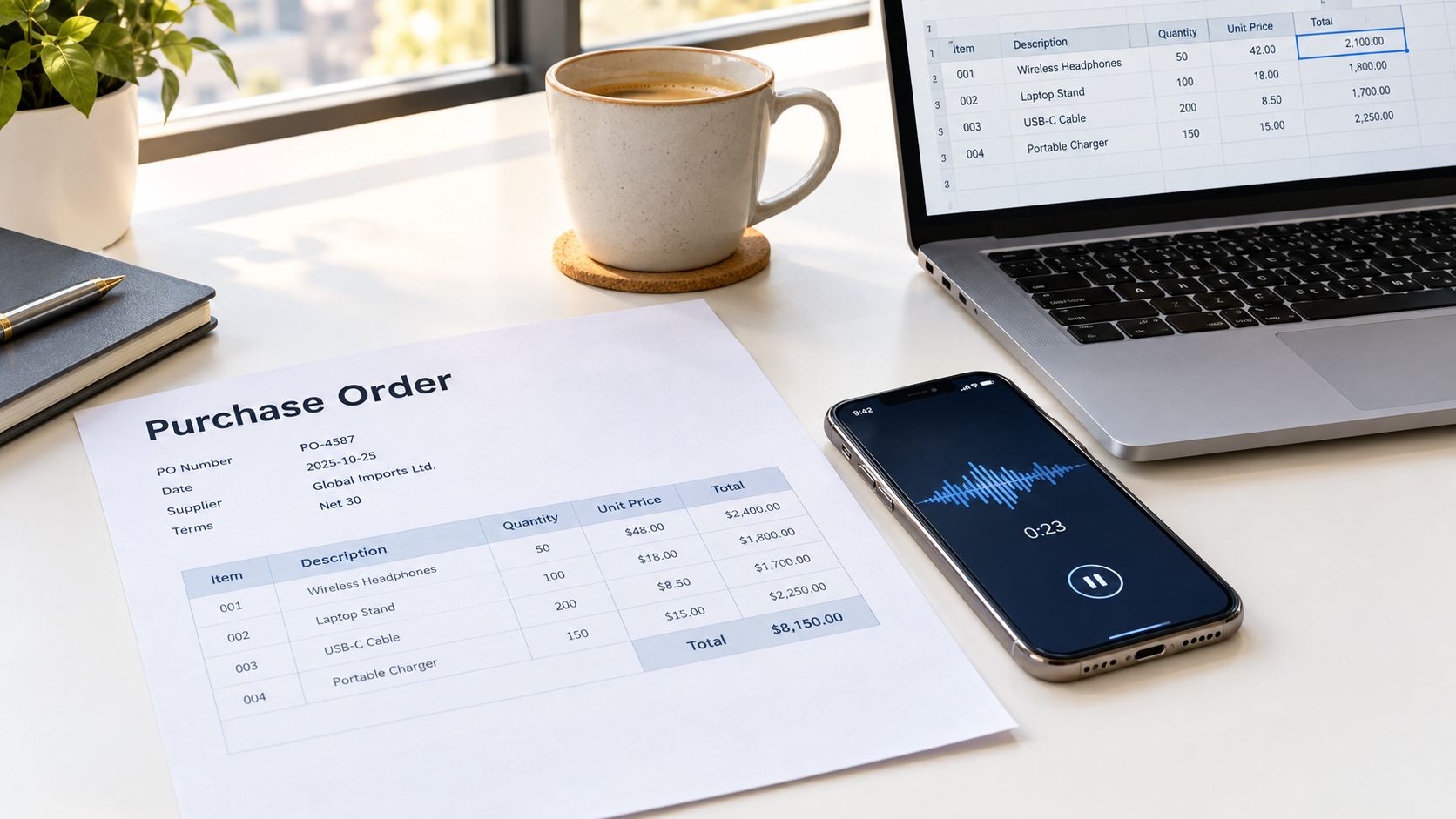
Purchase order software is one shared record for each order. It holds the supplier, SKUs, quantities, prices, dates, documents, and approvals in the same place the team works from.
Think of the purchase order as the ticket a kitchen receives from the server. The software is the ticket rail every cook reads. Nobody plates from a remembered verbal change. If the ticket changes, the rail changes, and the line cooks the new ticket.
That record has three jobs.
- It records the commitment. Supplier, line items, price, currency, and terms sit together so a later chat can't quietly replace them.
- It carries the commitment to the supplier. The factory, agent, or forwarder sees the same order the buyer approved.
- It connects the commitment to what arrives and what gets paid. Receipts and invoices check against that order, not against a forwarded email.
A PDF only does the first job. A live record does all three. Small brands rarely need an enterprise procurement suite. The useful test is simpler. Does this order have one record?
Teams that still retype PDFs into sheets can look at moving from Excel to automated purchase order tracking before they add another tab. Once the record exists, automating purchase order processing is worth reading for how invoices get checked against that record instead of against a inbox.
If the latest quantity for an order lives in more than one place, the order has no single owner. Fix that before you buy another tool.
<a id="which-purchase-order-software-fits-your-brand"></a>
Which Purchase Order Software Fits Your Brand
Start with where the stock is sold, Shopify, Amazon FBA, or both, and with how the factories really talk, email, WeChat, or a portal. The tool has to meet that habit, not the other way around.
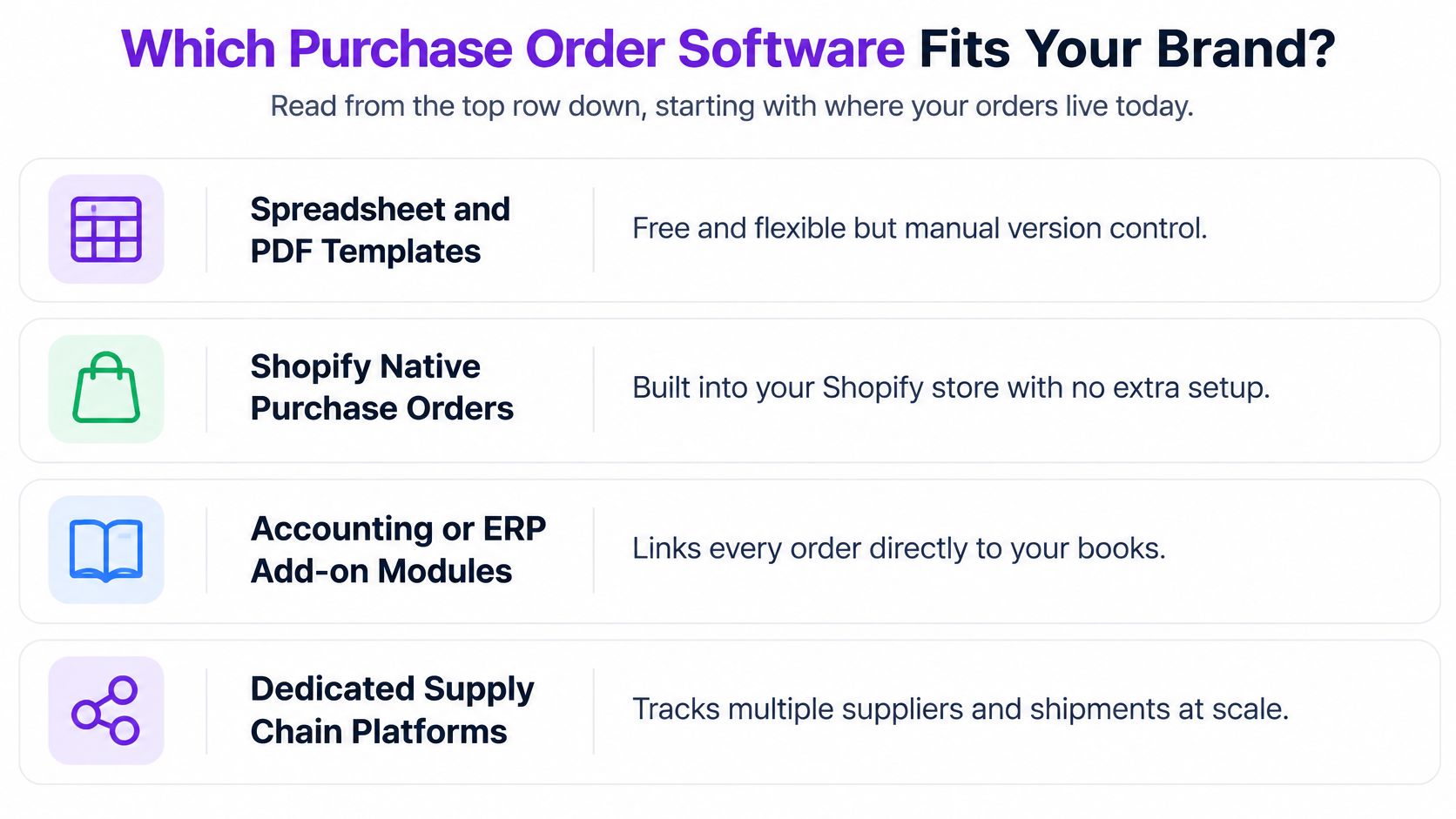
| Option | Best for | Supplier collaboration | Landed cost visibility | Main limit |
|---|---|---|---|---|
| Spreadsheet and PDF templates | Under five POs a month with one supplier | Email attachments | Typed by hand, depends on the sheet | No approval trail or live supplier thread |
| Shopify native purchase orders | Shopify sellers receiving stock into their own locations | PDF export for supplier approval | Cost adjustments on the linked inventory transfer | Built around Shopify inventory, limited supplier messaging |
| Accounting or ERP add-on modules | Businesses already running a full accounting suite | Portal or email, set by the accounting vendor | Often unit cost only | Heavier setup, built for larger procurement teams |
| Dedicated supply chain platform | Importers with overseas factories, several SKUs and Shopify or Amazon FBA sales | Shared threads with invited factories, agents and 3PLs | Landed cost per SKU before arrival | Does not do manufacturing planning, payroll or general ledger |
<a id="route-the-brand-not-the-feature-list"></a>
Route the brand, not the feature list
A Shopify clothing brand ordering 500 units from one factory on Net 30 can run purchasing on Shopify's native purchase order and the linked inventory transfer. The commercial commitment and the physical receipt stay in the store the team already opens every day. Adding a second system for that volume mostly creates a second place to update.
An Amazon private-label seller with three factories, WeChat-only suppliers, and a 3PL is in a different row. A supplier who only answers on WeChat can still be invited onto the purchase order itself to post updates and documents, so collaborator access and landed cost per SKU matter more than a PDF. That points to a dedicated platform, not a store admin screen and not a general ledger module.
Free templates still have a real job. SupplyAutomate publishes a purchase order template, packing list, commercial invoice, supplier evaluation matrix, inventory tracking template, landed cost spreadsheet, lead time tracker, RFQ template, and proforma invoice template. Use those until the first receiving or invoice dispute. Templates hold no approval trail and no live supplier thread, so they stop being enough the moment two people edit the order or an outside party has to see it.
Practical rule: Once more than one person approves or edits an order, or more than one outside party must see it, a spreadsheet stops being enough.
Accounting add-ons suit a brand that already lives in a full suite and mostly needs the order to hit the books. They often stop at unit cost, which is the wrong number for an imported SKU. For a wider shortlist, this comparison of supply chain management software maps the main platform categories.
<a id="a-30-day-trial-before-you-commit"></a>
A 30-day trial before you commit
SupplyAutomate is $99 per month after a 30-day free trial with no credit card. The plan covers an AI assistant, landed cost on every order, purchase order, invoice, and customs upload, supplier communication in one thread, supplier and 3PL collaborators, CSV or Excel export, and priority support. It also offers an Amazon FBA ERP and a Shopify ERP. It does not do manufacturing planning, payroll, or a general ledger, and it sits alongside accounting software.
Run this before you move every open order.
- Upload one open purchase order and its invoice.
- Invite one supplier to that order only.
- Invite your 3PL or warehouse team to the order so they can post a shipment update directly.
- Check that landed cost matches the invoices.
- Export the order to CSV and confirm you can leave with your data.
If the 3PL cannot post a shipment update to the order, or the landed cost figure does not match the invoices, the product is a document generator. Keep the templates.
<a id="essential-features-and-the-errors-each-one-prevents"></a>
Essential Features and the Errors Each One Prevents
| Feature | What it does | Error it prevents |
|---|---|---|
| Single PO record | Holds supplier, SKUs, quantities, prices, dates and documents together | Figures split across spreadsheets and email |
| Revision history with named approver | Logs each change, who made it and who approved it | Silent price or quantity edits after agreement |
| Stage tracking | Moves each order through quoted, deposit, production, ready and shipped, with dates | Paying a deposit with no production update, or missing a ship date |
| Receiving against the PO | Records partial receipts by SKU and carton count | Paying for the full order when only part has arrived |
| Three-way match with tolerance rules | Compares PO, receiving record and invoice before payment | Duplicate payments and invoices above agreed prices |
| Collaborator permissions per order | Controls what each factory, agent or 3PL can see or edit | Outside parties changing an order without approval |
| Structured data and export | Stable supplier, SKU and date fields, with CSV or Excel export | Manual rekeying and lock-in to one platform |
<a id="the-match-most-small-brands-skip"></a>
The match most small brands skip
The control that stops a bad payment is a three-way match. The approved purchase order, the receiving record, and the supplier invoice have to agree before anyone authorizes payment. The U.S. Government Accountability Office treats matching ordered and accepted quantities, preventing duplicate payment, and aligning payment with contractual due dates and discounts as essential controls. A formal three-way match is purchase order, receiving report, and invoice.
Walk a common overseas order. The purchase order is 1,000 units at $4.20. The first carton count is 800 units. The invoice bills 1,000. Without a receiving record tied to SKU and carton, finance pays the full invoice. With it, the 200-unit gap stays an exception and the remaining commitment is still open. Tracking partial shipments from suppliers is the same test in day-to-day receiving.
Tolerance rules should be separate, not one blanket percentage. Set thresholds for quantity variance, unit-price variance, freight, duties, and tax. Route anything outside those thresholds to a named approver. Don't let the system overwrite the purchase order in silence.
Each purchase order should hold the supplier, SKUs, quantities, prices, dates, and documents on a single record, with an immutable revision history and a remaining-commitment balance that updates after every receipt. On a demo, change a quantity after approval. The old value has to survive in the history, and the open balance has to move. If either fails, you're back to the spreadsheet.
<a id="keeping-factories-agents-and-3pls-in-one-thread"></a>
Keeping Factories, Agents and 3PLs in One Thread
Most importers run supplier talk through WhatsApp, WeChat, and email while the purchase order sits in a separate file. A production change gets agreed in a chat that nobody connects to the order. The Amazon inbound team then books against a date the factory already moved.
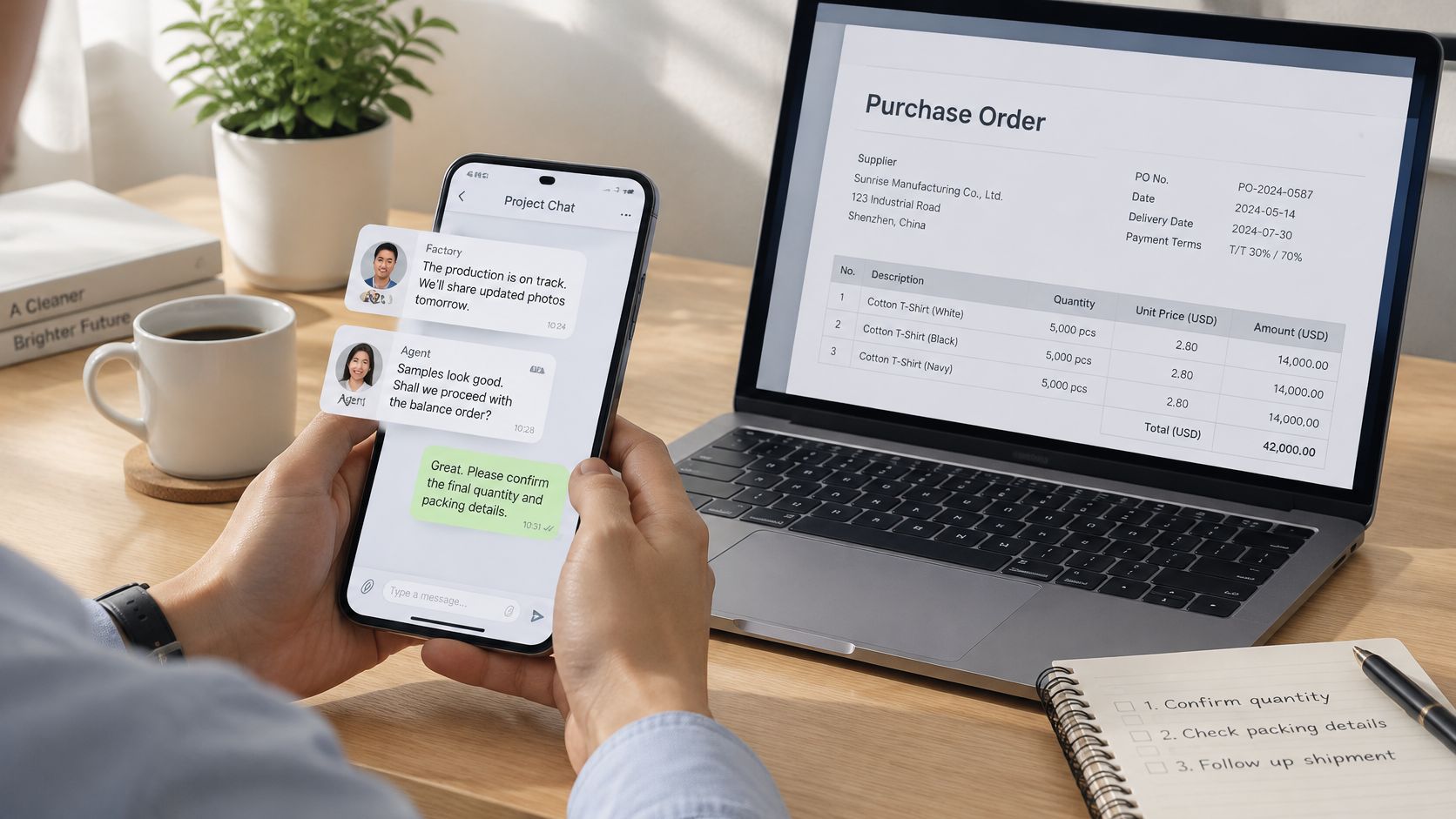
What changes is attachment. Messages, photos, packing lists, and revisions stay on the purchase order they concern. Factories, sourcing agents, and 3PL or warehouse teams each see that order, not a shared login to the whole account.
Supply Automate lets you invite the factory, agent, 3PL, or accountant into their own portal, and what they say stays on the purchase order. Suppliers who only use WeChat can be invited to one order to share updates and documents directly. A supplier management platform is useful here only if those outside parties land on the order, not in another inbox. For a closer look at change control between buyer and supplier, managing PO changes with Procright lays out how revisions stay visible to both sides.
Working rules that hold up with overseas factories:
- Invite to the order, not the account. Each factory, agent, or warehouse gets the specific purchase order.
- Set see and edit rights per person. An agent can comment. They don't rewrite price or quantity.
- Ask for carton counts and production photos on the thread. A photo in a private chat doesn't update the stage.
- Treat WeChat-only suppliers as the normal case. Invite them so the update lands on the record instead of dying in a phone.
Say the factory moves the ship date from 12 May to 26 May over WeChat. Someone posts that update to the purchase order, the stage moves from production to ready with the new date, and the Amazon inbound team sees it before they book.
The short walkthrough below shows how a shared order thread looks when the update is posted on the order rather than left in chat.
Verbal agreements are not final until they appear on the purchase order. The system only helps if someone posts the message.
<a id="setting-up-purchase-orders-for-shopify-and-amazon-fba"></a>
Setting Up Purchase Orders for Shopify and Amazon FBA
Shopify and Amazon FBA don't share a receiving door. The purchase order is the commercial commitment. What happens next depends on where the cartons are allowed to go.
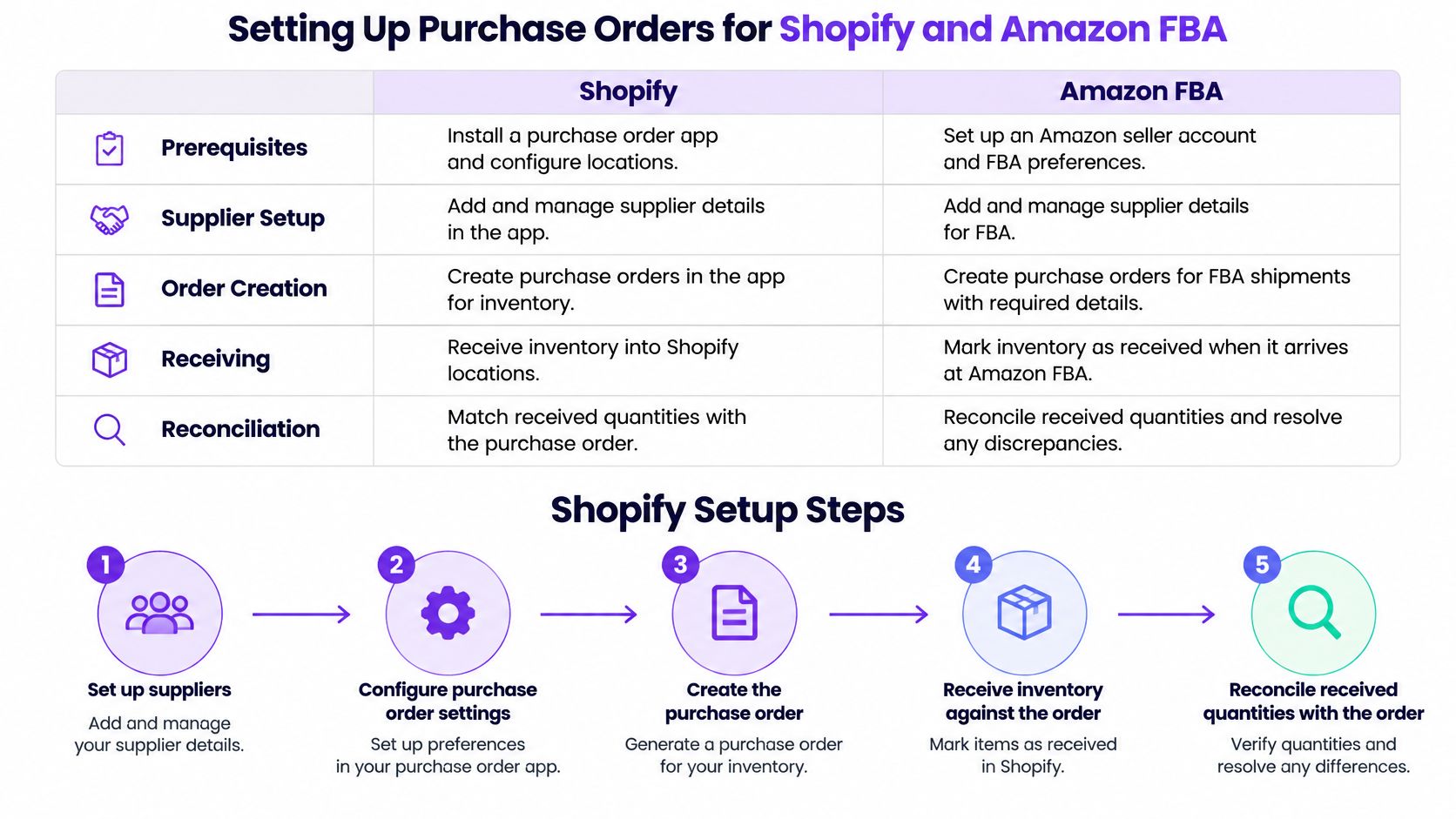
| Stage | Shopify | Amazon FBA |
|---|---|---|
| Prerequisites | Set up suppliers, receiving locations and inventory tracking | Check each product against FBA eligibility and requirements |
| Commitment | Create the PO, save as draft or export PDF, mark Ordered after supplier confirms | Issue the PO to the factory and record units, cost and terms |
| Physical movement | Create a separate inventory transfer to the warehouse or 3PL | Prepare, pack and label units, then ship through Send to Amazon |
| Reconciliation | Compare ordered units with shipped and received units, adjust cost for freight or duties | Match carton counts and SKU quantities to the inbound shipment and restock limit |
| Payment terms | Net 30, payment on receipt or cash on delivery saved on each PO | Storage and aged-inventory exposure depends on product size and time held |
<a id="shopify-sequence"></a>
Shopify sequence
Shopify's purchase order guide separates the commercial commitment from the physical movement. A clothing brand ordering 500 units on Net 30 can follow this path.
- Set up the supplier.
- Configure the receiving location, whether that's your warehouse or a 3PL.
- Turn on inventory tracking for the products on the order.
- Create the purchase order with supplier, destination, products, payment terms, and cost summary. Shopify lists cash on delivery, payment on receipt, and Net 30, and it saves currency and terms on that purchase order rather than as defaults on the supplier profile, which matters when the next factory uses different terms.
- Save a draft or export a PDF for the factory to confirm.
- Mark the order Ordered once the supplier confirms.
- Create the inventory transfer that tracks the shipment into the warehouse or 3PL, and add freight or duty as a cost adjustment on that transfer when the quote lands.
Brands selling on both channels can consolidate Shopify and Amazon FBA purchase orders so the factory order isn't split across two admin screens.
<a id="amazon-fba-sequence"></a>
Amazon FBA sequence
Fulfillment by Amazon requires inventory to be prepared, packed, labeled, and shipped through Send to Amazon, after each product is checked against FBA eligibility. Fulfillment charges cover picking, packing, shipping, customer service, and returns. Restock limits cap how much you may send in.
- Check each product against FBA eligibility and requirements.
- Issue the purchase order to the factory with units, cost, and terms.
- Have the goods prepared, packed, and labeled to Amazon's instructions.
- Create the inbound shipment in Send to Amazon.
- Check the restock limit before you send.
A private-label purchase order for 1,000 units cannot assume all 1,000 ship at once. Record carton counts and SKU quantities so the factory order reconciles to the inbound shipment. A 3PL or internal warehouse team can post shipment and inventory updates on that same order. The whole workflow runs in the browser and on a phone, with no app to install, which is how a factory contact really opens it.
<a id="the-landed-cost-and-fees-a-po-must-capture"></a>
The Landed Cost and Fees a PO Must Capture
A purchase order that stores only the supplier unit price gives you confidence in the wrong number. Freight, duty, and fulfillment hit later, and they hit the SKU, not the company average.
| Cost element | When it hits | Reference value or how to record it |
|---|---|---|
| Supplier unit price | At order | Agreed unit cost and currency on each PO |
| Deposit and balance | Before production and before shipment | Split payment terms per PO, such as a 30% deposit |
| Freight and insurance | At pickup and arrival | Added to the PO or transfer as cost adjustments once quoted |
| Customs duties and broker fees | At port | Added as cost lines from the broker invoice, using that shipment's actual rate |
| Monthly storage in fulfillment | Every month stock is held | $0.57 per cubic foot West region; $0.48 East and South regions |
| Aged inventory held 12-15 months | After 12 months | $0.30 per unit per month or $6.90 per cubic foot, whichever is greater |
| Aged inventory held over 15 months | After 15 months | $0.35 per unit or $7.90 per cubic foot, whichever is greater |
| Average FBA fee increase | Each unit sold from January 15, 2026 | $0.08 per unit, less than 0.5% of average selling price |
<a id="how-the-costs-stack-on-one-bulky-sku"></a>
How the costs stack on one bulky SKU
Amazon's 2026 FBA fee update says that, effective January 15, 2026 unless otherwise stated, average FBA fees rise by $0.08 per unit sold, or less than 0.5% of the average item's selling price. Low-inventory-level fees apply at the FNSKU level rather than the parent ASIN. Monthly storage is $0.57 per cubic foot in the West region and $0.48 in the East and South. Stock held 12 to 15 months faces a minimum of $0.30 per unit per month or $6.90 per cubic foot, whichever is greater. Past 15 months, that floor is $0.35 per unit or $7.90 per cubic foot, whichever is greater.
Take a bulky 1,000-unit SKU with a $6.00 supplier price. Freight and duties get added after booking. The $0.08 fee rise applies to each unit sold from that January date. If the same stock sits past 12 months, the aged-inventory charge adds another per-unit cost on top of the factory price. Storage is priced per cubic foot, so this bulky SKU carries more exposure than a light SKU at the same unit price, and the West region costs more per cubic foot than East or South.
<a id="the-check-before-goods-arrive"></a>
The check before goods arrive
Lock the purchase order version. Attach each cost assumption to its SKU. Update the record when a freight quote changes. Record production and QC milestones. Alert the team when expected landed cost or availability moves. Supply Automate tracks the actual cost of every purchase order, including supplier price, freight, duty, and fulfillment, so that full stack is on the order before the cartons clear the port.
Before you place the order, compare landed cost per unit with the planned selling price after fees. If that gap is thin before the goods move, a late freight bill or a slow FBA month will erase it.
Supply Automate keeps supplier changes, landed cost, and receiving on one purchase order for Shopify and Amazon FBA brands, including factories that only reply on WeChat. The plan is $99 a month after a 30-day free trial, and it sits next to the accounting tools you already use. See how an open order looks before the goods arrive at Supply Automate .